System Tray Menu
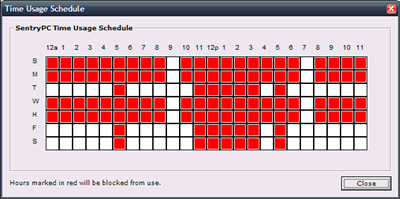
SentryPC has an accessible system tray icon that can be accessed by RIGHT clicking on the 'alert' icon in the system tray next to the clock. This menu will give you a few actions you can perform. The tray menu will let you view your usage schedule, open the admin control panel, or exit the software.
View Usage Schedule
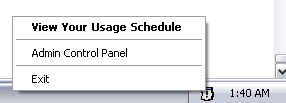
The Time Schedule window will show you a list of each scheduled time that the currently logged in user is set to be blocked from using the computer. This list cannot be edited by the user in any way to affect their time management settings.