Supports multiple devices
Sentrypc supports multiple operating systems including Android, Mac, and Windows. Each license can be used on any device with a compatible operating system at any given time. Just choose which operating system or device you wish to download in your account, install on the device, and SentryPC starts running.
Every feature below includes the icon of the operating system(s) supported next to it or you can filter the features for a specific operating system by using the buttons below. View the comparison chart to quickly and easily see what features are available on what operating systems.
24/7 Remote Access in the Cloud
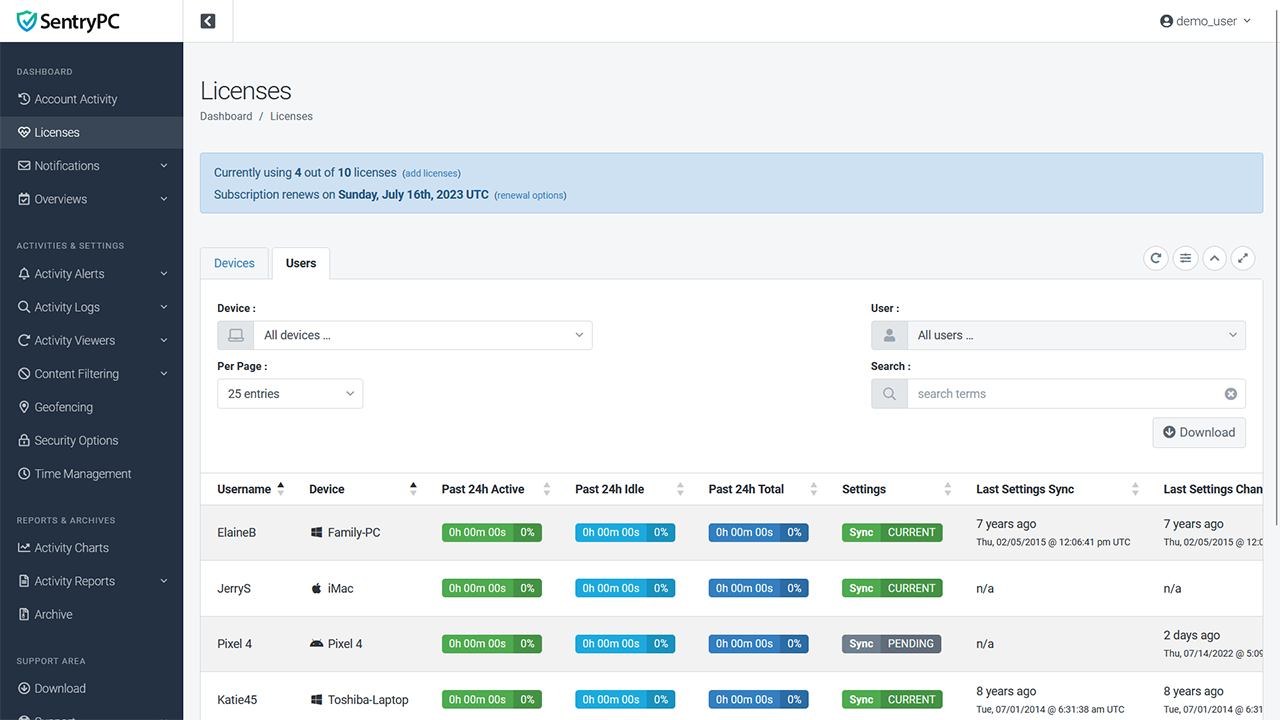
SentryPC is completely cloud-based. Just login to your secure online account to view logs and change settings. Your account is available to you at all times regardless if the actual device is 'online' or not. You can access your account from any device with a web-browser — be it another computer, laptop, phone, tablet, or other no matter where in the world you may be!
Your secure online account is accessible at any time from anywhere in the world. Use any internet-enabled device to login, view logs, and change settings. Your cloud account is updated in real-time and any changes you make are processed immediately.
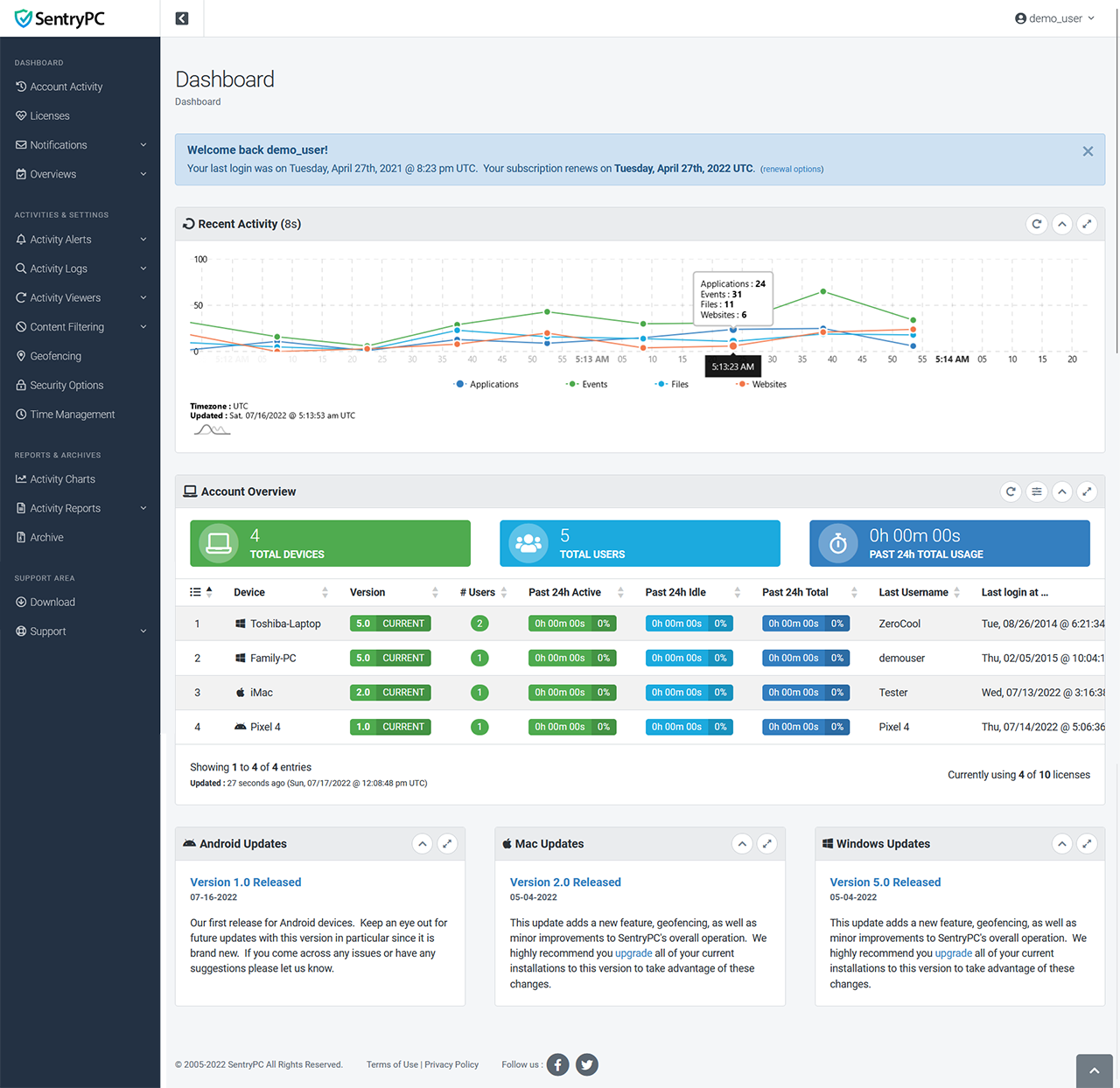
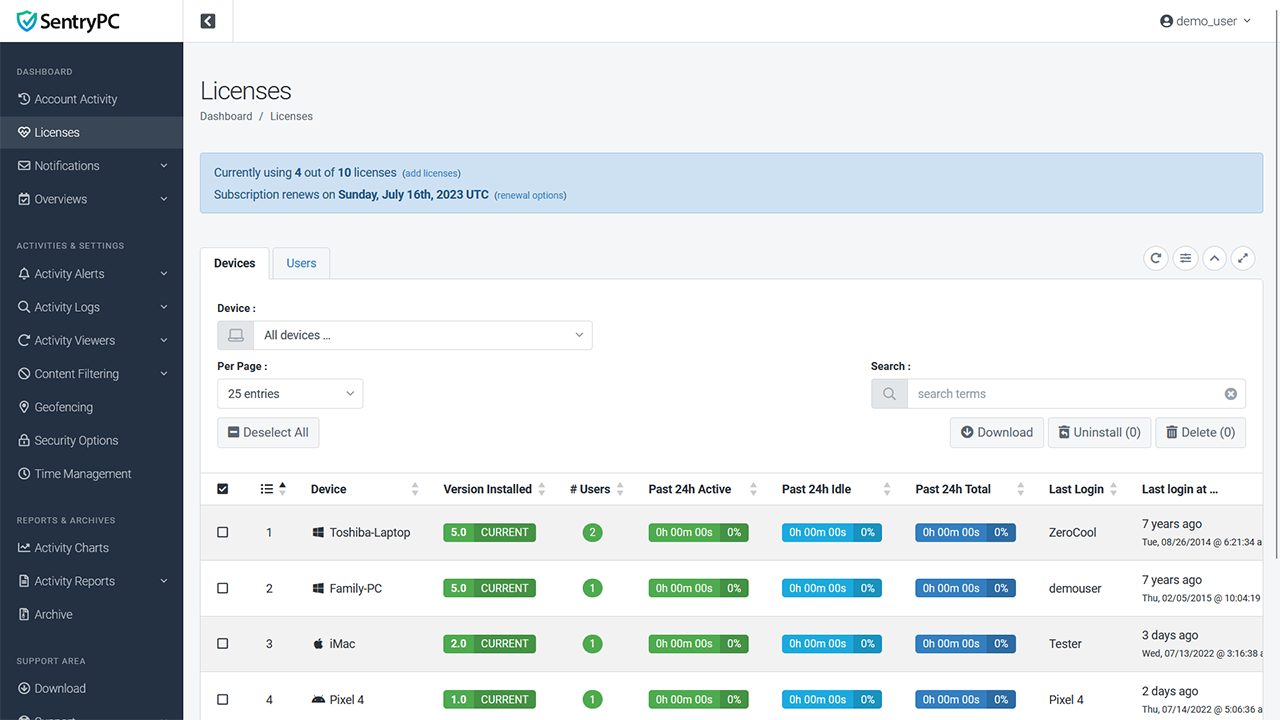
Unlike other software where you can only view one device or user at a time, SentryPC shows you ALL devices and users at once. You can search, sort, and filter the results how you wish. From your online account you can view logs and manage settings for an unlimited number of devices and users without any hassle.
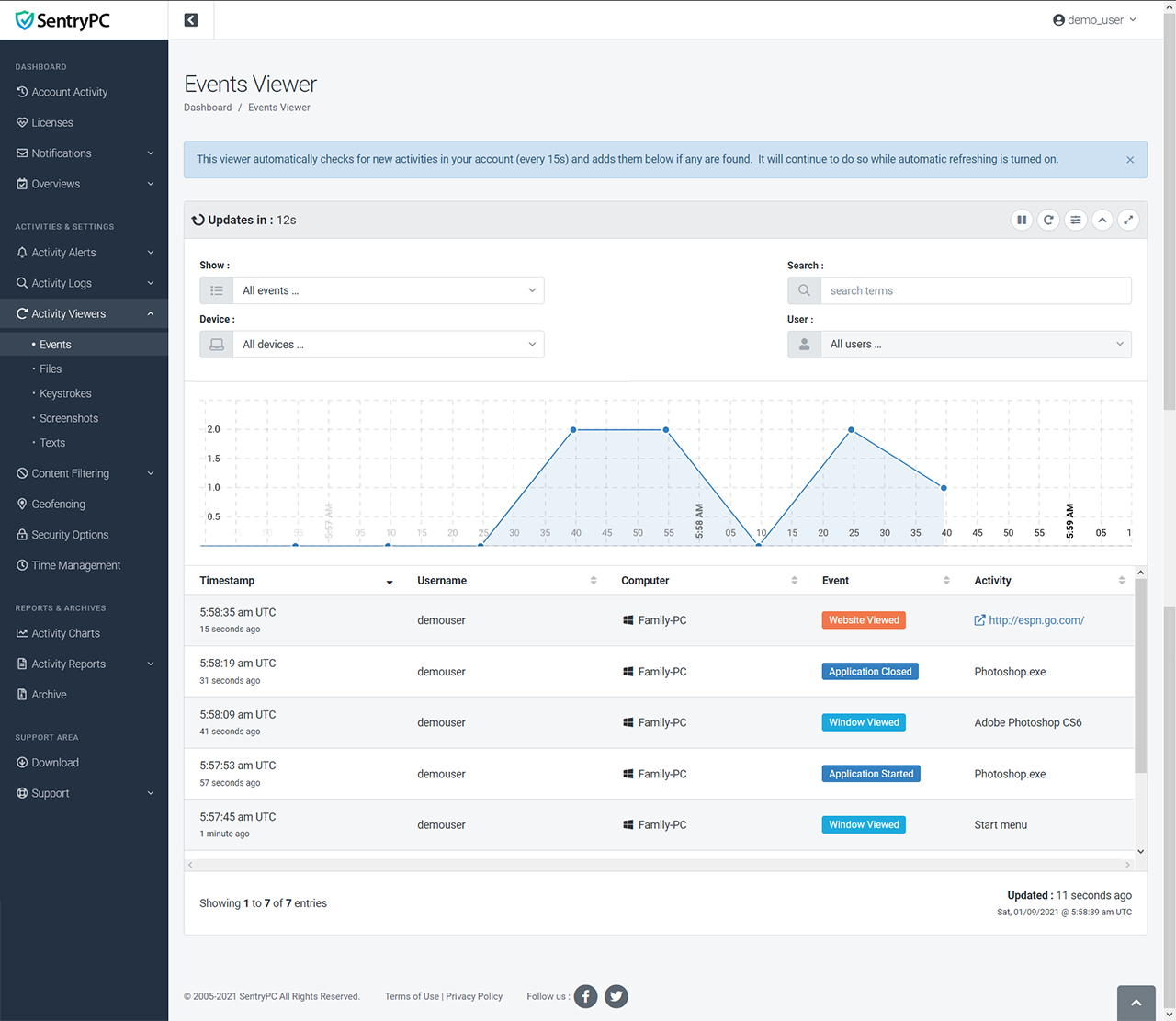
Your cloud account updates in real-time as activities happen. View keystrokes, screenshots, websites, programs, games, and more as they are happening. Any content filtering or time management changes you make will be applied in real-time as well.
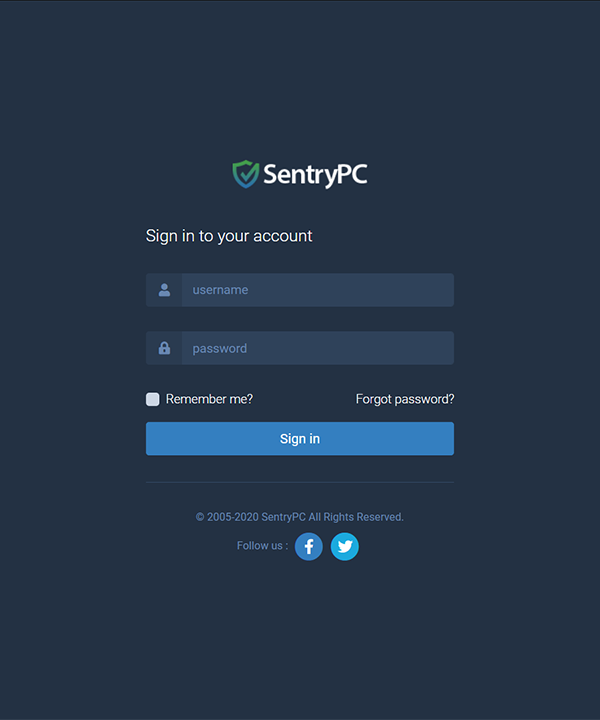
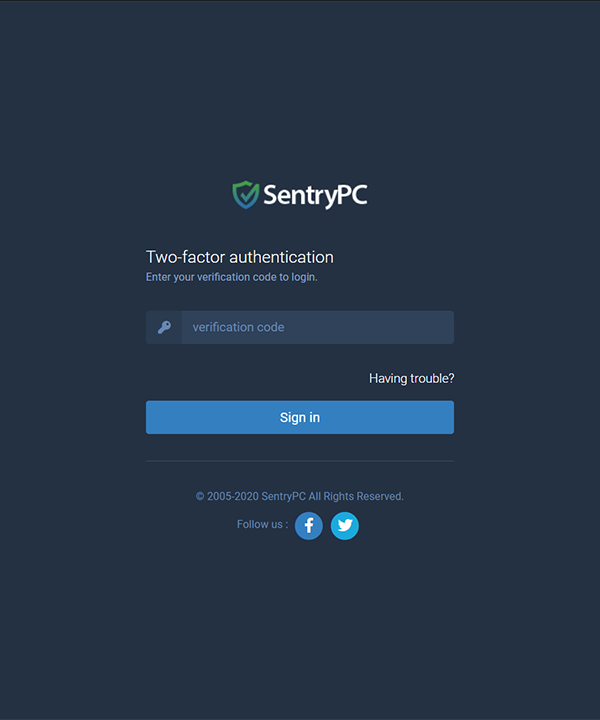
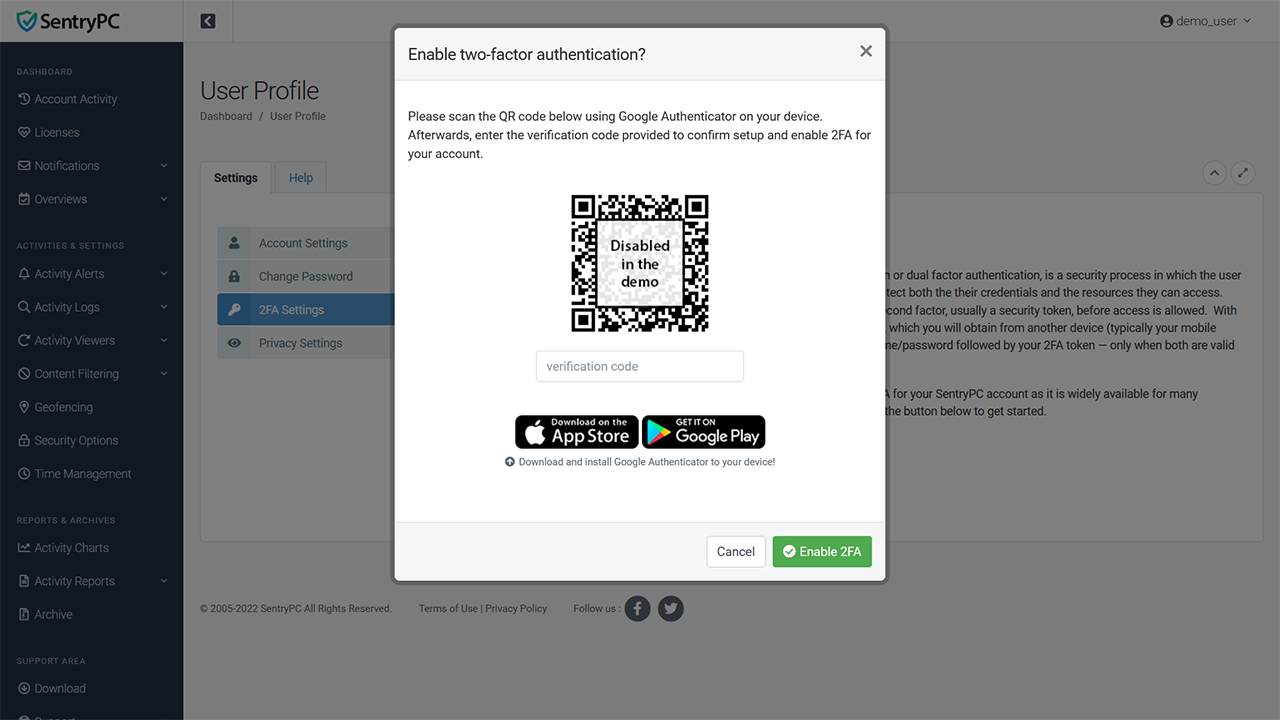
For added security you have the option to enable two-factor authentication (2FA) for your account. When enabled this requires a second form of authentication, a time-based one-time password (TOTP), which you will obtain from another device (typically your mobile phone or tablet). When 2FA is enabled you will need to login with your username/password followed by your 2FA token — only when both are valid will you be logged in to your account.
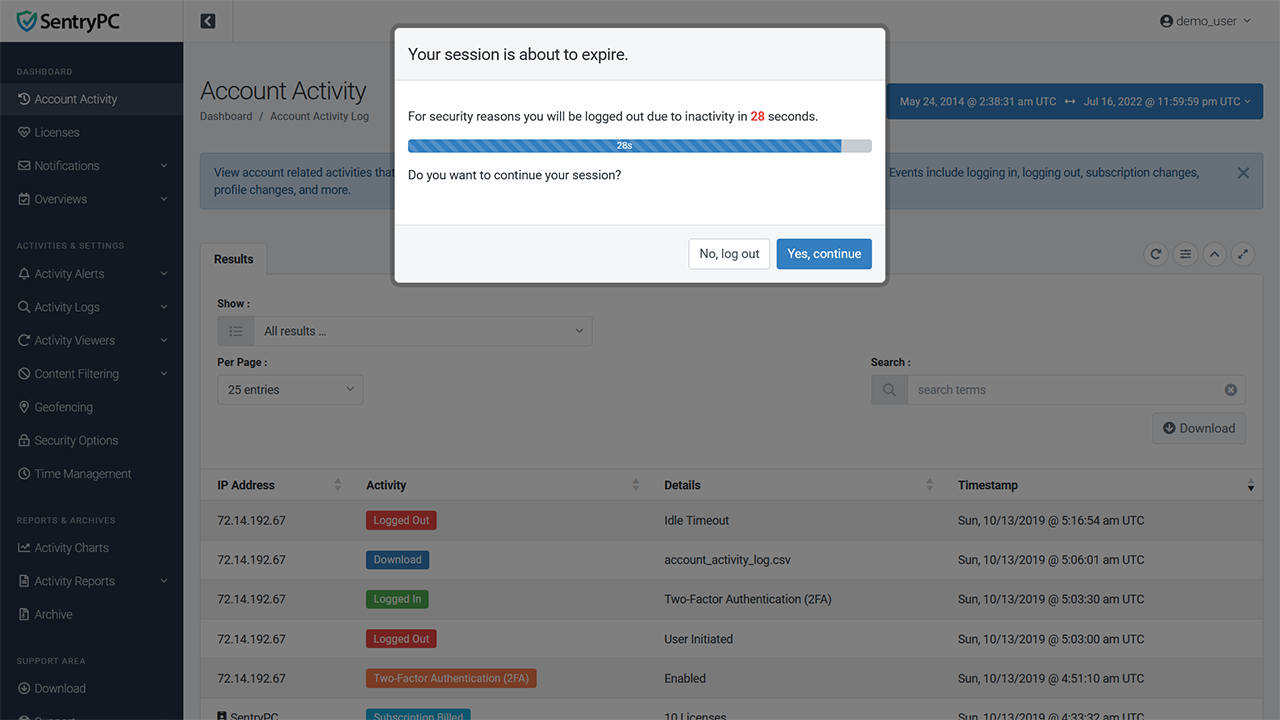
As a security feature for your online cloud account there is a user-configurable idle timeout setting. When you are logged into your cloud account and have been inactive for the specified amount of minutes you will automatically be logged out of your account. This prevents unauthorized access and viewing should you happen to walk away from your device while logged in.
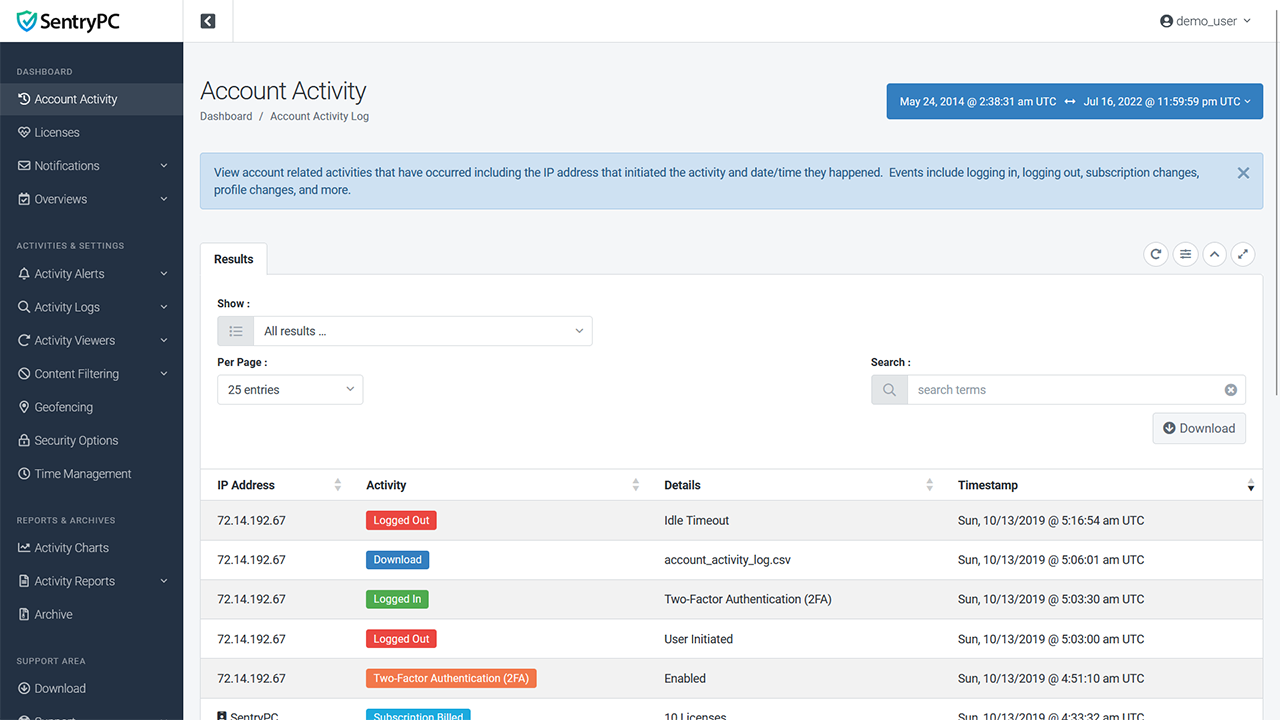
For added security all account related activities that occur will be recorded as they happen. Activities include account changes, subscription changes, logging in, logging out, downloads, password changes/resets, enabling/disabling 2FA, device installs/uninstalls, and many more. Each includes the IP address that initiated the activity, details, and timestamp.
Activity Monitoring & Recording
SentryPC includes extensive activity monitoring and recording of virtually everything users may do on the device. Every activity recorded includes the exact date and time the event occurred as well as the duration of the activity. This detailed reporting system is necessary for preventing harmful and/or unwanted use of the device and Internet all while showing you exactly what users were doing while using the device. All of the monitoring features listed below can be turned on/off for any user of the device — this allows you to monitor only certain activities, all of them, or none at all.
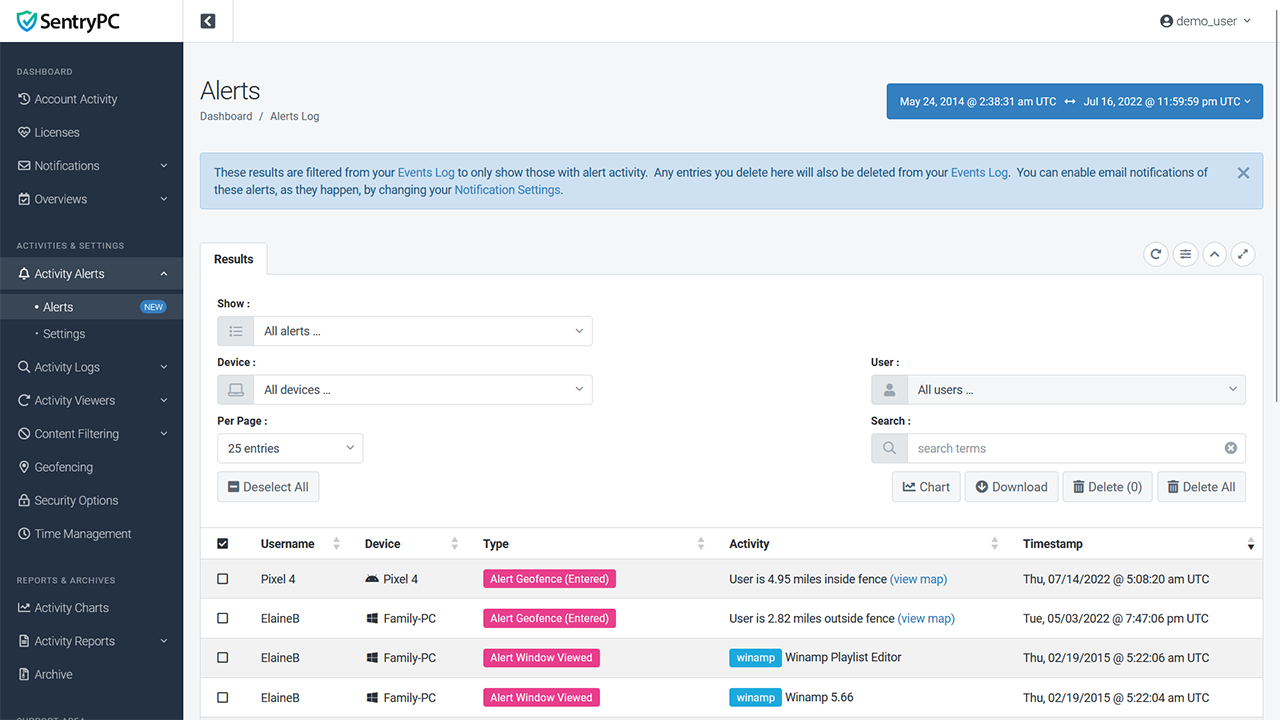
Every alert that occurs will be recorded along with its type, activity, details, and timestamp. Types include any activity that is blocked due to the content filtering rules you have in place for the user (applications, keystrokes/phrases, and websites) and any custom activity alerts that have been triggered.
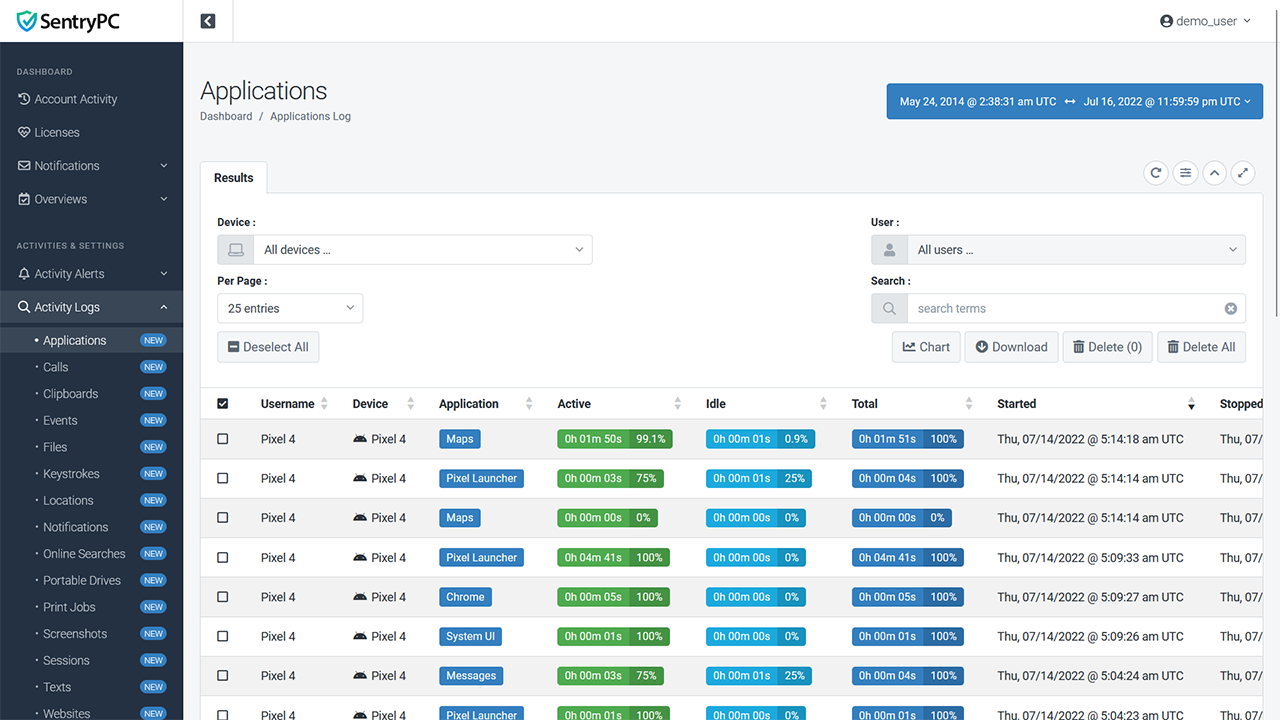
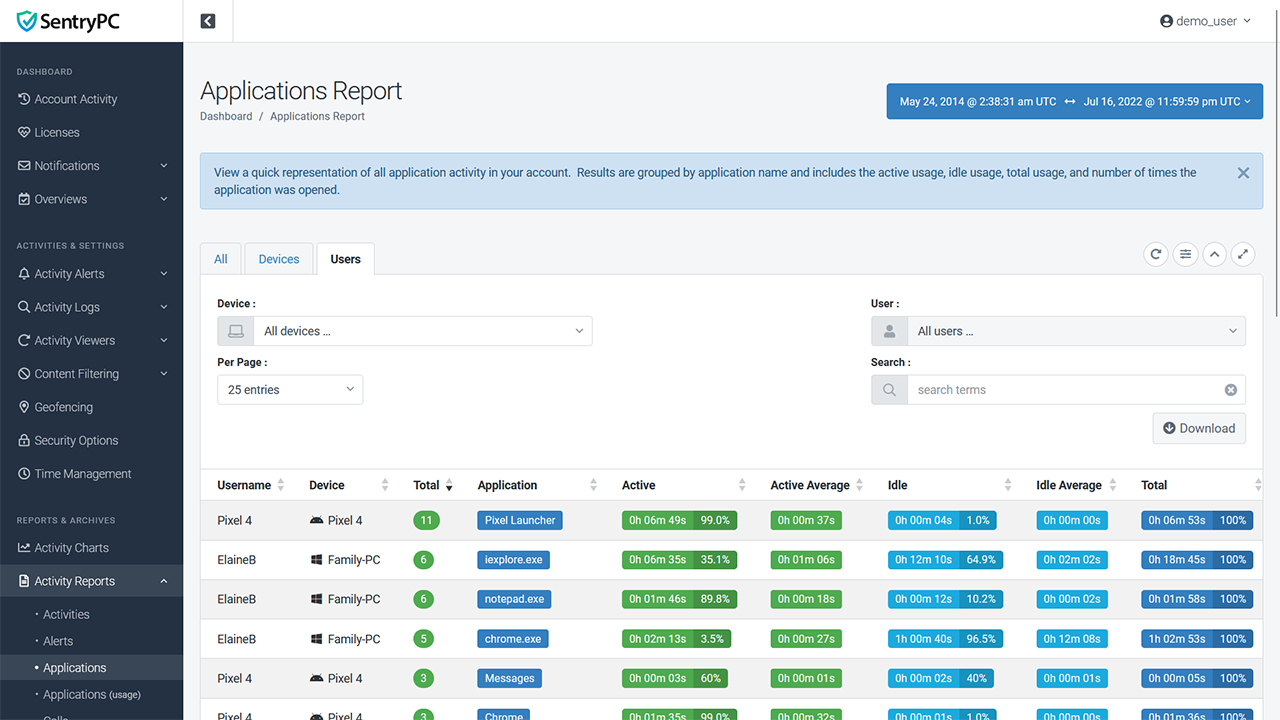
Log every application or game a user runs, as well as how long they actually interact with each application so you can determine if a user is actually using a program they have opened, or if it is just running in the background idle.
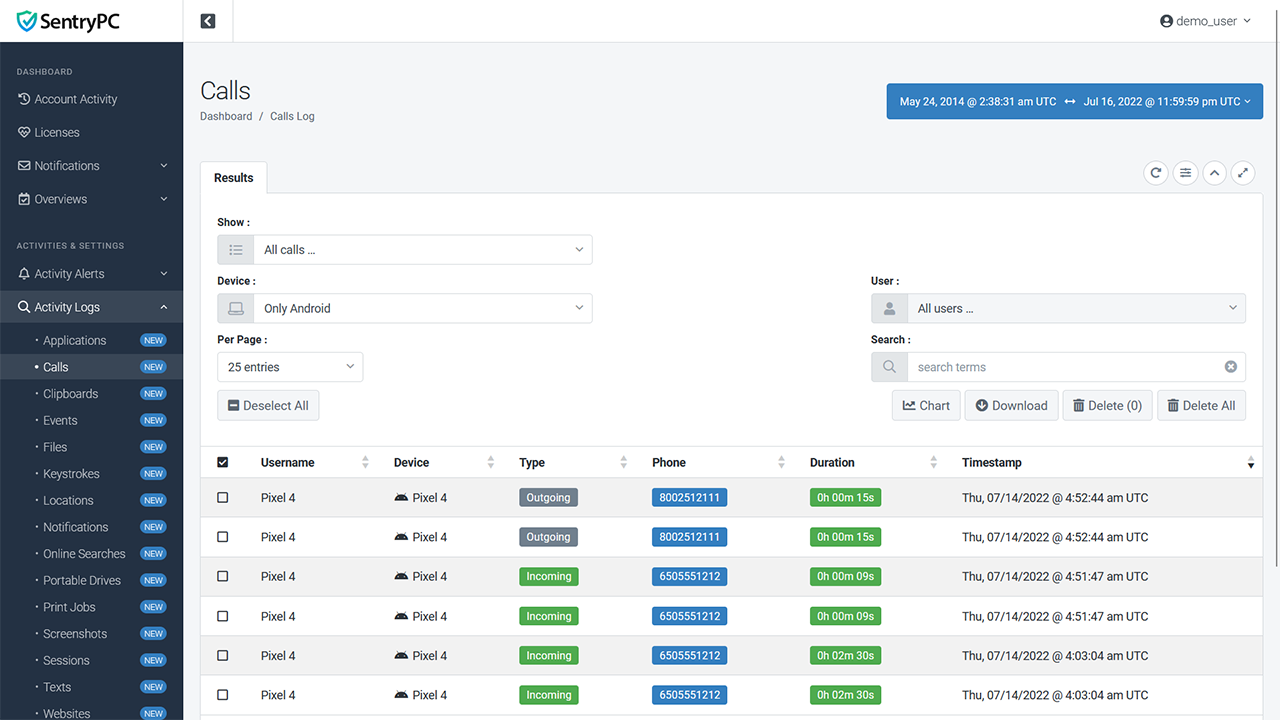
All call activity that occurs on your mobile device is logged including whether it is an incoming/outgoing call, the phone number, duration of the call, and the date/time it occurred. Note that the actual conversation itself is not recorded.
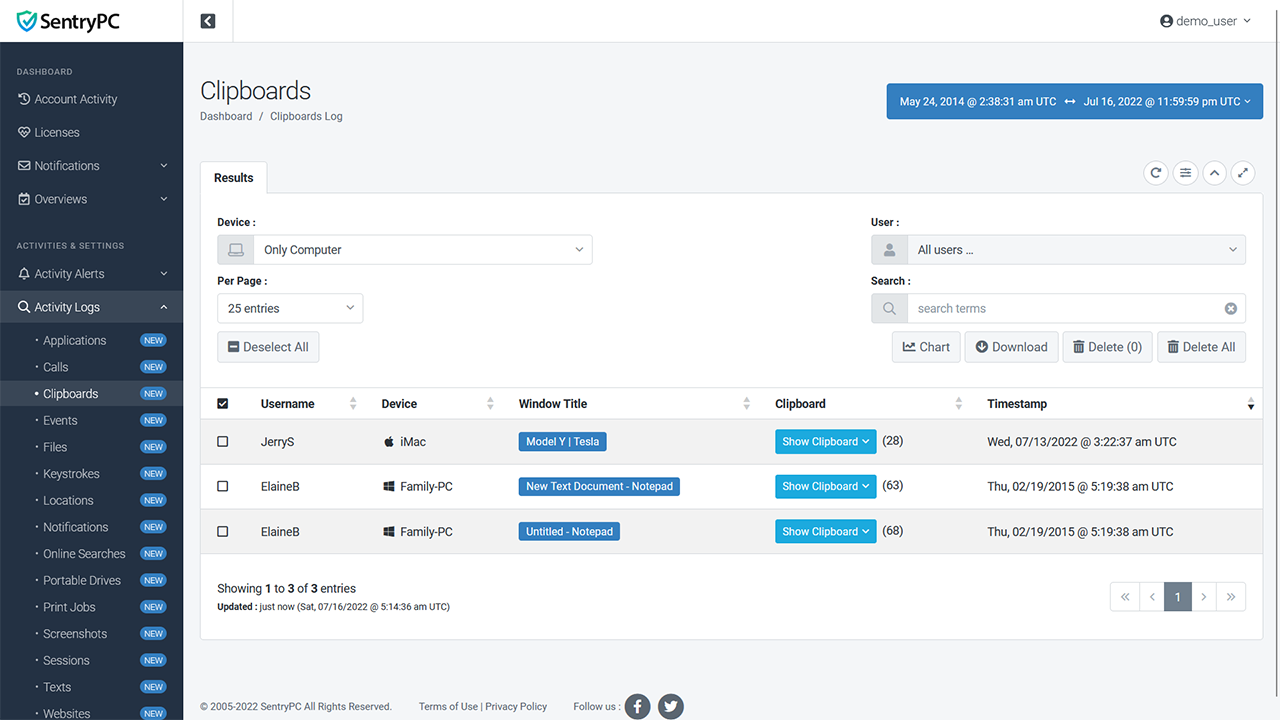
The clipboard is what Windows uses to store copy/paste content. All content copied to the clipboard is recorded along with the device, user, window title it was used, date/time it happened, and the full content of the clipboard.
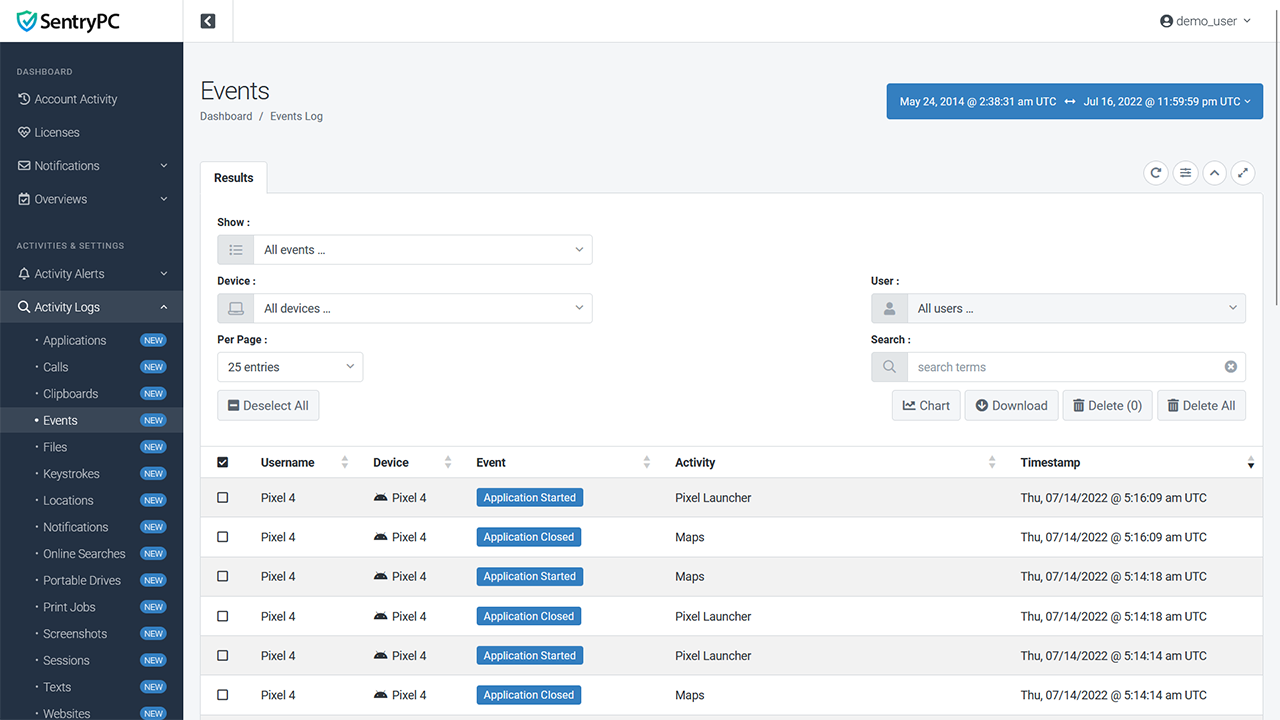
The events timeline includes all types of different events performed by users in one listing. Easily view what users did what in chronological order. Events include applications, websites, windows, blocked activities, location changes, idle activity, monitoring activity, and much more.
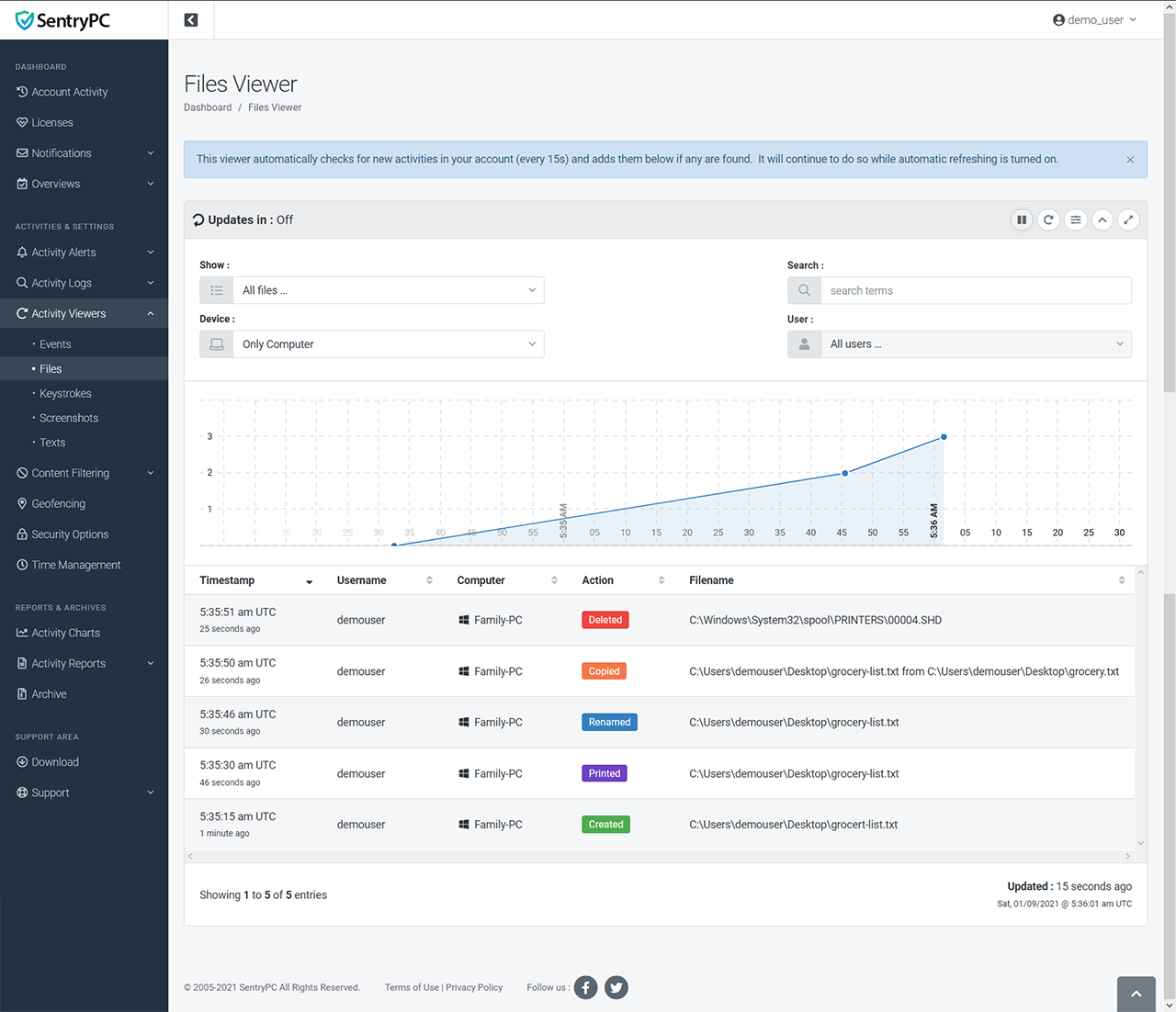
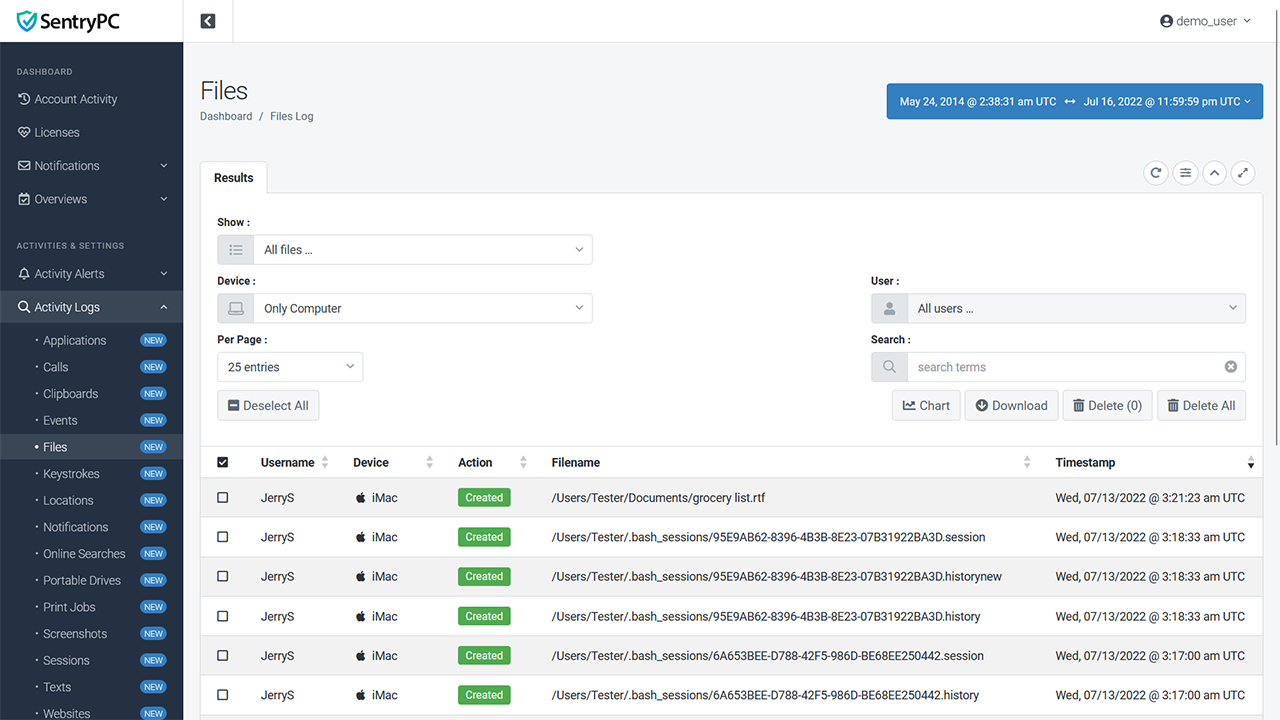
All file activity is recorded including the action, filename, and timestamp. Actions include copied, created, deleted, printed, and renamed.
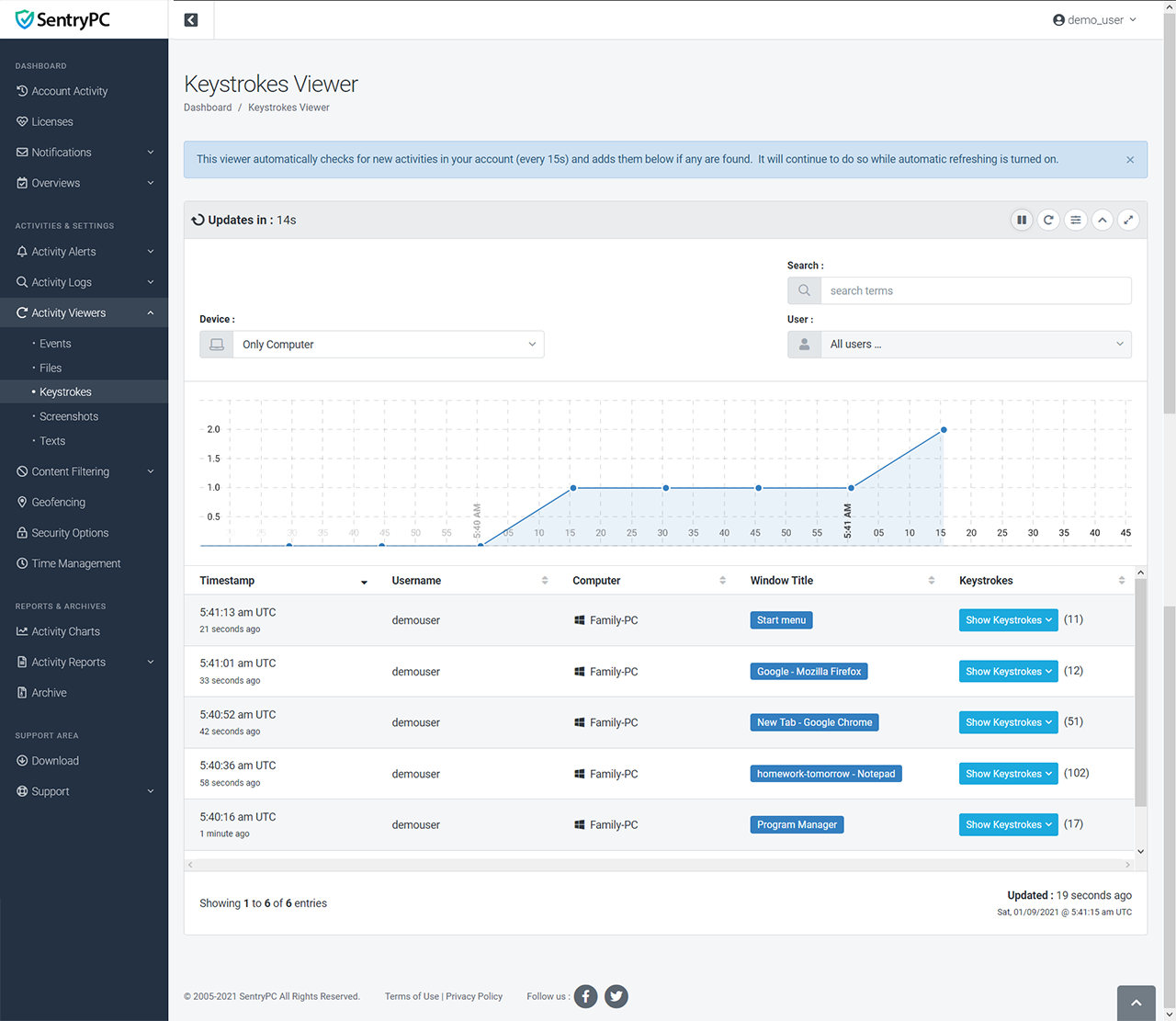
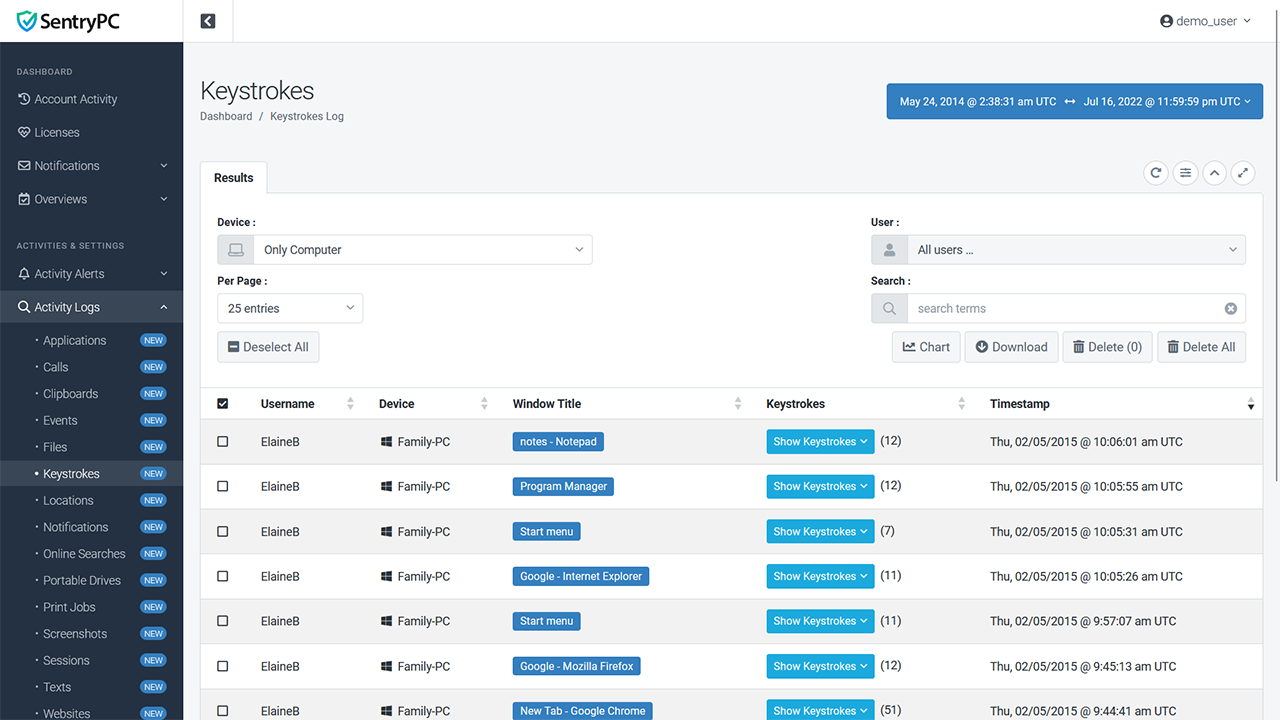
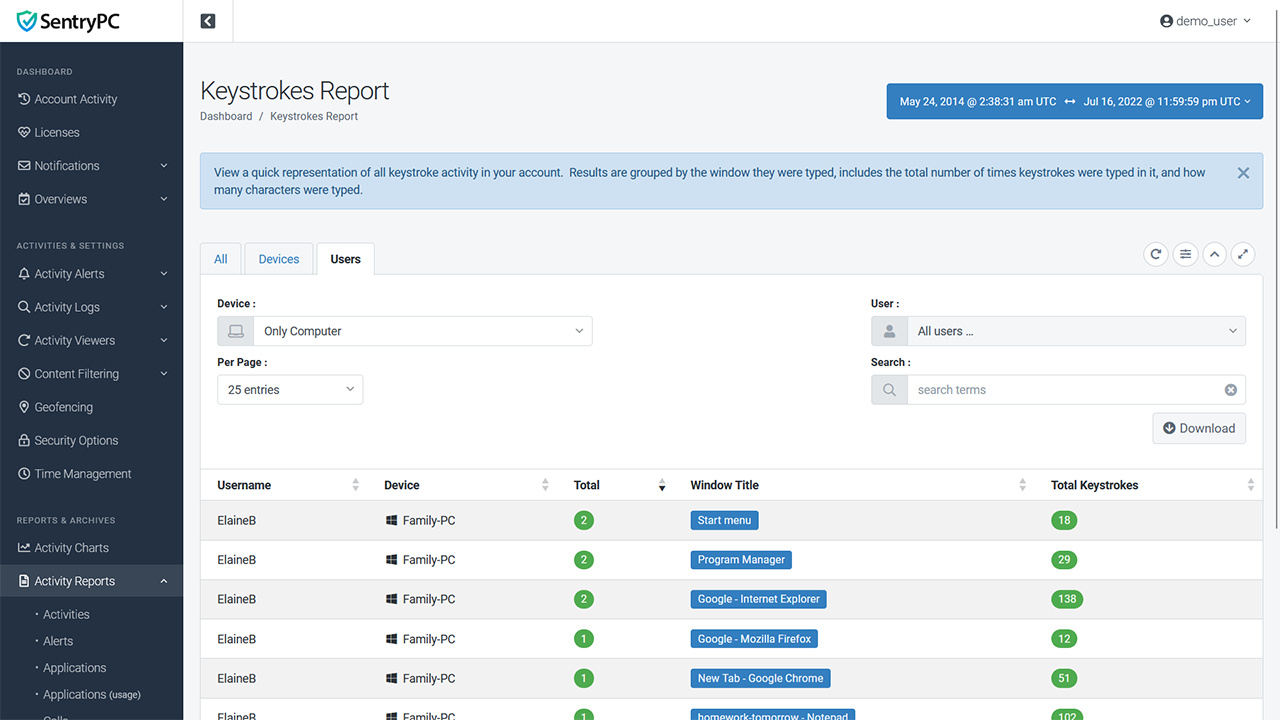
Record all keystrokes made by the user along with the window title they were typed in, how many total keystrokes were typed, and when it occurred.
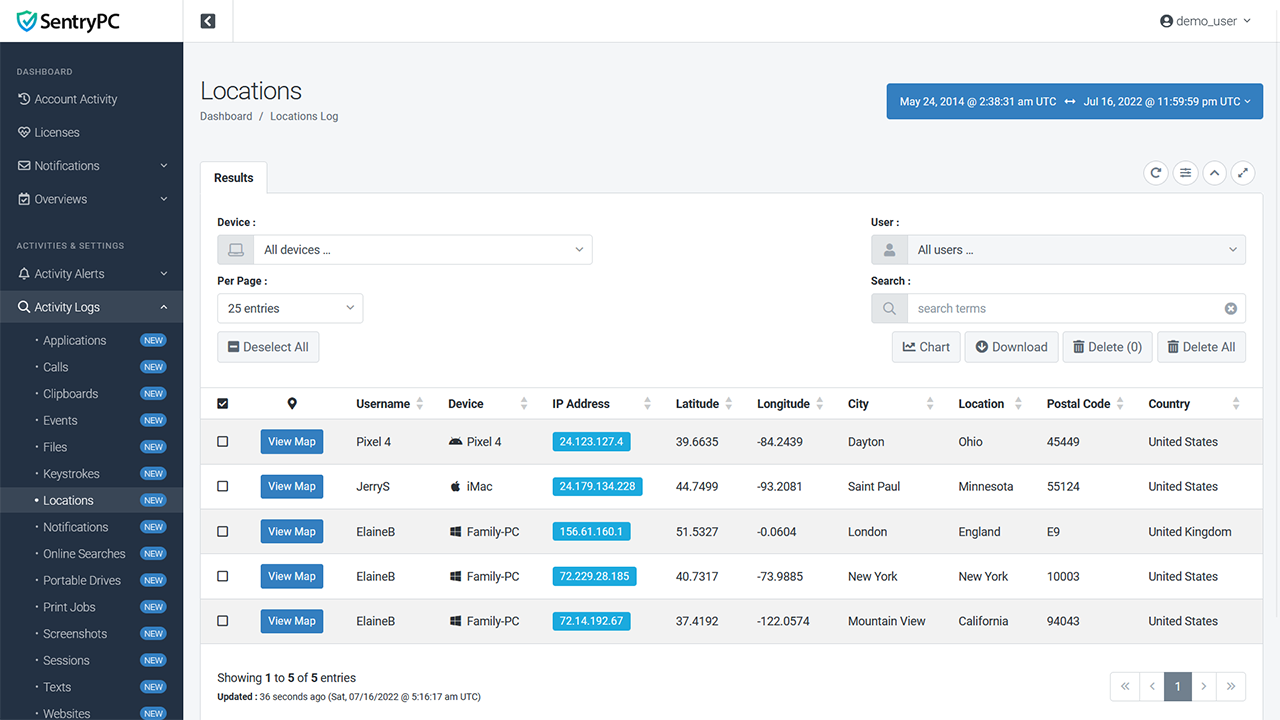
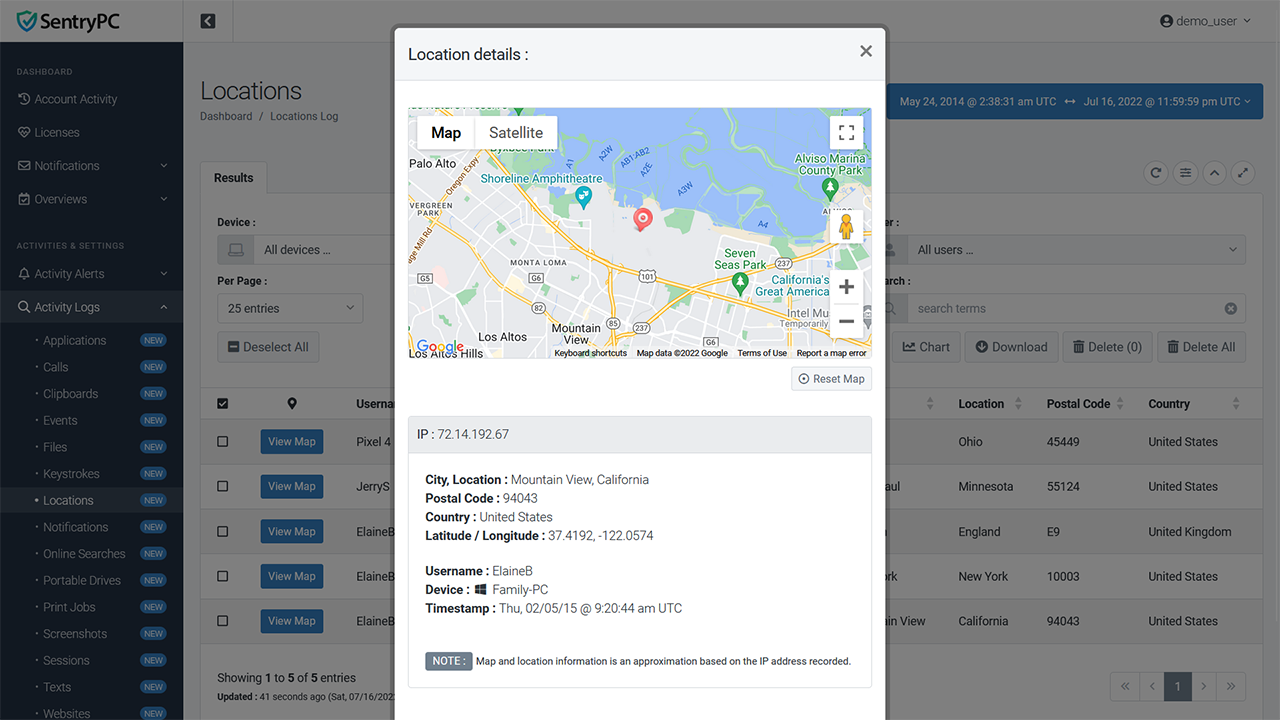
Record the IP address and approximate location of the device. Includes IP address, latitude, longitude, city, state, country, postal code, and timestamp. You can also view the locations on a map for easy viewing.
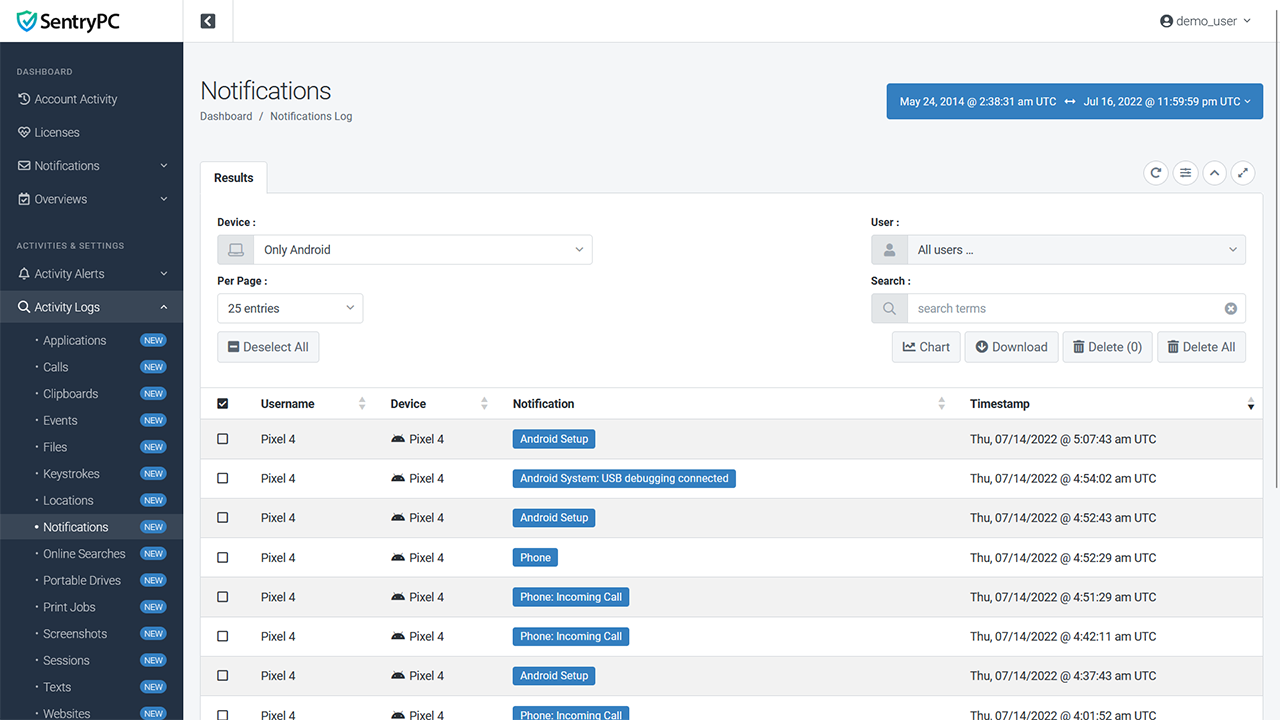
All notification activity that occurs on your mobile device is logged including the notification that was received and the date/time it occurred. These are typically referred to as 'push notifications' and notify you that something occurred — pretty much every app on your mobile device uses these types of notifications to alert you.
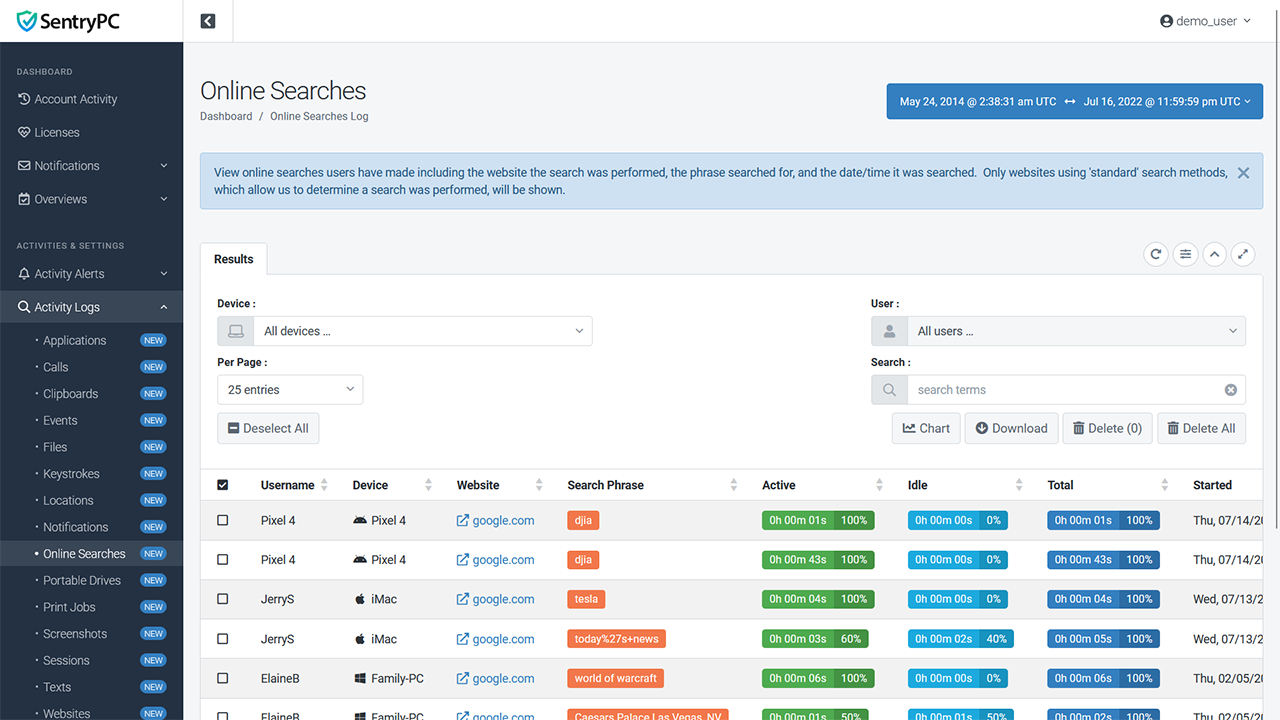
Online searches made by your users, such as using a search engine, will be recorded. This allows you to easily see what your users are searching for and where they are doing so. The website the search was performed, the phrase searched, how long they actively used that page, and the timestamp are included.
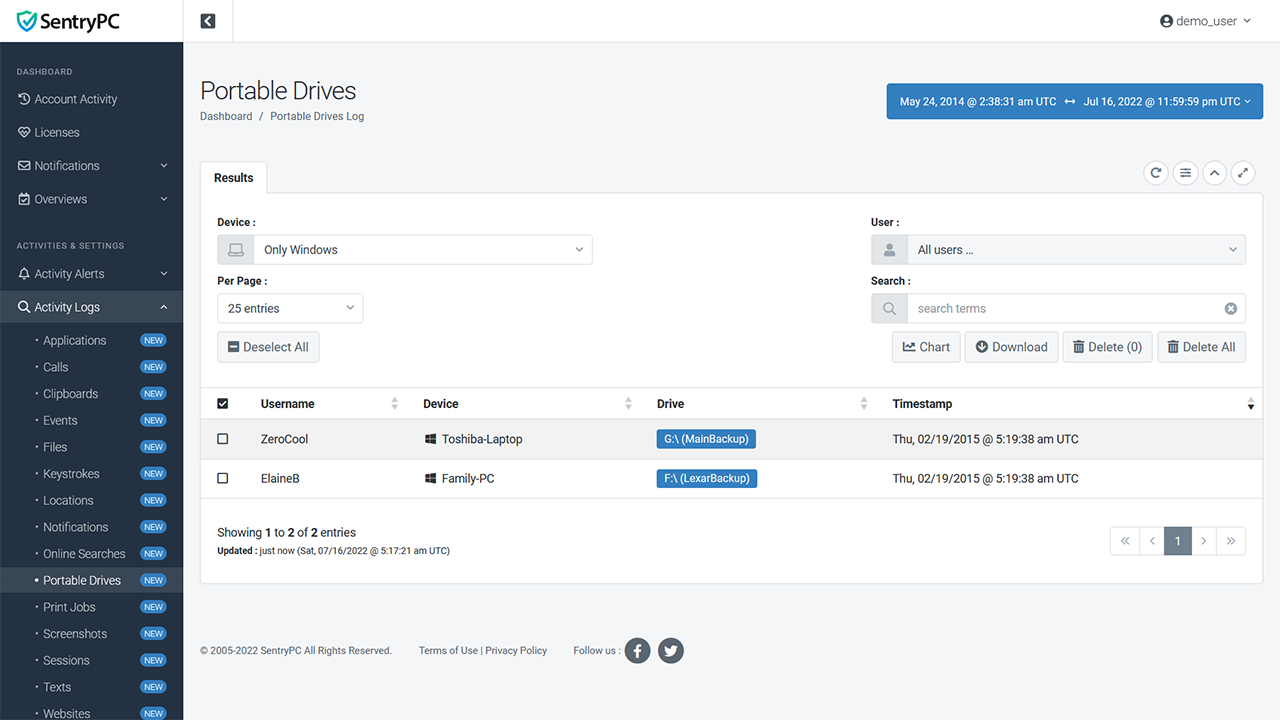
Whenever a portable drive is detected as being connected to the computer it will be recorded along with the device name, user, drive letter/name, and date/time it was detected. This is especially useful for seeing who used a thumb drive and when, but all 'portable' drives will be detected.
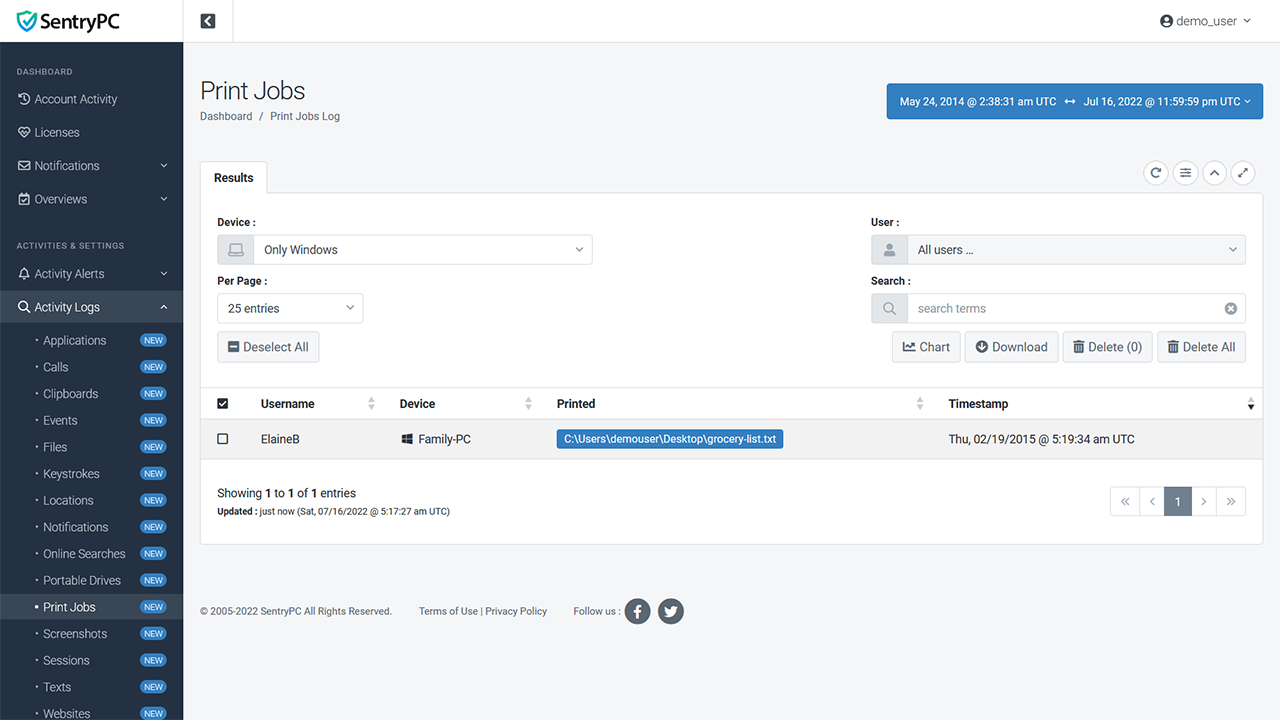
All print job activity is recorded along with the filename that was printed.
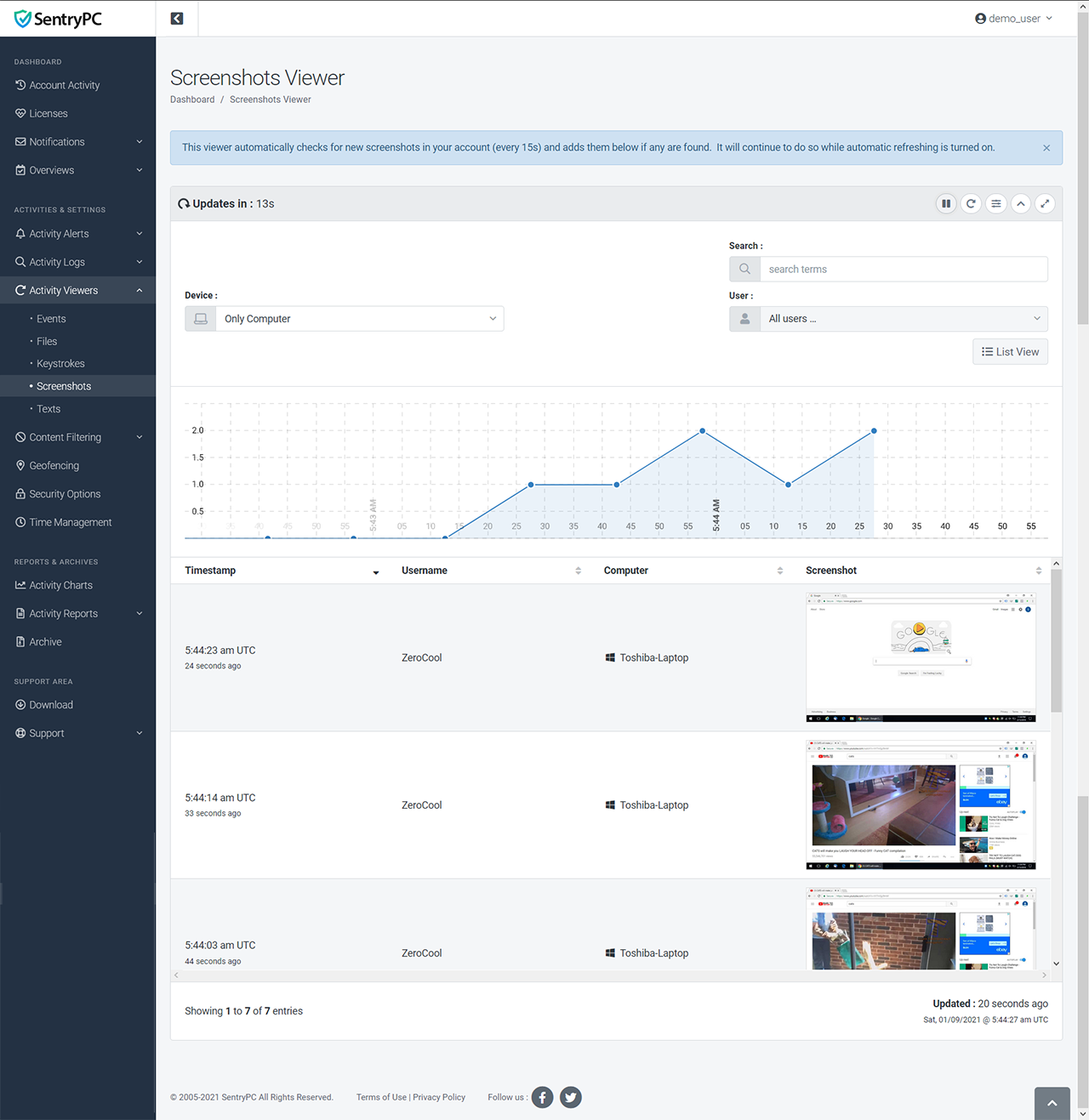
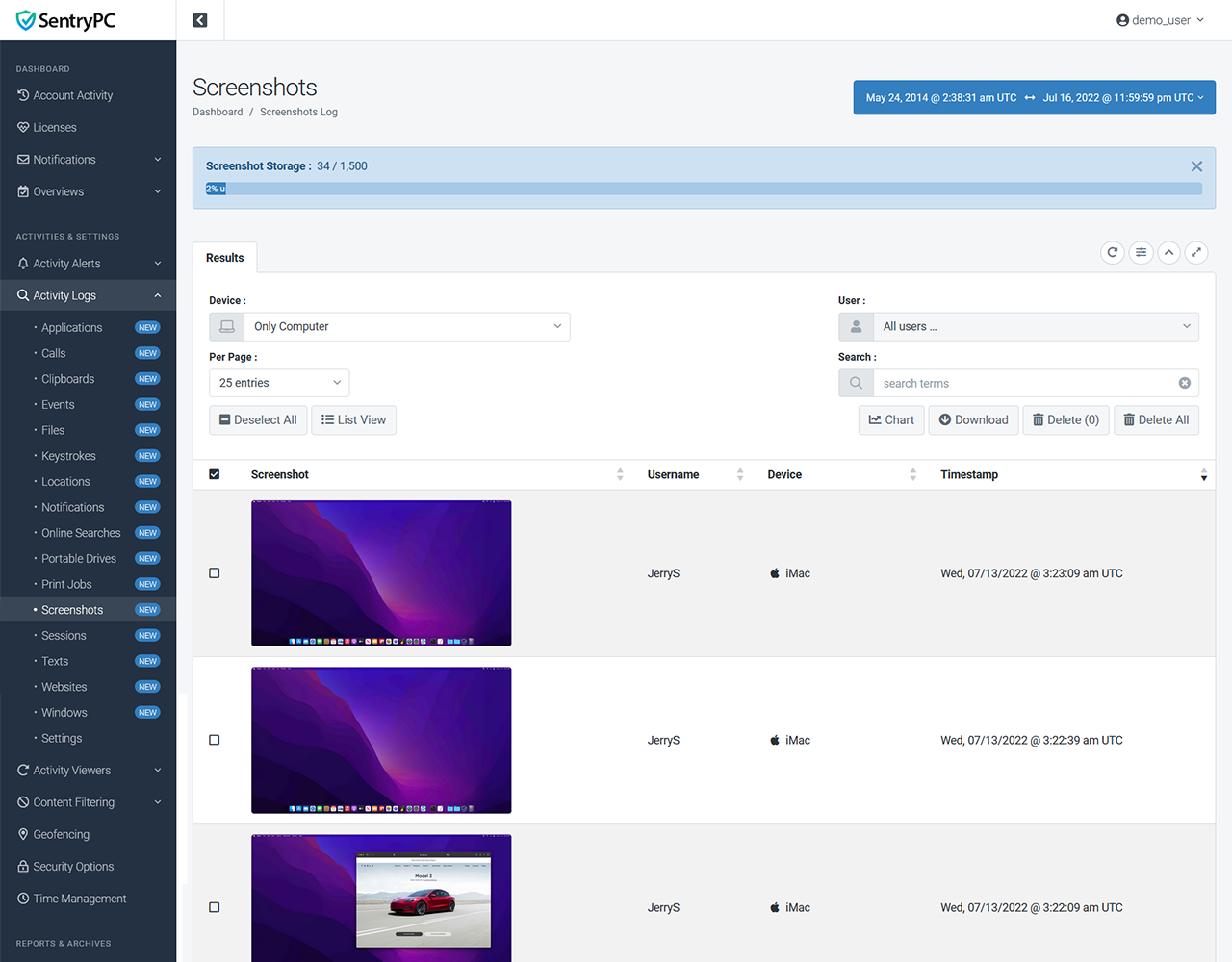
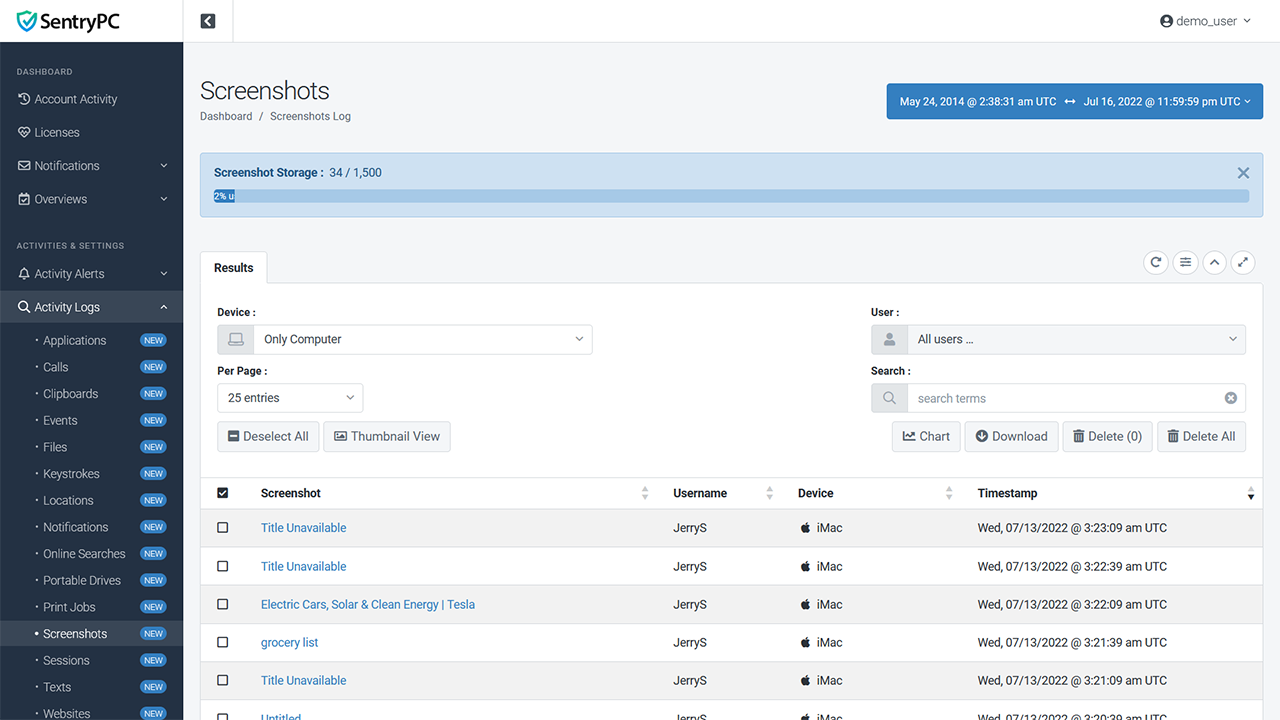
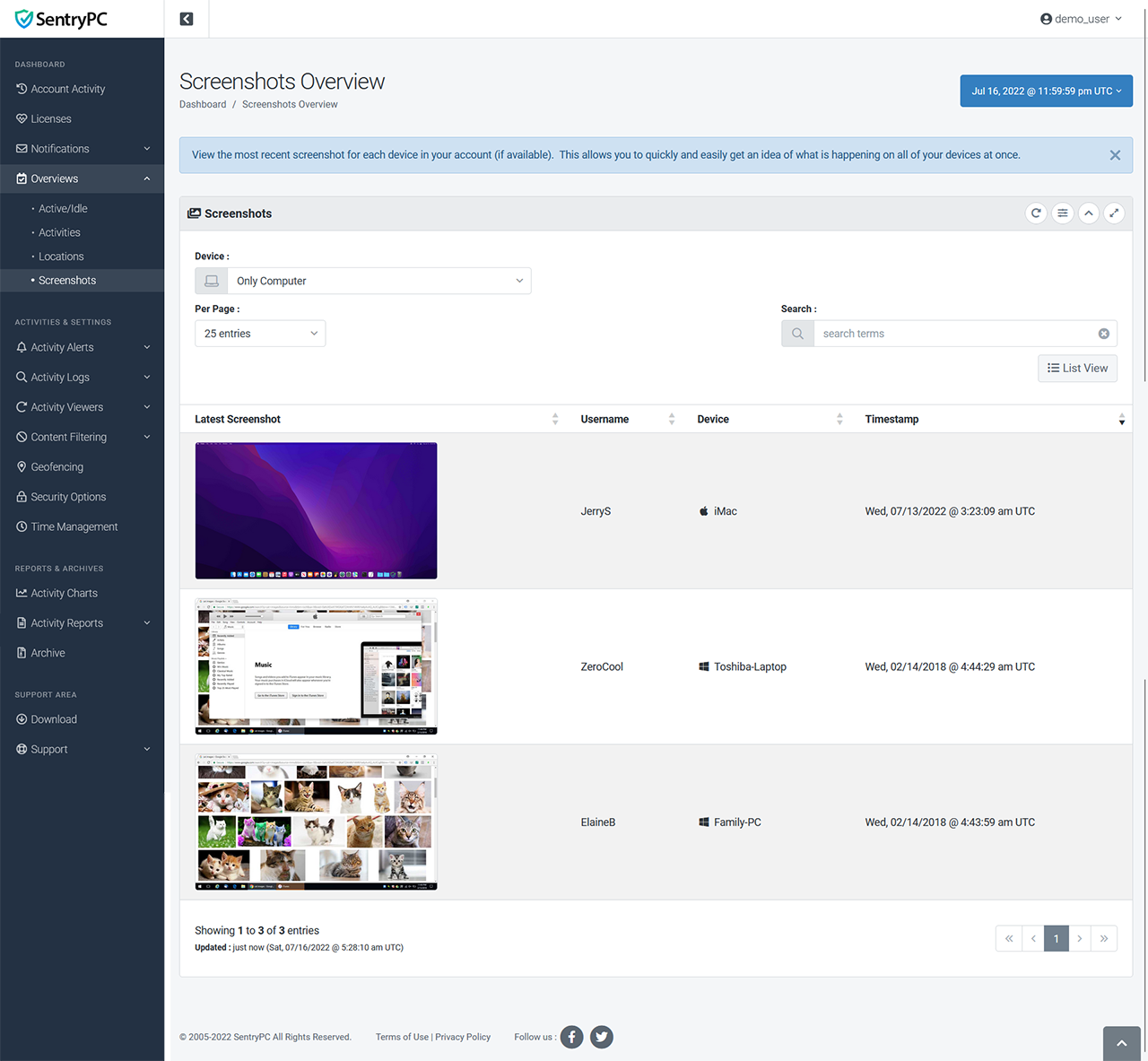
SentryPC can take snapshots of your desktop at set intervals of time, allowing you to visually see what is happening. The screenshot viewer also has a built in slideshow and controls for easy viewing. Screenshot capturing is dual-monitor capable.
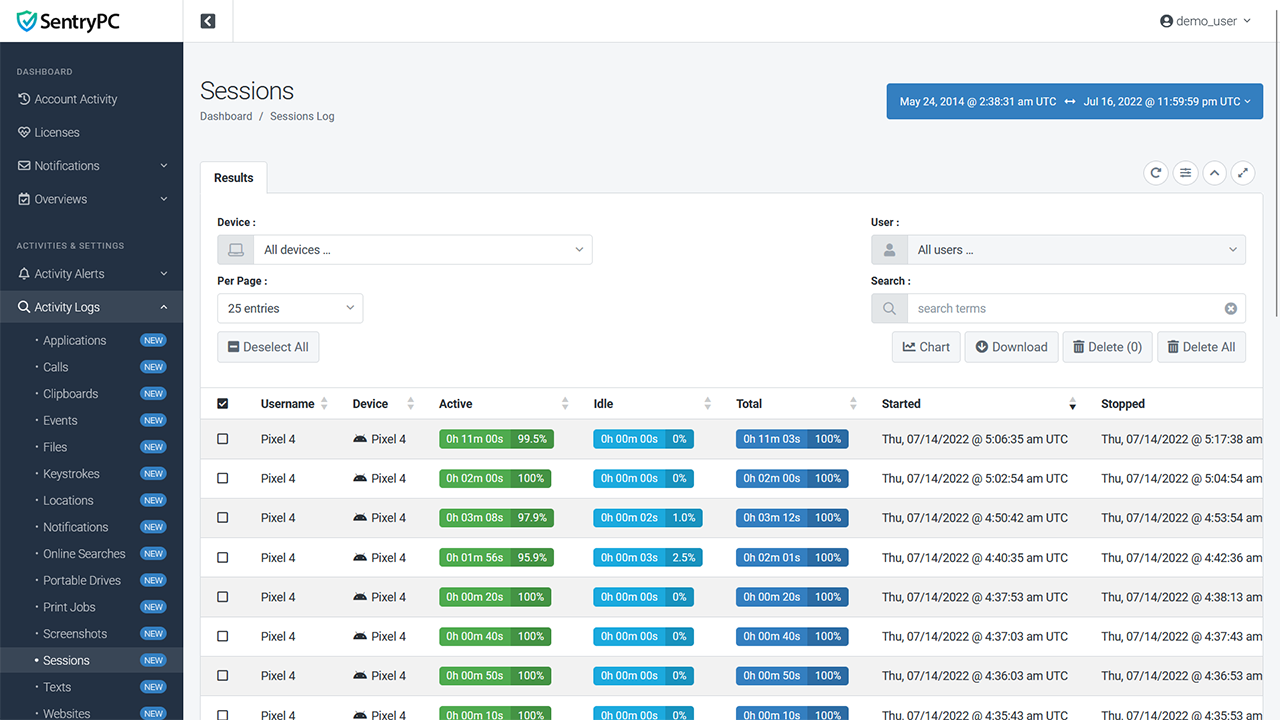
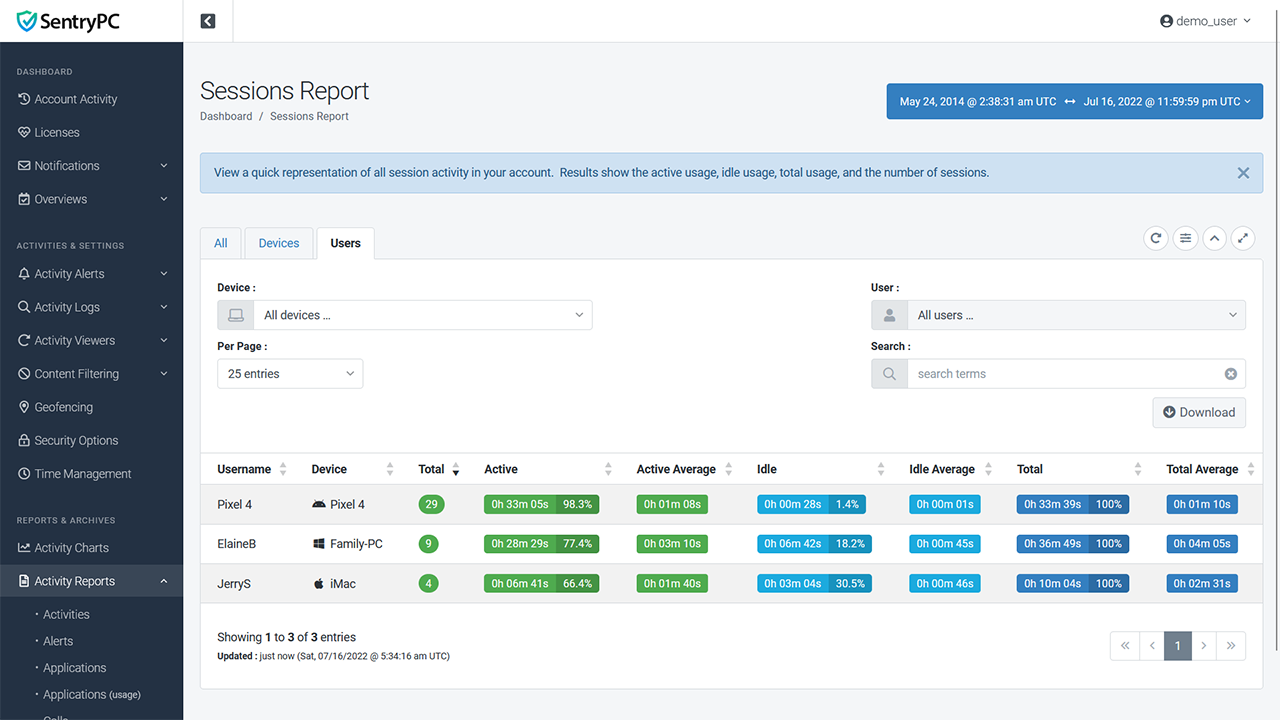
Every user session is recorded along with the total session time, active time, idle time, and when it was started and stopped.
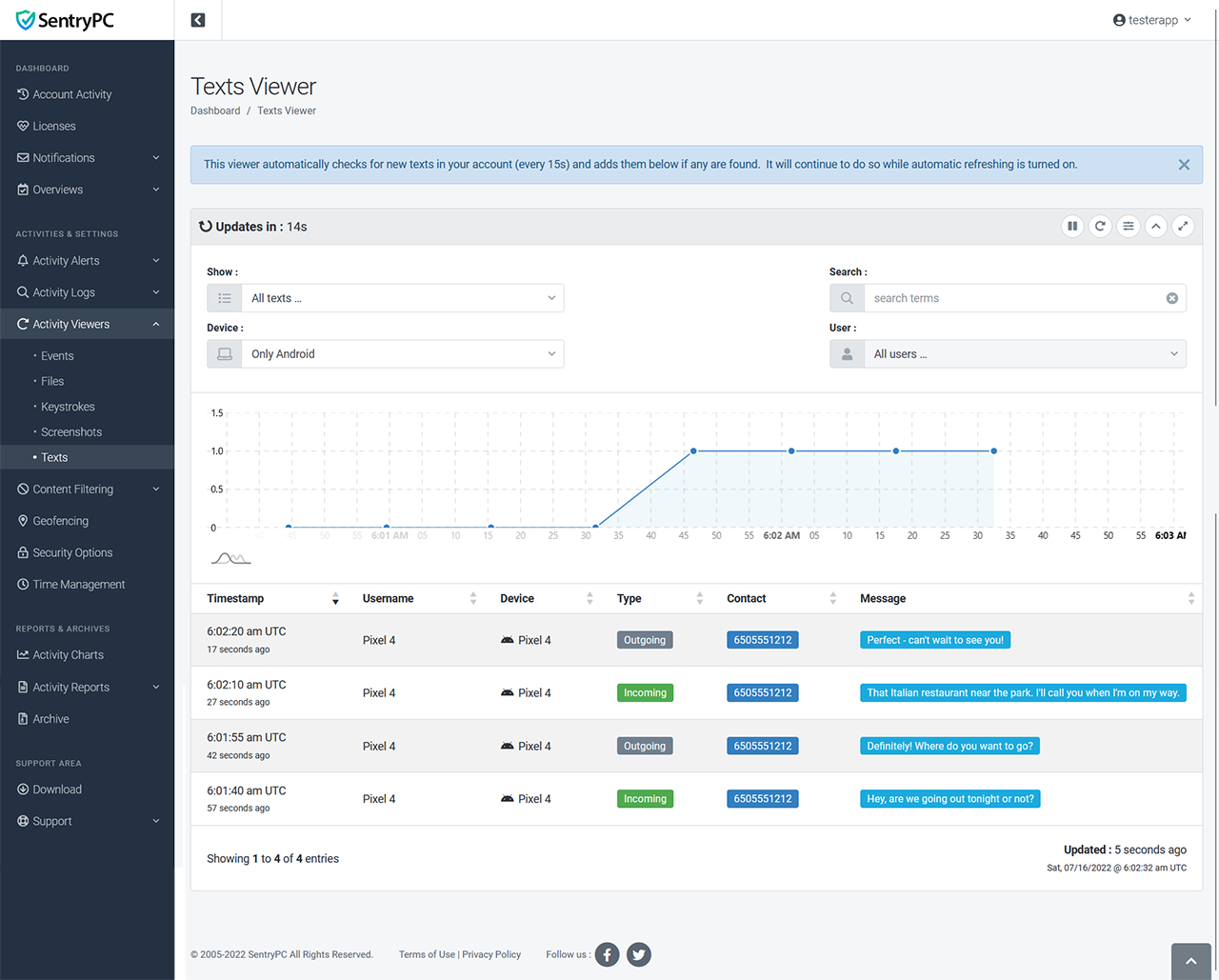
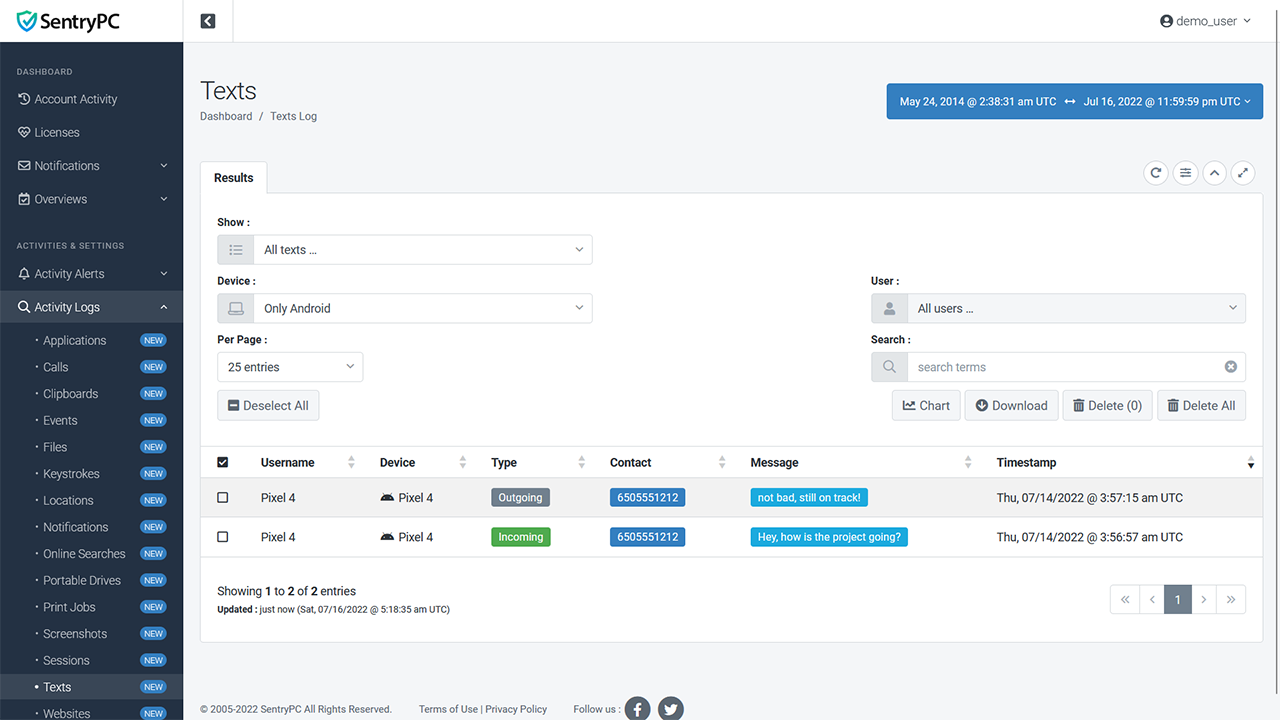
All text message activity that occurs on your mobile device is logged including whether it is an incoming/outgoing message, the contact, the message itself, and the date/time it occurred.
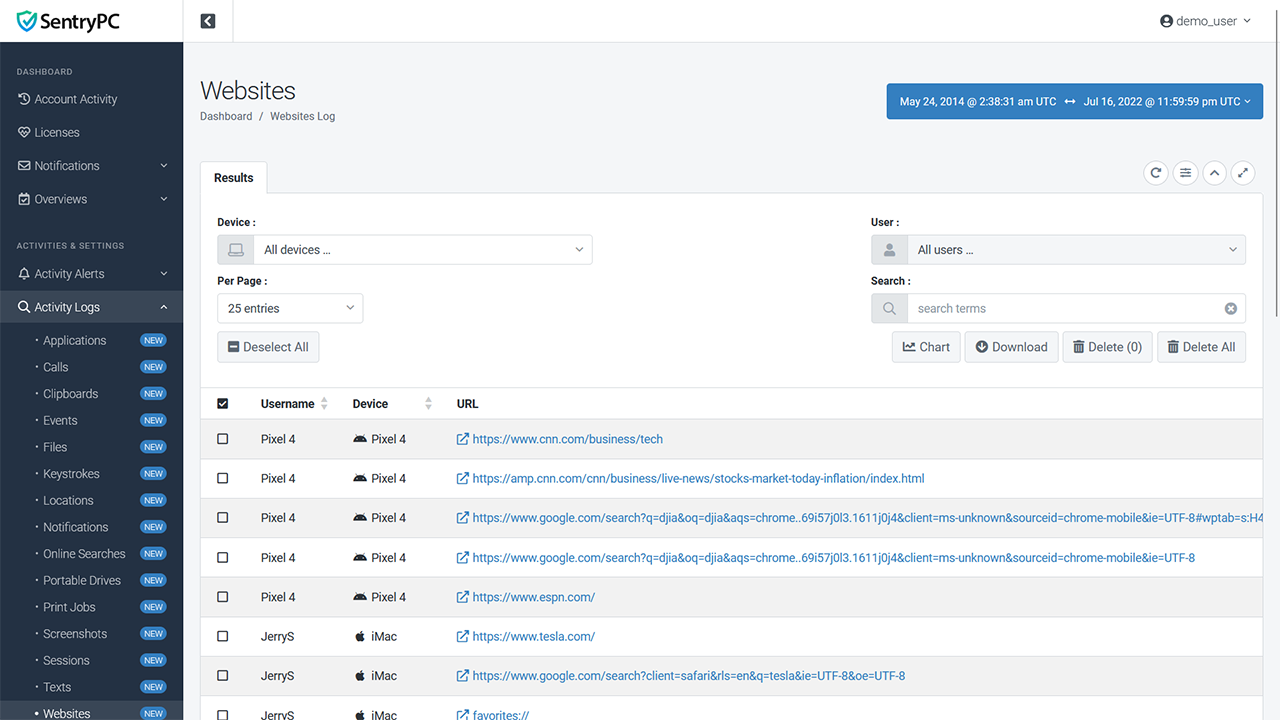
Every website visited is recorded along with the start time, stop time, and how much time the user interacted with the website during that time. 'Dark web' activity through the Tor browser and 'incognito' browser usage are both supported and marked as such within the log entries.
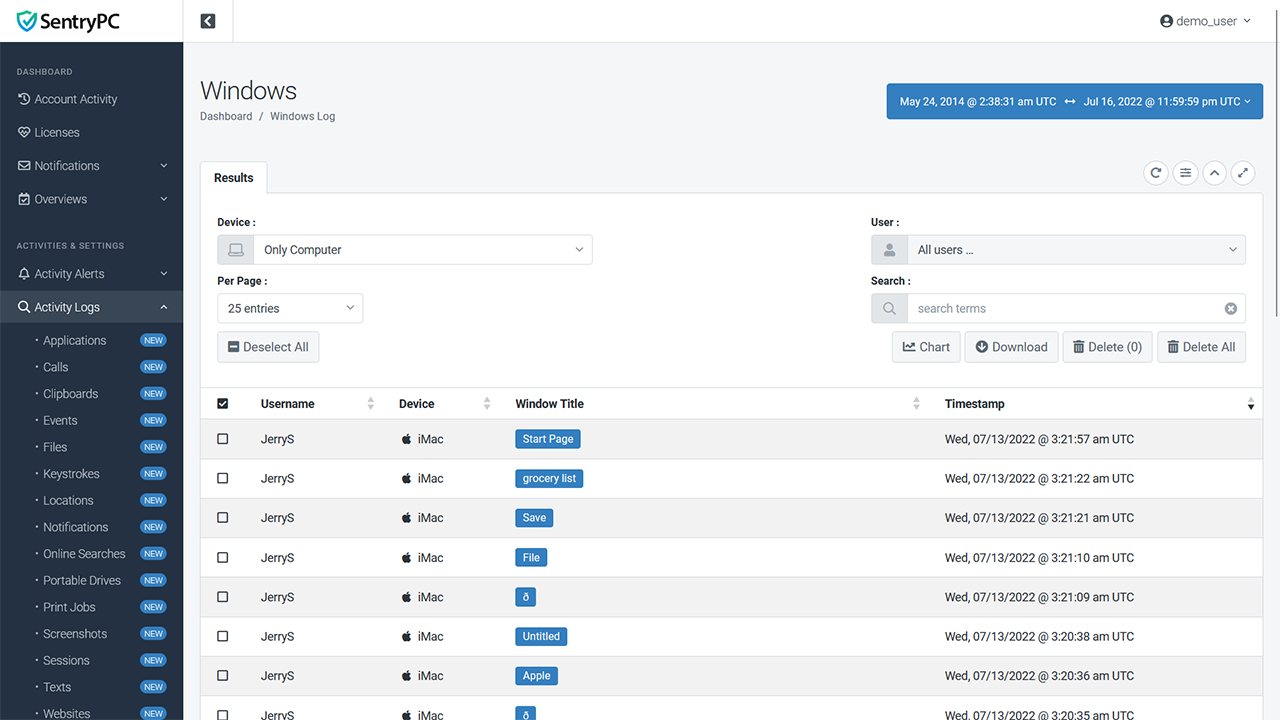
Log the title of each window users interact with while using the computer.
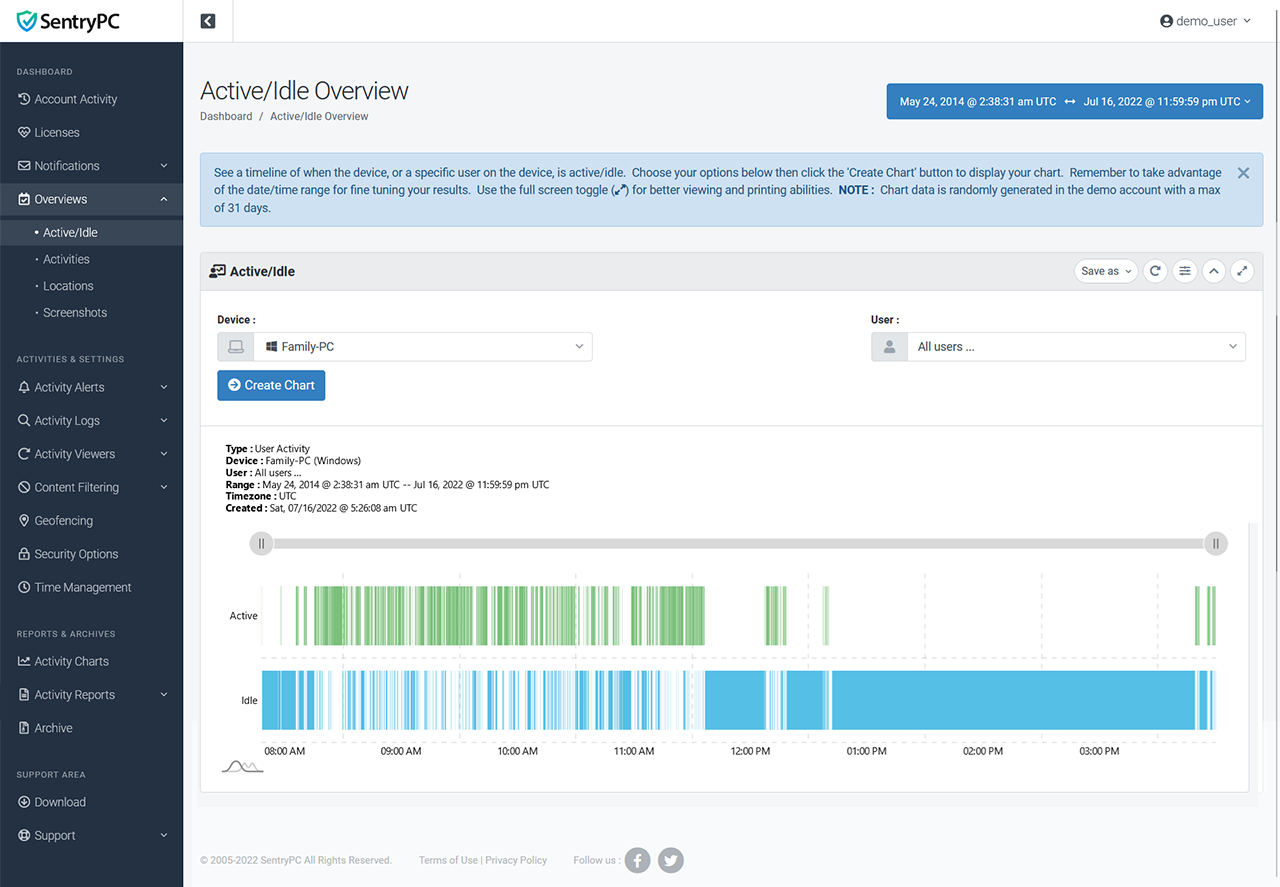
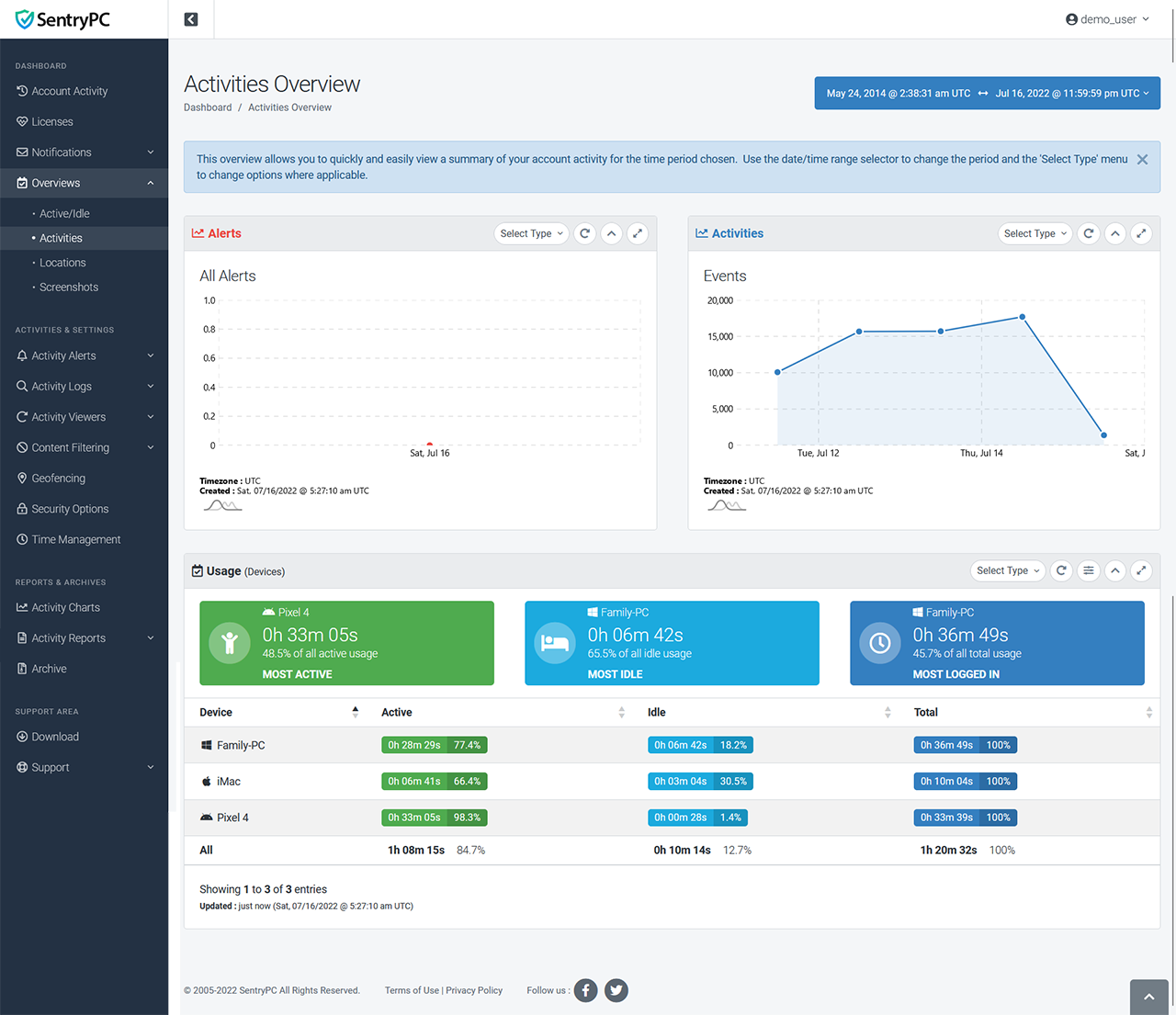
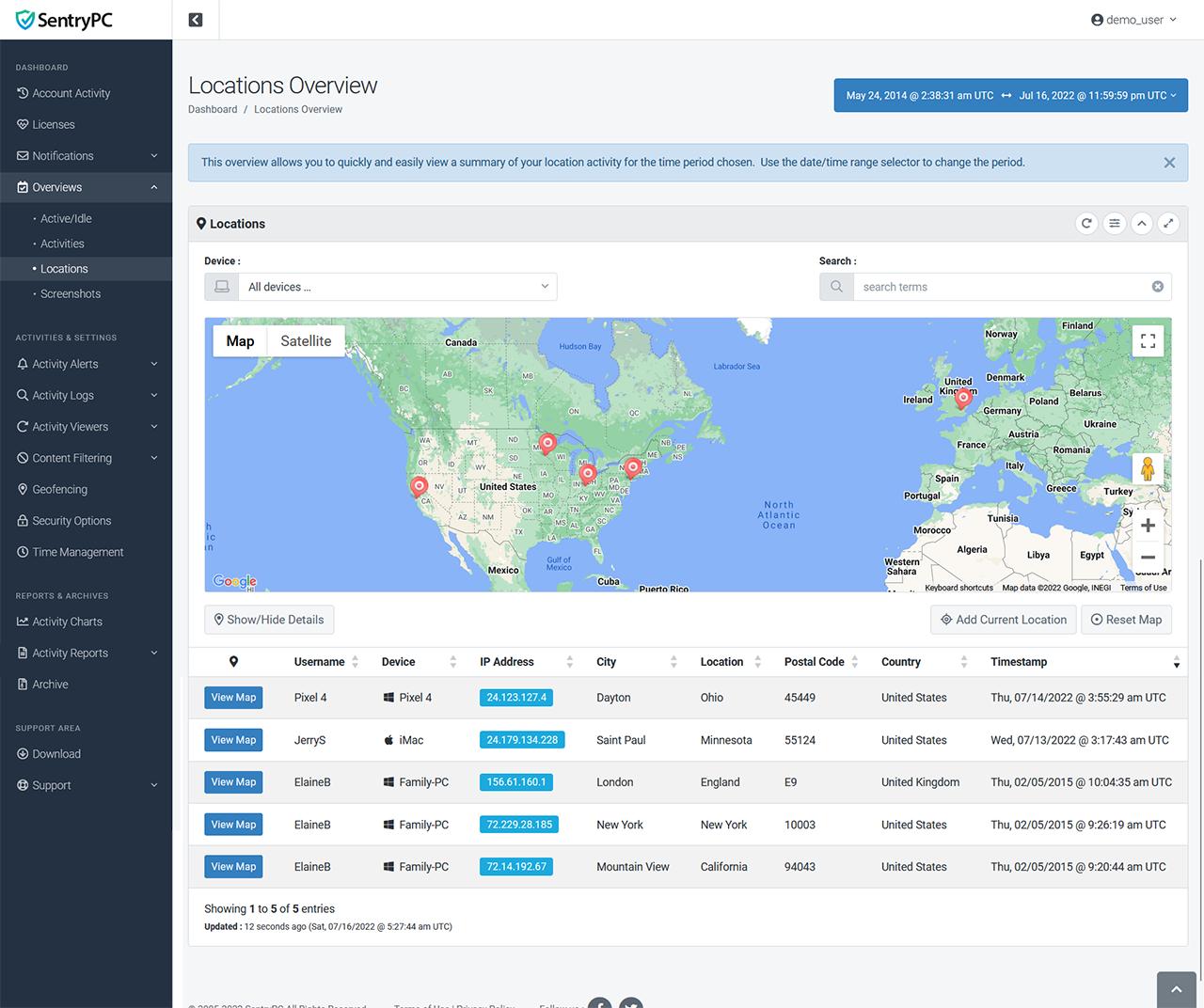
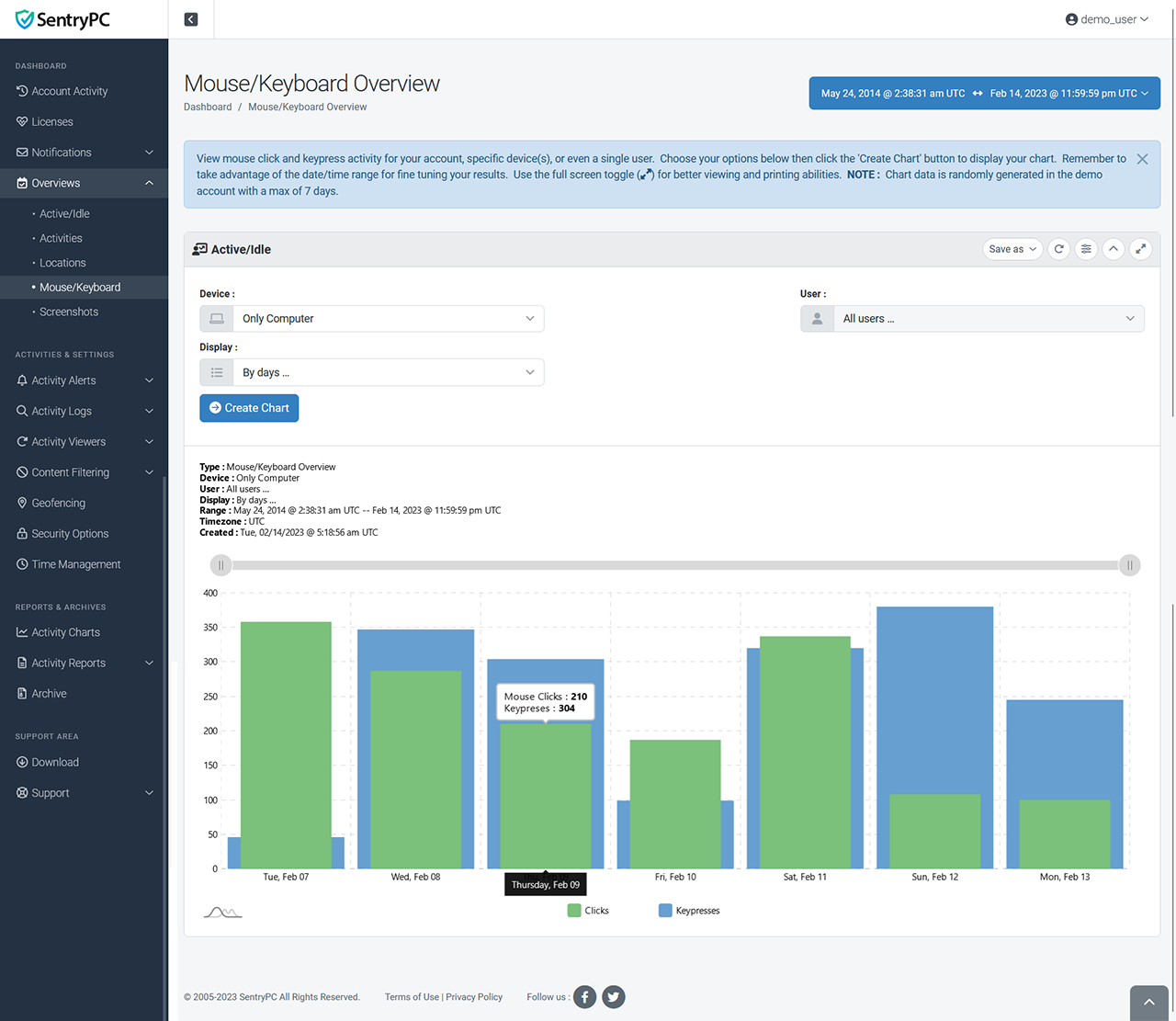
Quickly see a summary of what is happening with all the devices and users in your account. The 'active/idle' overview shows a graphical display of the active/idle time for a specific device or user. The 'activities' overview summarizes activity and usage through easy-to-read charts and tables. The 'locations' overview shows a clustered map with all location data and details. The 'mouse/keyboard' overview shows mouse click and keypress activity. The 'screenshots' overview shows you the latest screenshot for each device so you can see what is currently happening (or happened last) on every device at once.
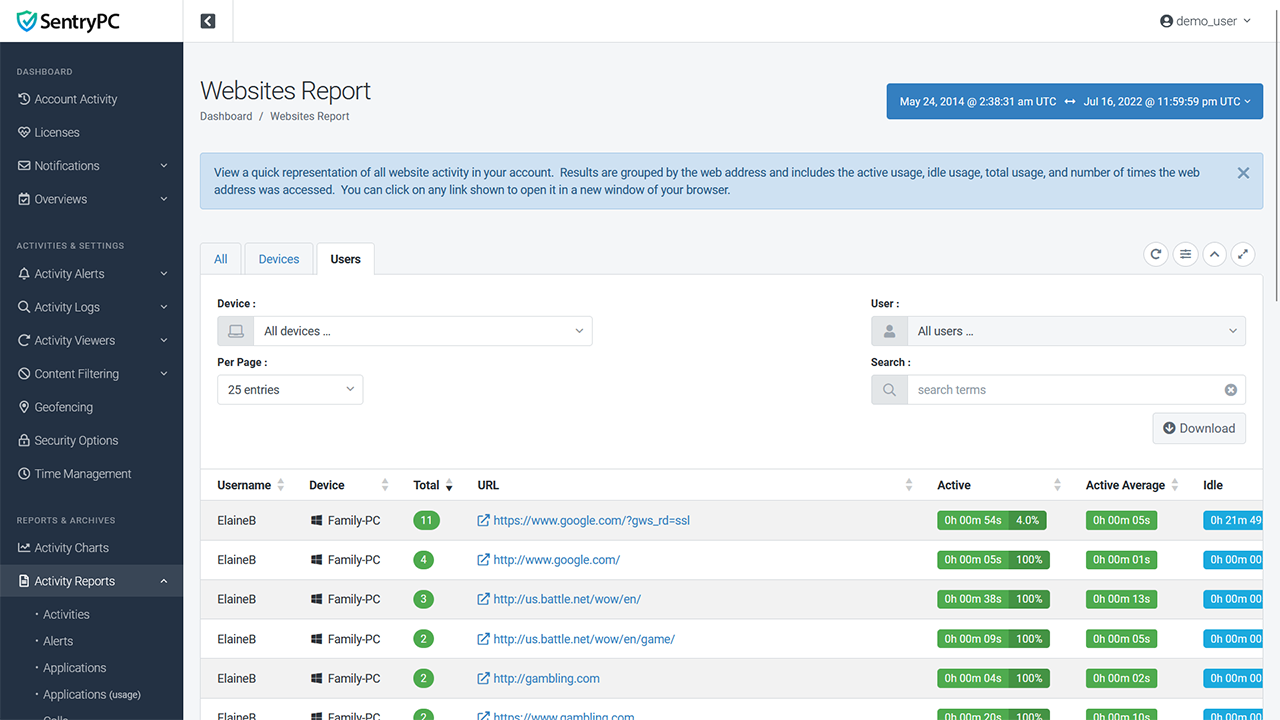
Besides your normal logs you also have access to activity reports. These give a quick overview of various activities and usage within your account. For example, the applications report shows the top used applications including the amount of times they were accessed, active time, idle time, total time, and averages. All reports can be grouped by your entire account, by device, or by user.
We currently offer the following reports : activities, alerts, applications, applications (usage), calls, clipboards, events, events (type), files, keystrokes, locations, notifications, online searches, portable drives, print jobs, screenshots, sessions, texts, websites, websites (domain), websites (usage), and windows.
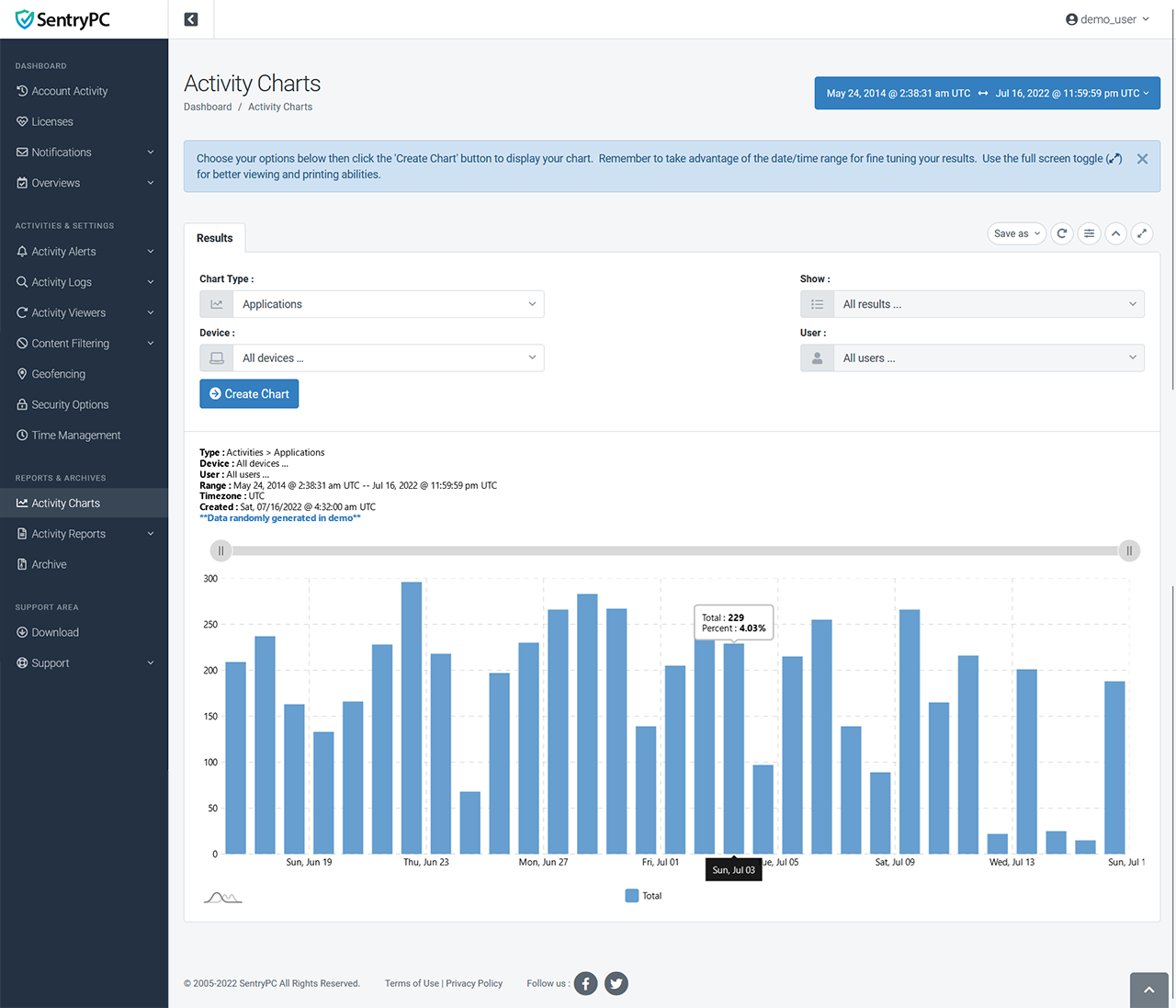
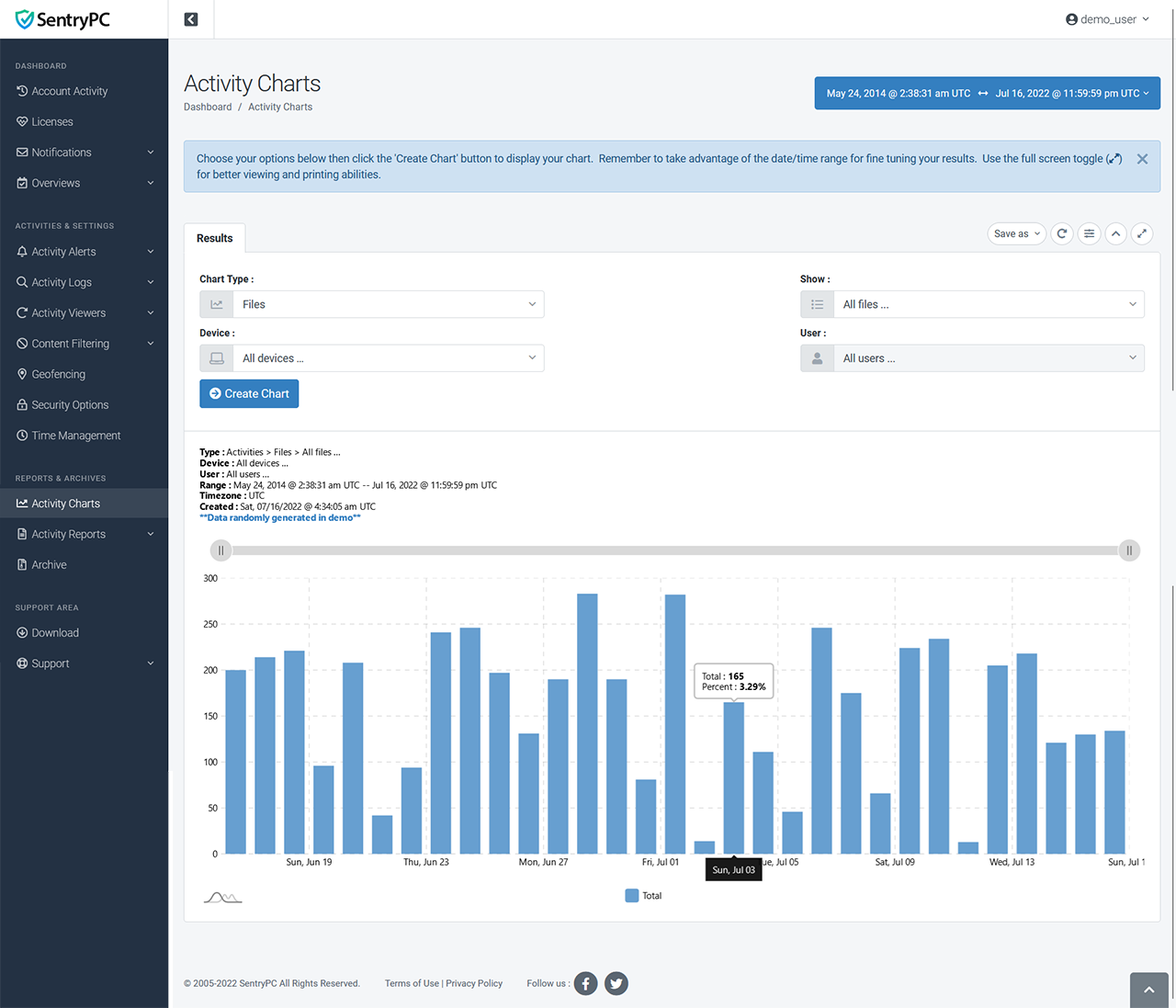
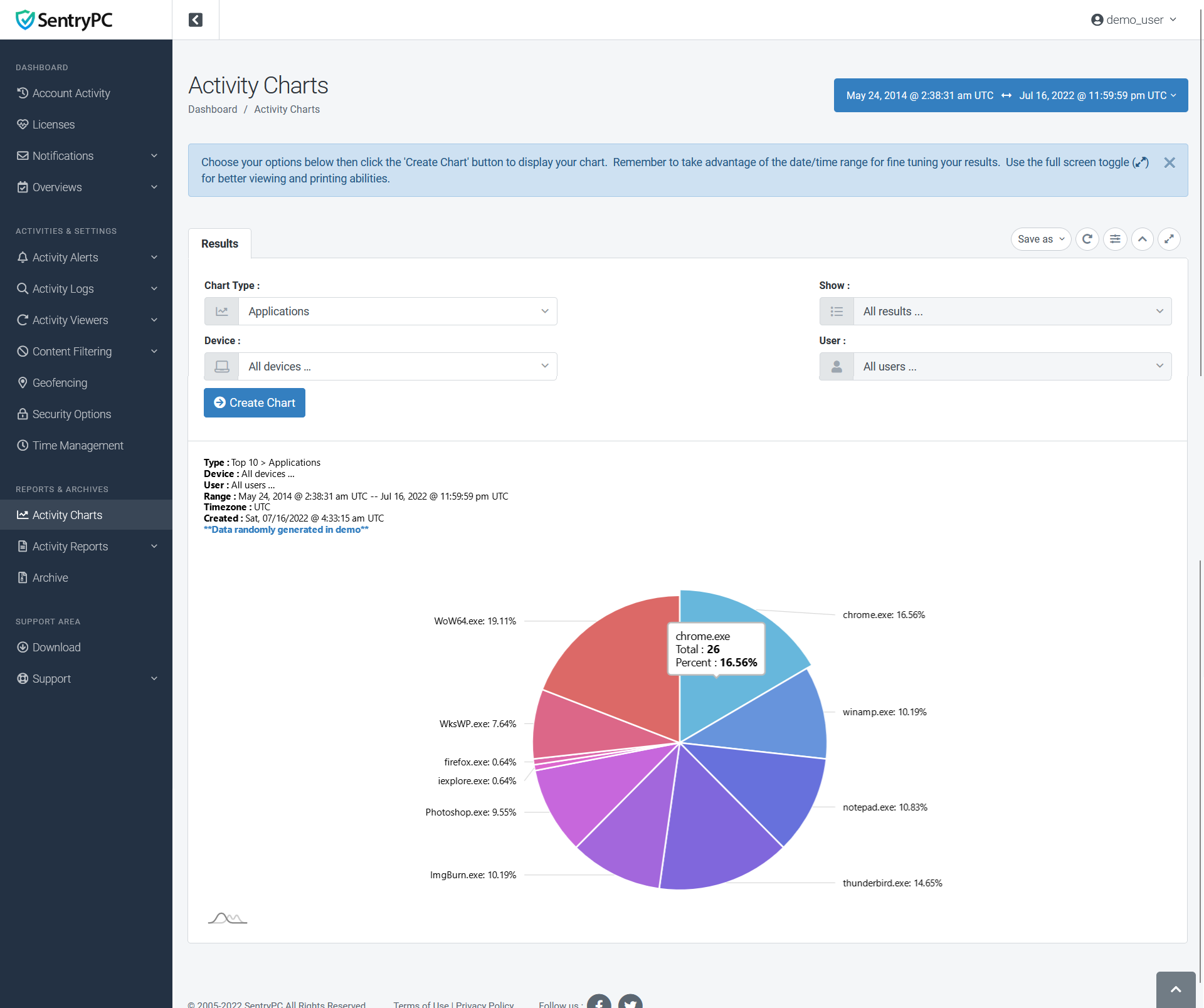
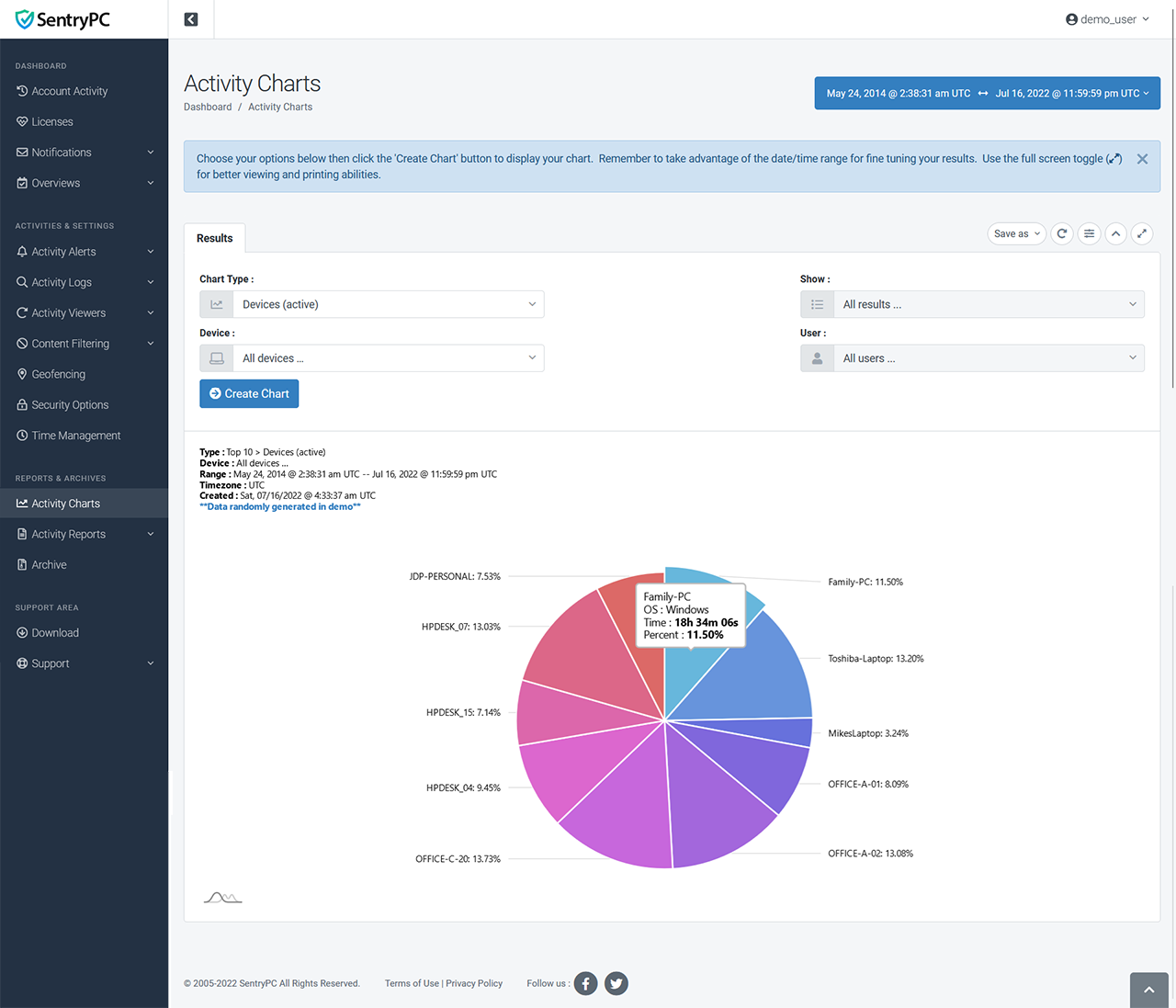
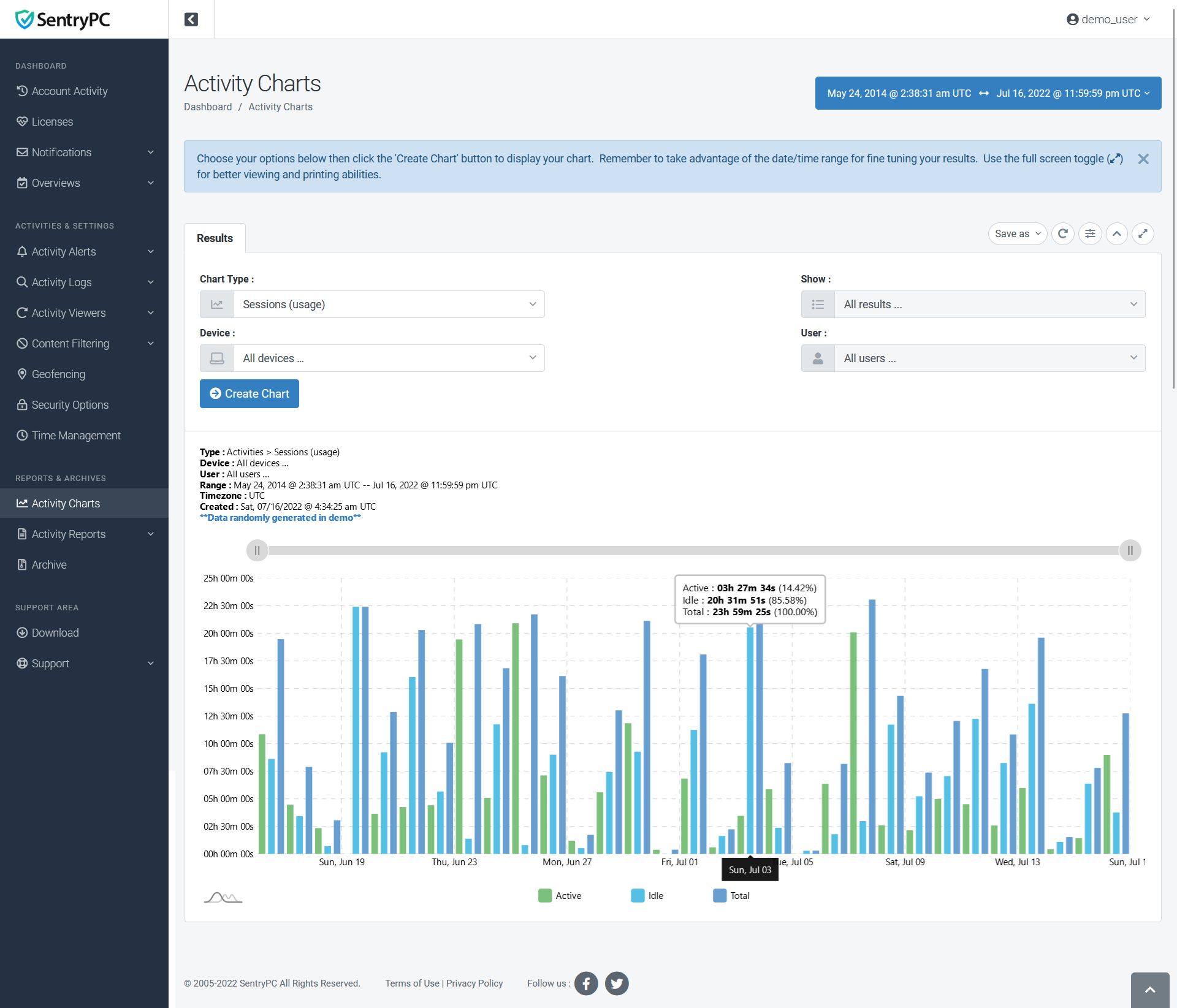
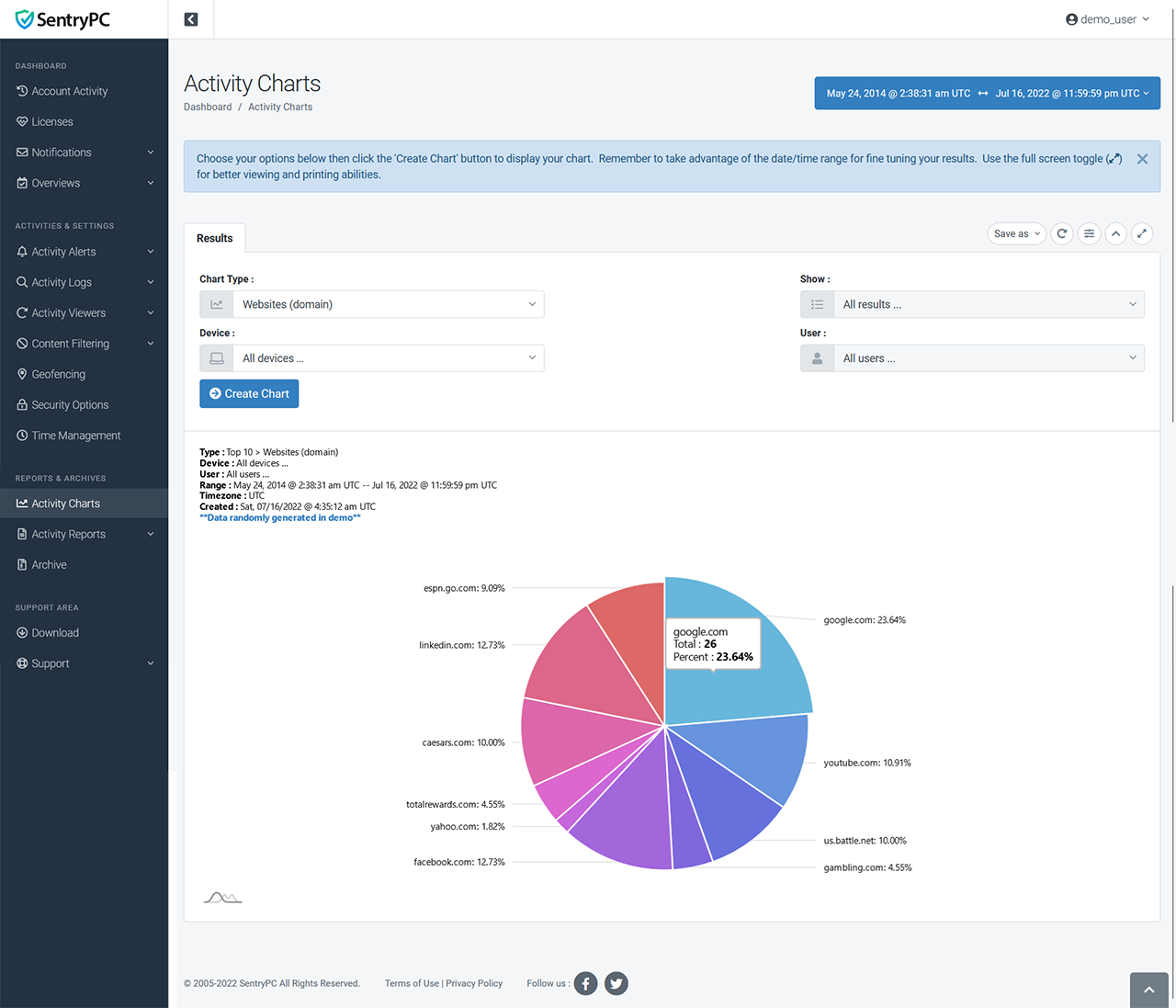
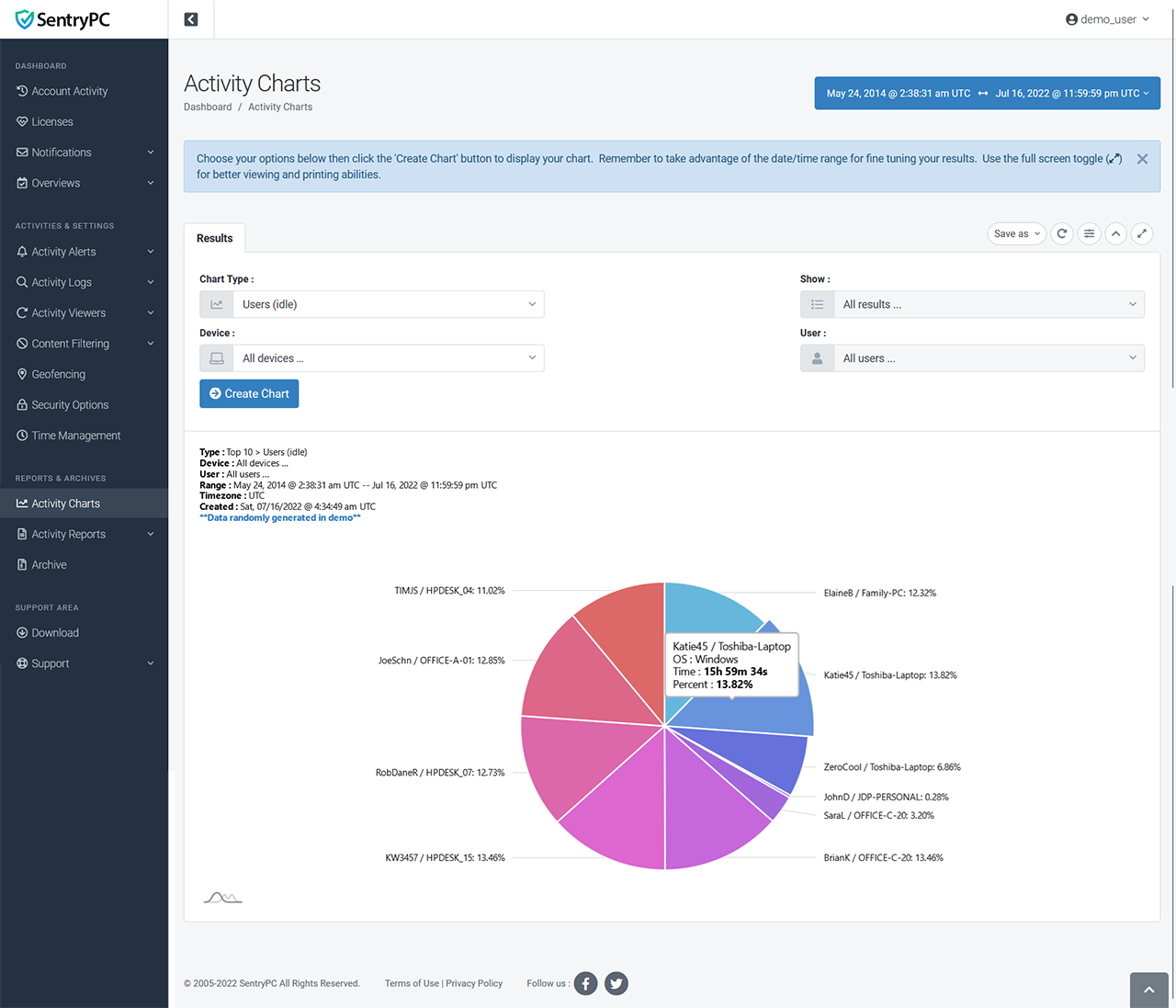
Create visual charts of your account's logs. You select the date/time range, what devices/users you want included, and finally what type of chart you would like to create. All charts can easily be printed or downloaded in the following formats (csv, jpg, pdf, png).
Content Filtering & Restriction
Another important aspect of SentryPC is its extensive content filtering features. Filter applications, games, keywords, and websites on a per user basis. Select on what days, and what specific hours of the day, the filter you define is allowed or blocked. All content filtering features have their own additional options such as enable/disable, alert user, close browser, etc. You can even setup automatic alerts by email to notify you instantly when a user activity has been blocked or a custom alert has been triggered.
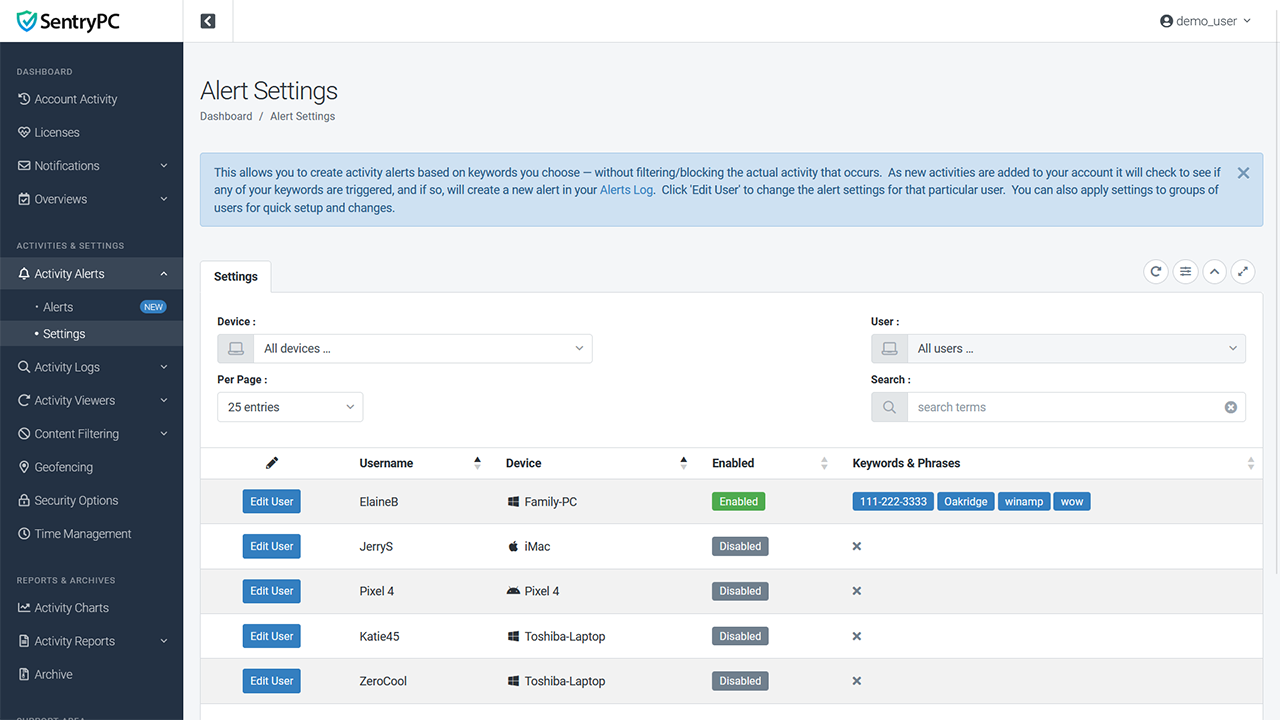
Create custom activity alerts by keyword or phrase. If any of these keywords are found in a newly added activity log, SentryPC will create an alert with the activity's details. These are non-blocking alerts and will not affect the user of the device in any way. For example, you could add your phone number as a keyword and an alert would be created every time your phone number is found in any newly added activities for that user. You also have the option to be notified by email when these custom activity alerts are triggered.
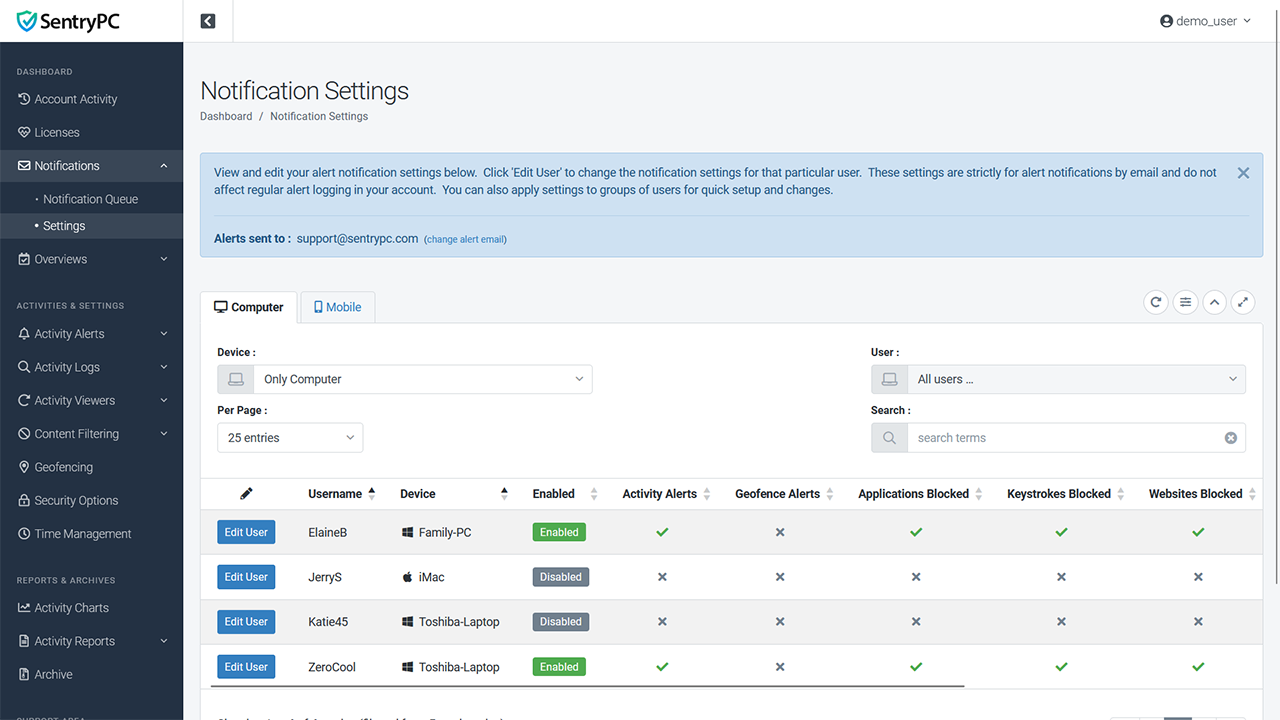
If you wish, SentryPC can notify you instantly via email whenever an 'alert' activity happens such as blocked applications, games, keywords, websites, and your own custom activity alerts you have setup. Select which activities you want to be notified by email, how often, and for each user.
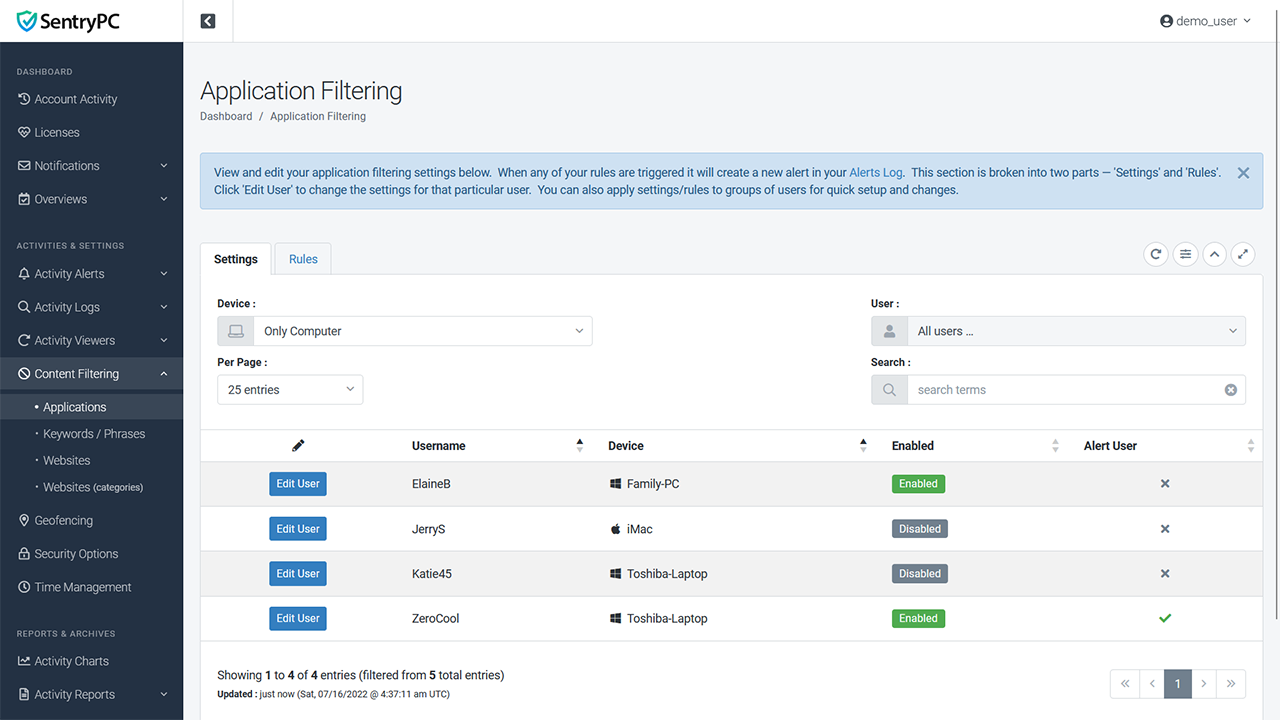
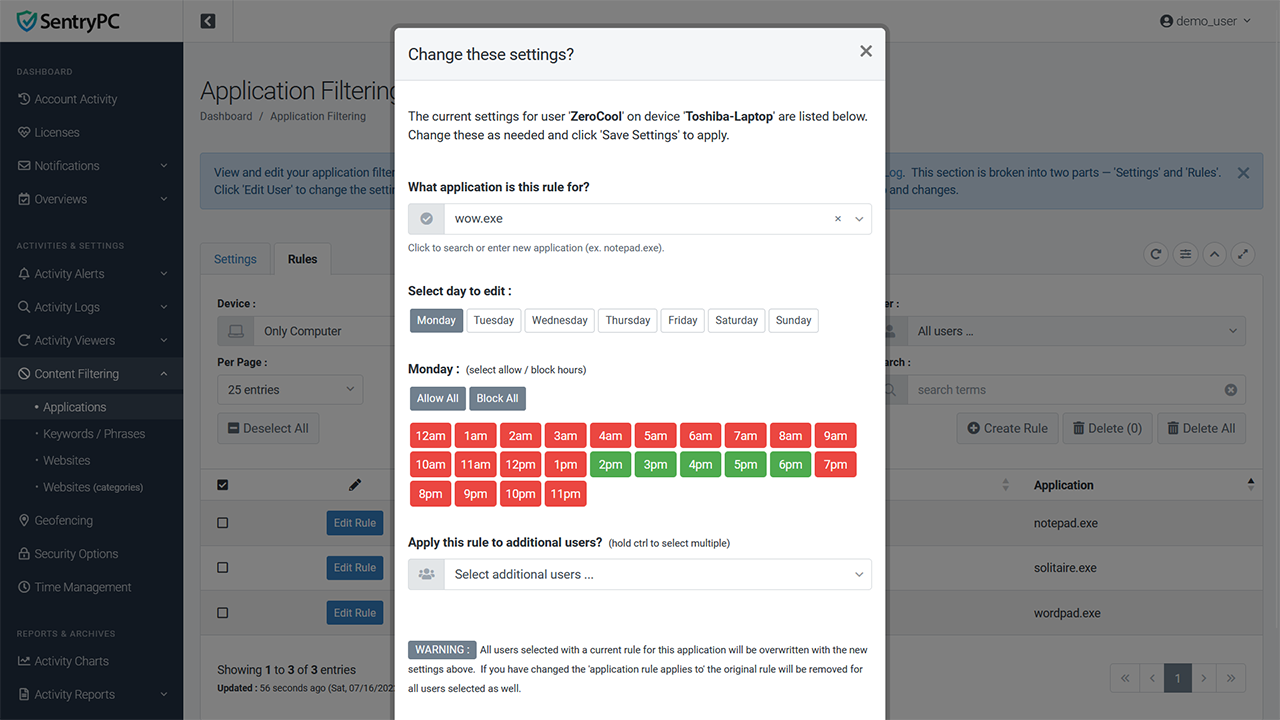
Filter any application or game for any user. Select what hours on what days it is allowed or blocked.
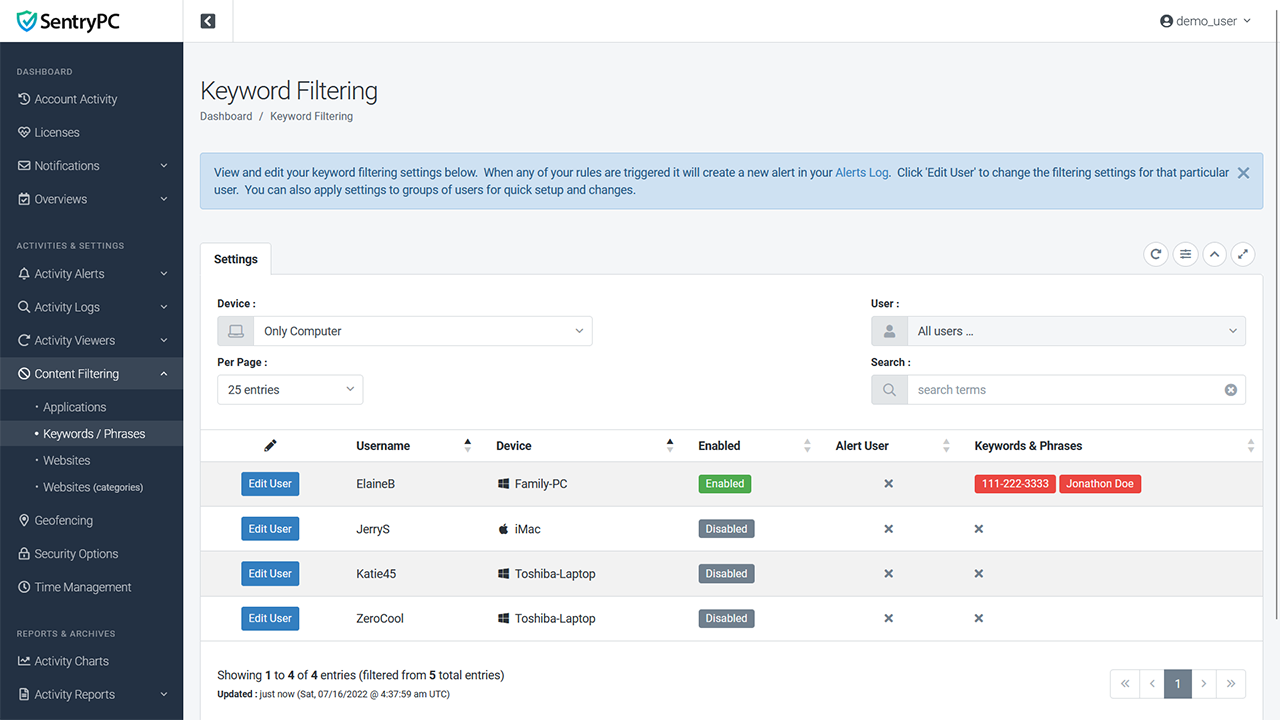
Enter specific words or phrases that cannot be entered by users. For instance, enter your children's name, address, phone number, etc. and whenever they are typed the window will be closed instantly. This ensures confidential information cannot be shared with others through email, websites, and other forms of communication.
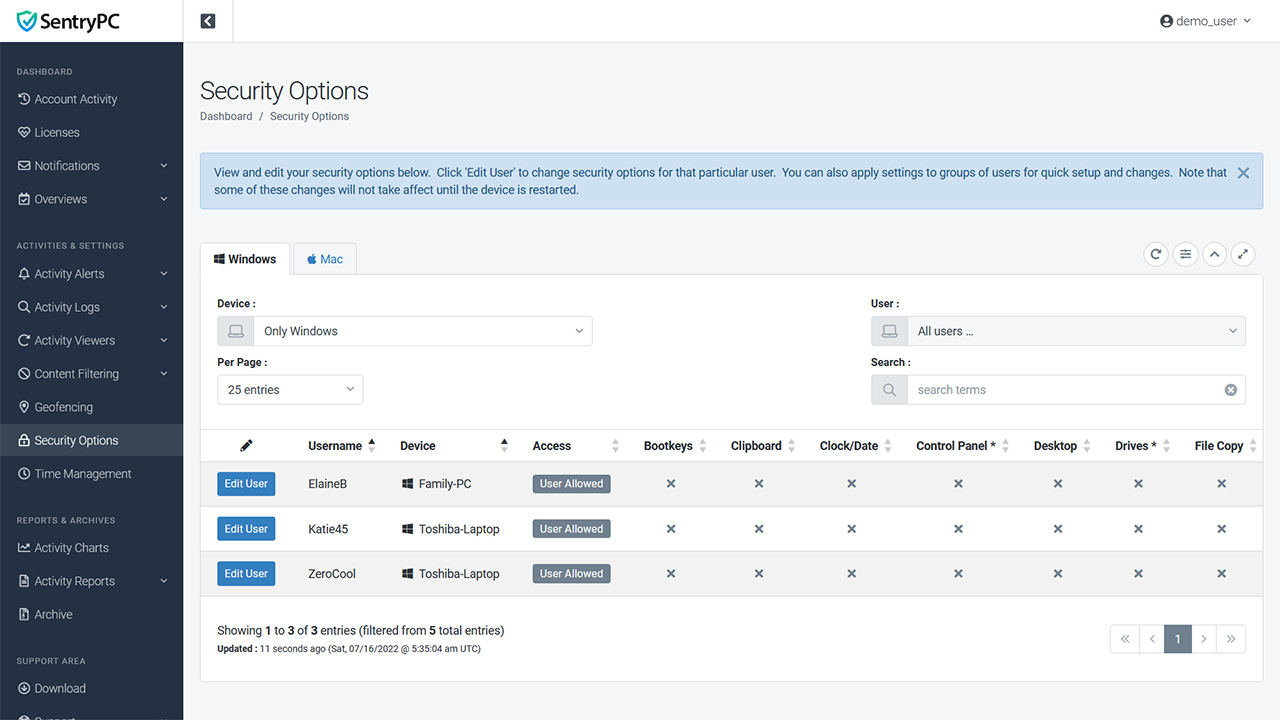
Security options allow you to enable or disable access to various activities for each user. These include : disable access to the computer entirely, bootkeys, clipboard, clock/date, control panel, desktop, external drives, file copying, logoff, mouse, network, run, start menu, start menu change, shutdown, taskbar, and task manager. Options available vary between Mac and Windows.
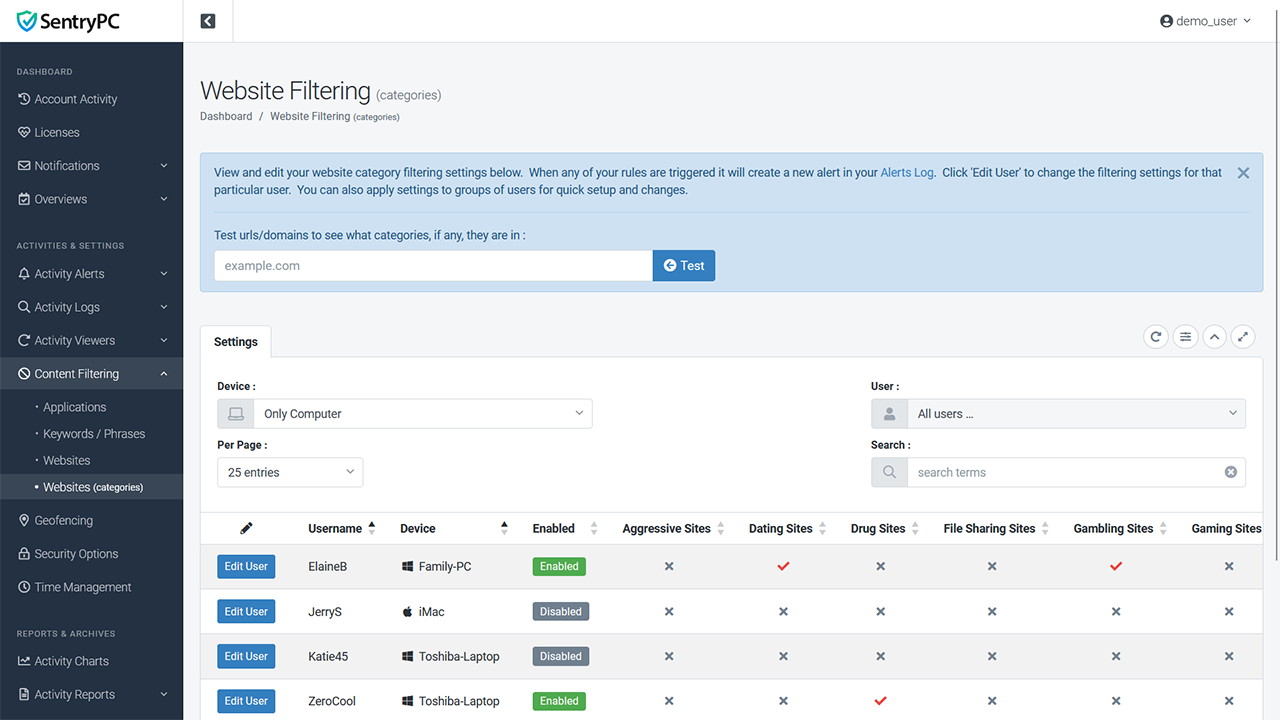
For quick and easy website filtering we offer category filtering. Filter entire categories of websites for specific users in one click. We currently offer the following categories : aggressive, dating, drugs, file sharing, gambling, gaming, job search, media, porn, sex, shopping, social, violence, weapons, and web mail. We also offer word categories which will block the website when offending words are found on the page. These categories include : adult, profane, and racism. The sensitivity of this filter (number of offending words found that triggers a block) is controlled by you.
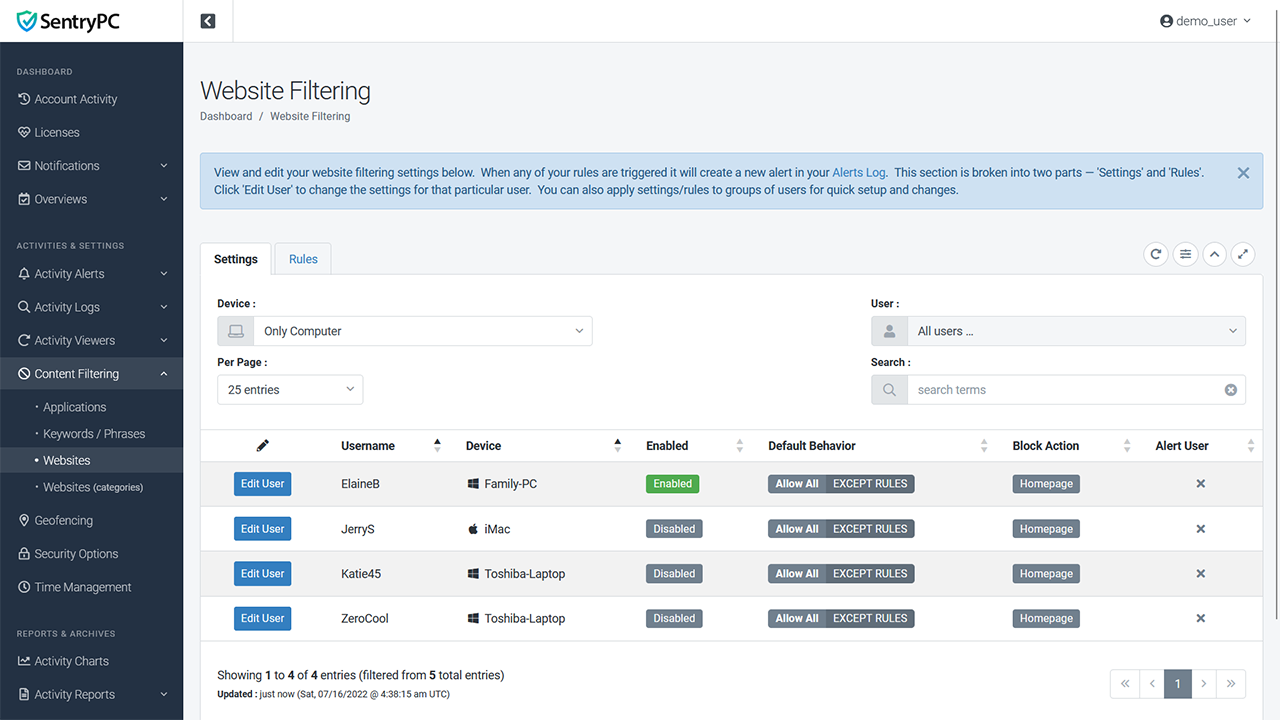
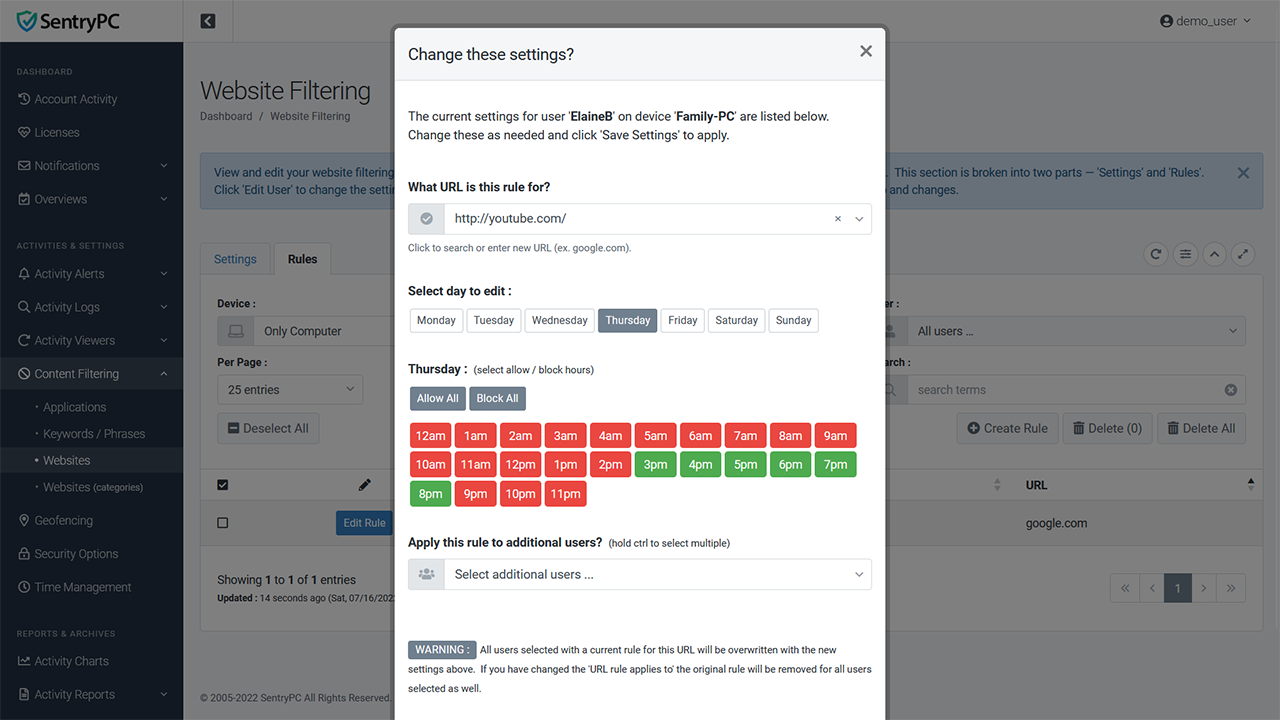
In addition to category filtering you can also specify your own website urls to allow or block during specific hours of each day of the week. Enter any website address you wish. 'Dark web' activity through the Tor browser can also be filtered.
Geofencing & Geolocation
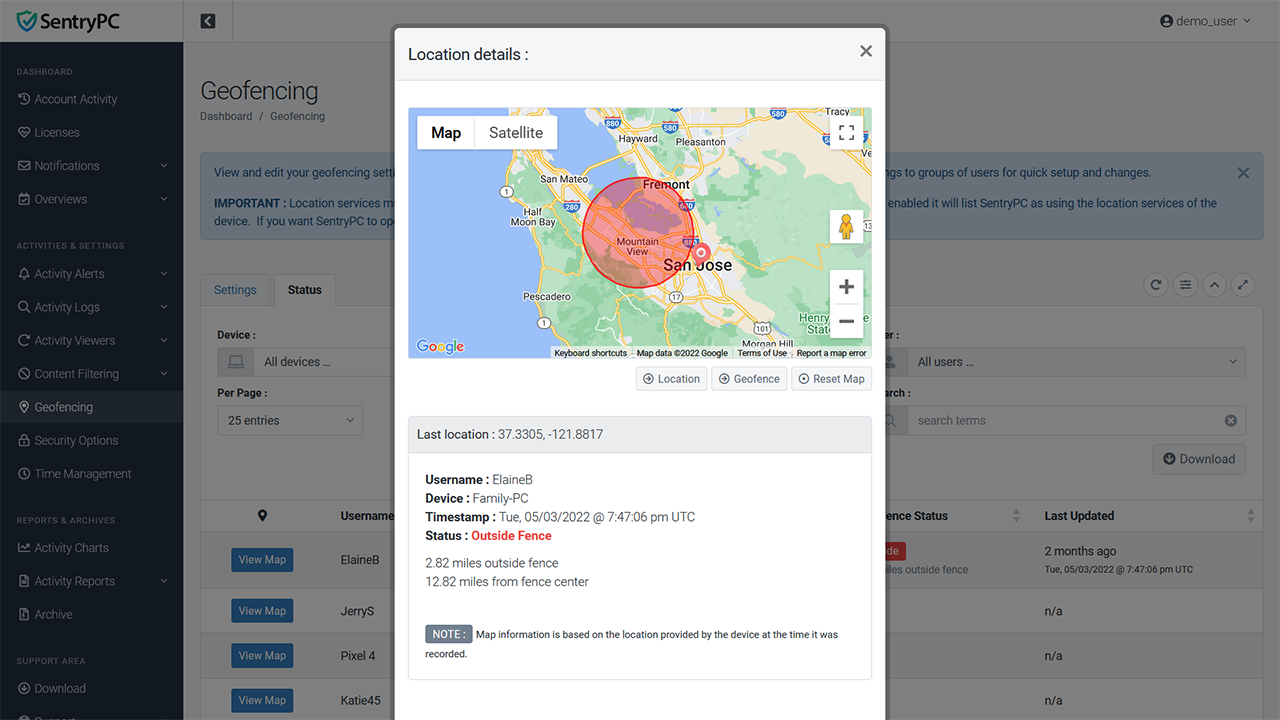
Geofencing allows you to create a virtual fence around a 'home' location/address and distance you specify. SentryPC can then create alerts when the user's device enters/exits the fence you created. SentryPC does this by monitoring the geolocation of the device on compatible operating systems that have location services enabled. When enabled you will also have constant updates, viewable in your account in map form, showing the current location of the device. This method of geolocation is very accurate and gives precision location information of the device at all times.
Enable or disable geofencing for any user. Each user of each device can have their own fence settings or easily apply settings to any number of users at once.
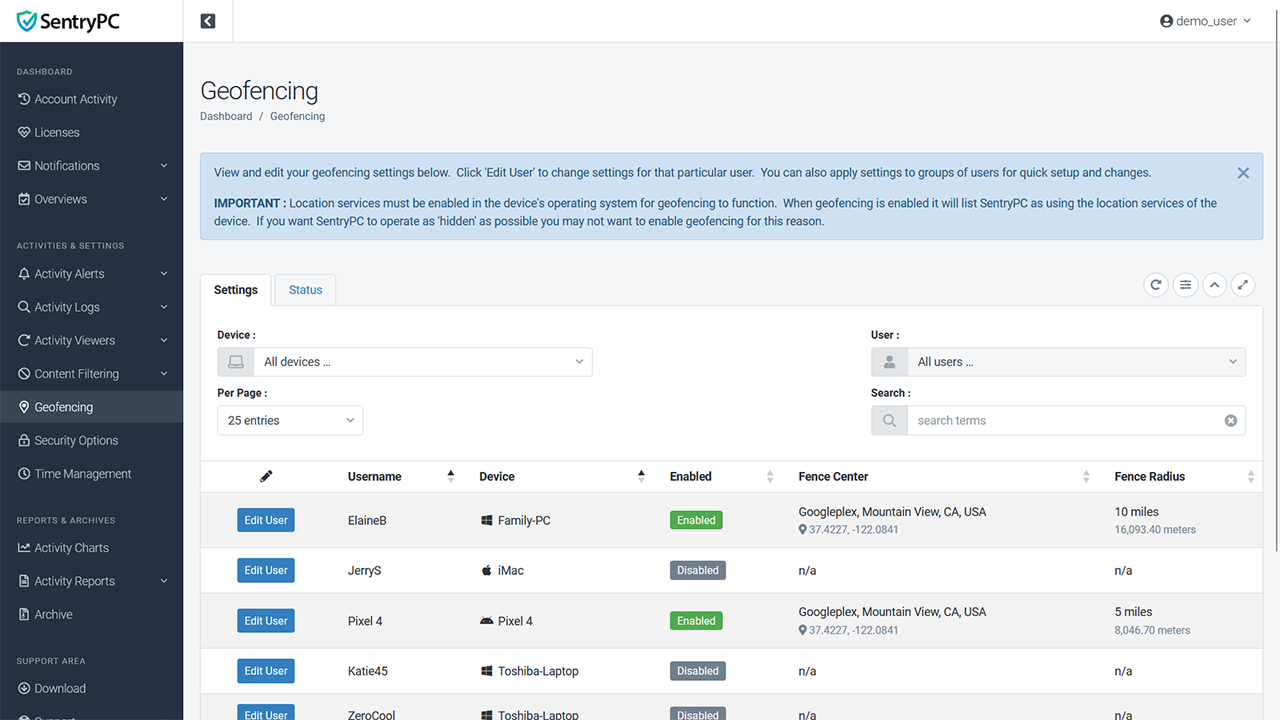
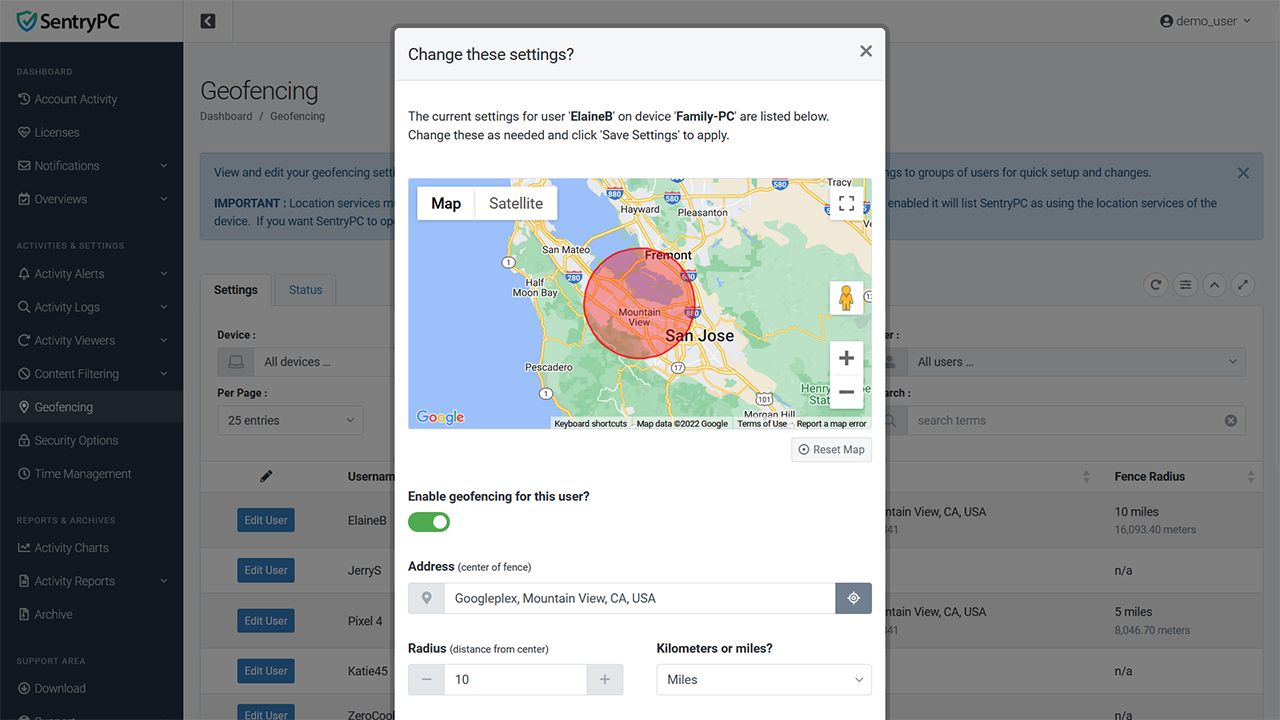
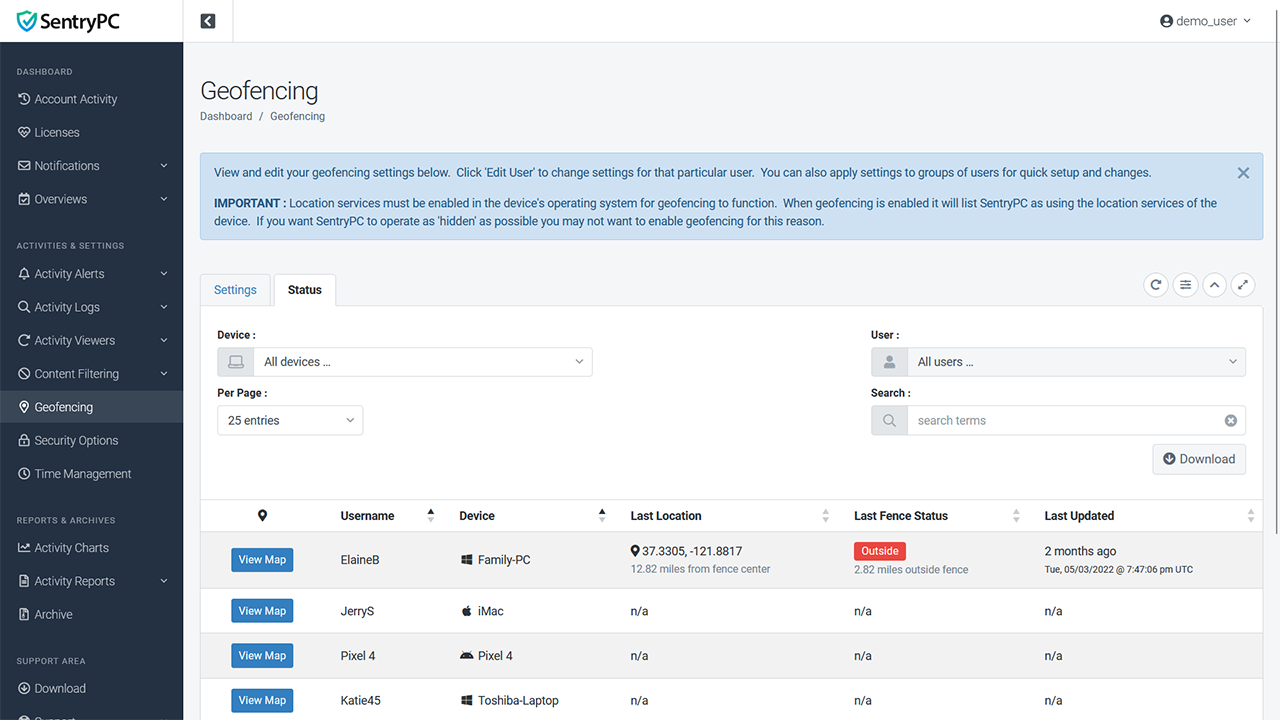
When geofencing is enabled the location of the device will constantly update and be provided for you to view in map form. Also included is how far away the current location is from the center of the fence, how far inside/outside the fence the location is, and when the location was last updated.
Time Management & Scheduling
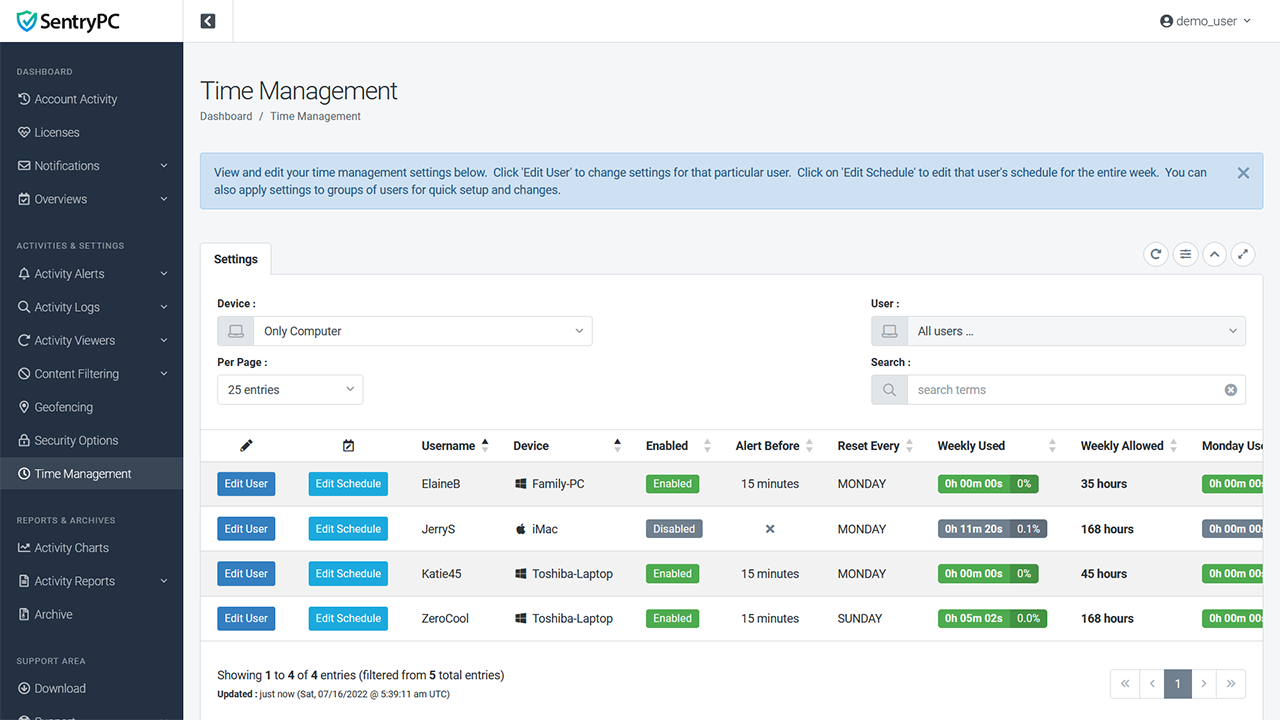
One of the most important features of SentryPC is its time management ability. For each user of the computer you can specify on what hours on what days they can access the computer. In addition to this schedule you may also set a 'maximum allowed' time for each day and the week as a whole. For instance, you can allow access to the computer on Monday from 8am to 8pm, but only allow a maximum of 4 hours of use between those times.
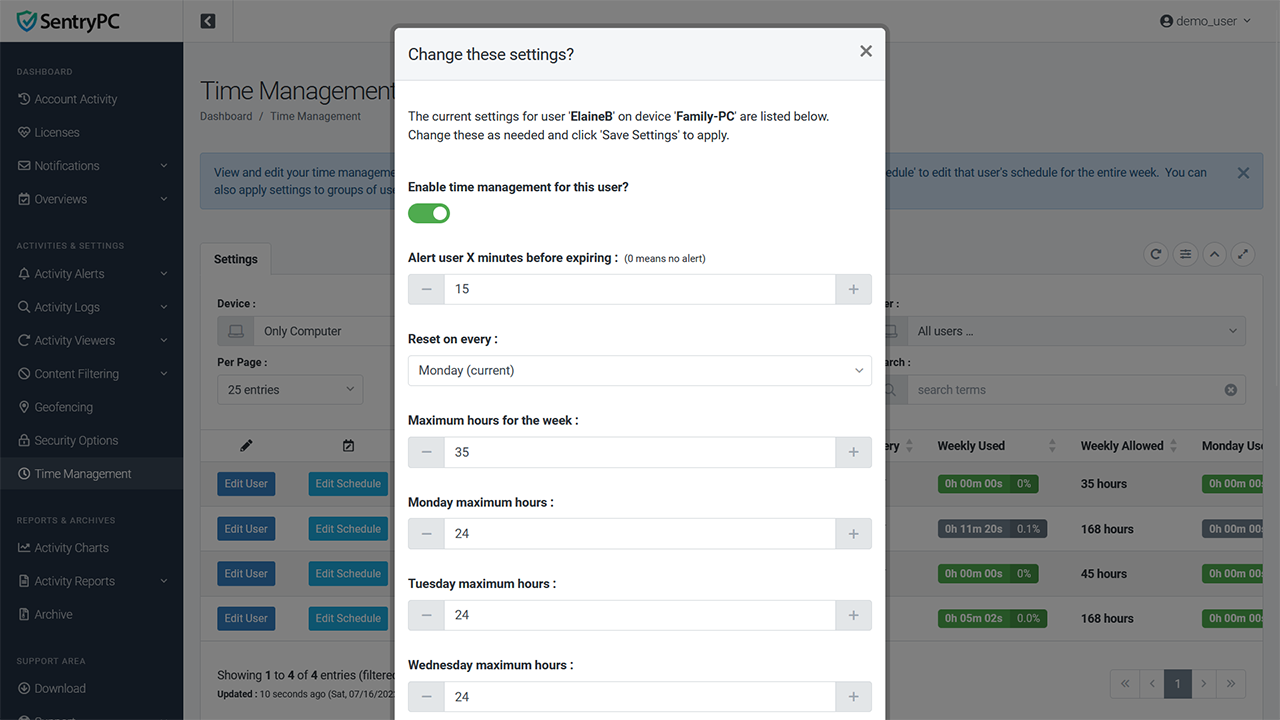
Enable or disable time management for any user. Specific maximum hours of allowed usage for each day of the week and the week as a whole. Choose what day your scheduling will reset as well as if you wish to alert the user their time is running out.
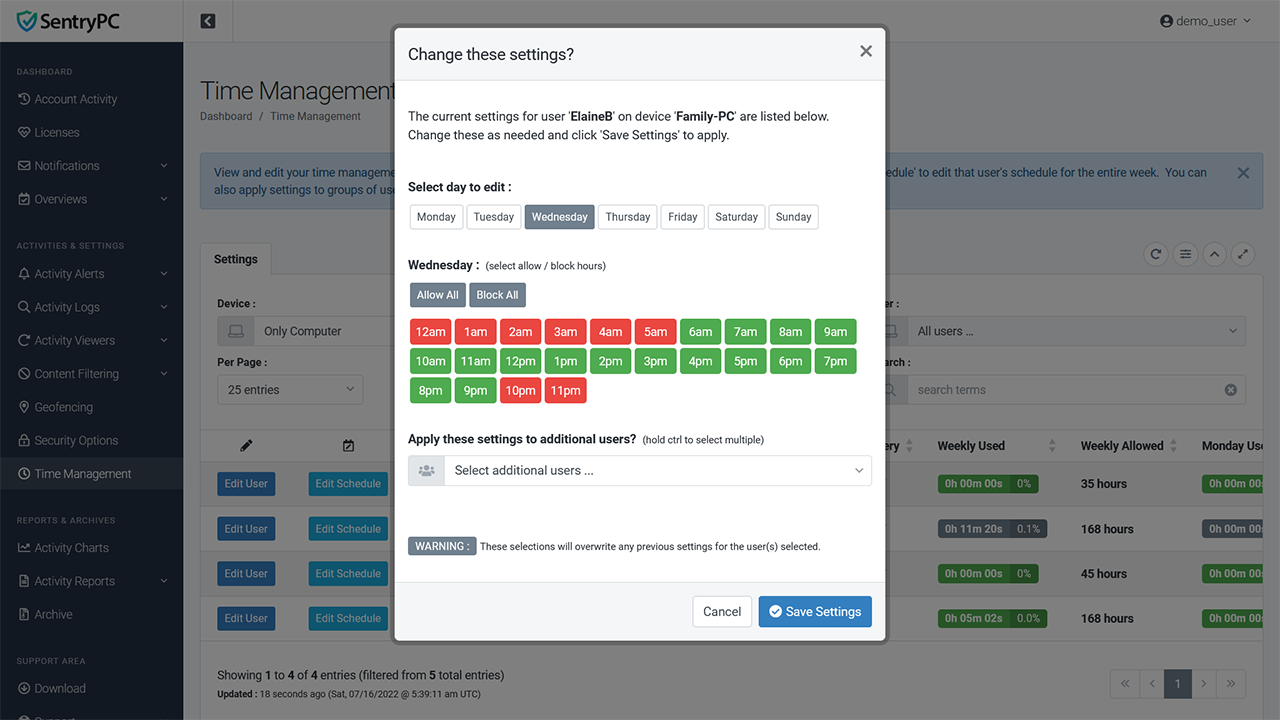
You can schedule what hours the computer can be used for every day of the week.
Stealth Operation & Remote Installation
SentryPC operates in complete stealth by default and can be remotely installed without physical presence needed for installation. The install happens instantly and the device and its users will be available in your online account where you can view logs and change settings. You can also remotely uninstall SentryPC through your online account, again, without physical presence necessary.
SentryPC is designed to be invisible and secure. Using minimal CPU processing cycles, SentryPC is not visible in any way to the user, and records and updates all logs and settings without any user notification. SentryPC does not reveal itself to the user on your desktop or Program Files folder and will continue to run when your device is restarted. It is important to note that for 'true' stealth operation you should not enable the optional 'user alerts' in your settings such as alerting a user their allowed time is about to expire.
The installation module that is executed on your PC will install a copy of itself that is hidden so it cannot be disrupted/removed. The created module file you use to install SentryPC on the device is able to be discarded and deleted without affecting the installation.
You have a few different options when it comes to installing SentryPC :
Send the install file by email to the remote computer. It only needs to be executed for installation to occur — there are no confirmations, dialogs, or anything else required.
Easily deploy over a network through network shares or logon scripts.
Physically install yourself by executing the install file on the desired computer(s).
Uninstall SentryPC remotely through your online account from anywhere in the world. Just choose the device and click uninstall.
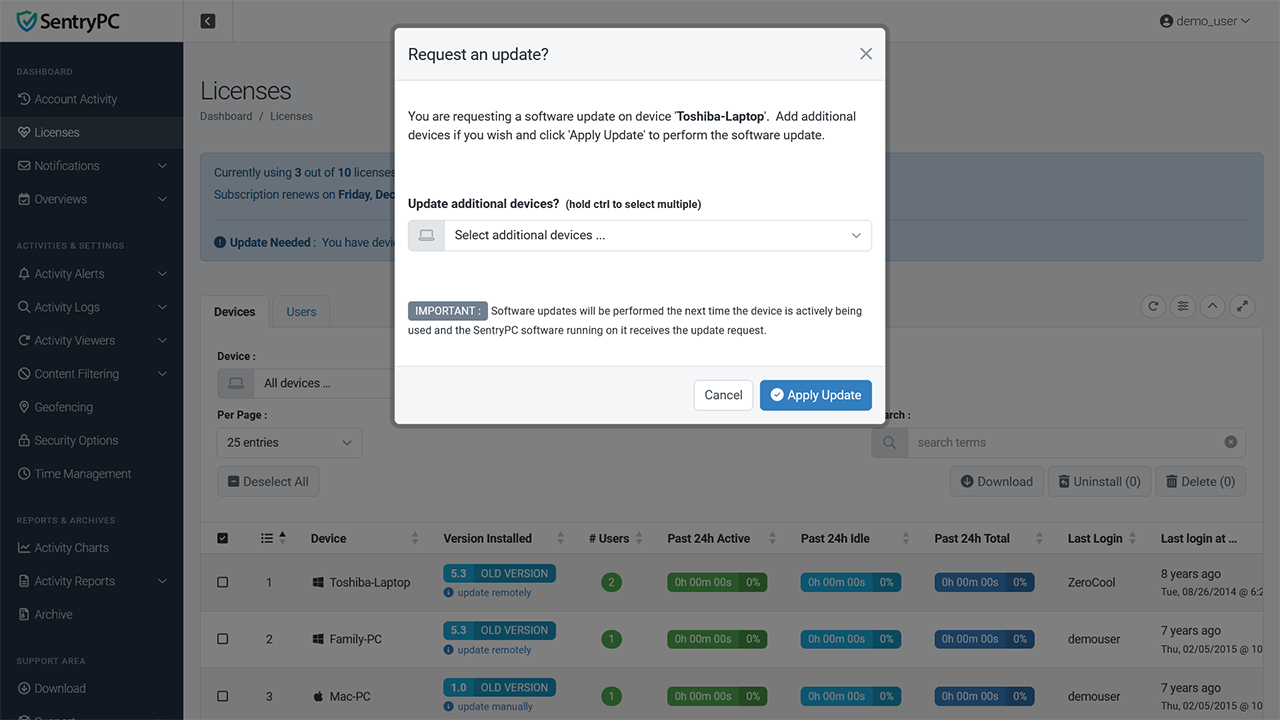
Remotely update SentryPC to the latest version. Just choose the device(s) you wish to update and SentryPC will update itself the next time it is active on the device(s).
Easy to Use
SentryPC was created with ease of use in mind. Our simple layout and interface will make using the software a snap for even novice computer users. We include full support with the purchase of the software as well as resources here on this site as well as your online account. If for any reason you are having trouble installing or using SentryPC you can always contact our staff for assistance.
Easy to use, graphical user interface, with an easy access icon and menu system that allows you to quickly, and efficiently, view logs and configure filtering and time management rules.
You will always have access to the latest version. At any time, you can download the latest version of SentryPC from within your online account. We will notify you whenever a new version is released and all you need to do is download the latest version to update your device(s).
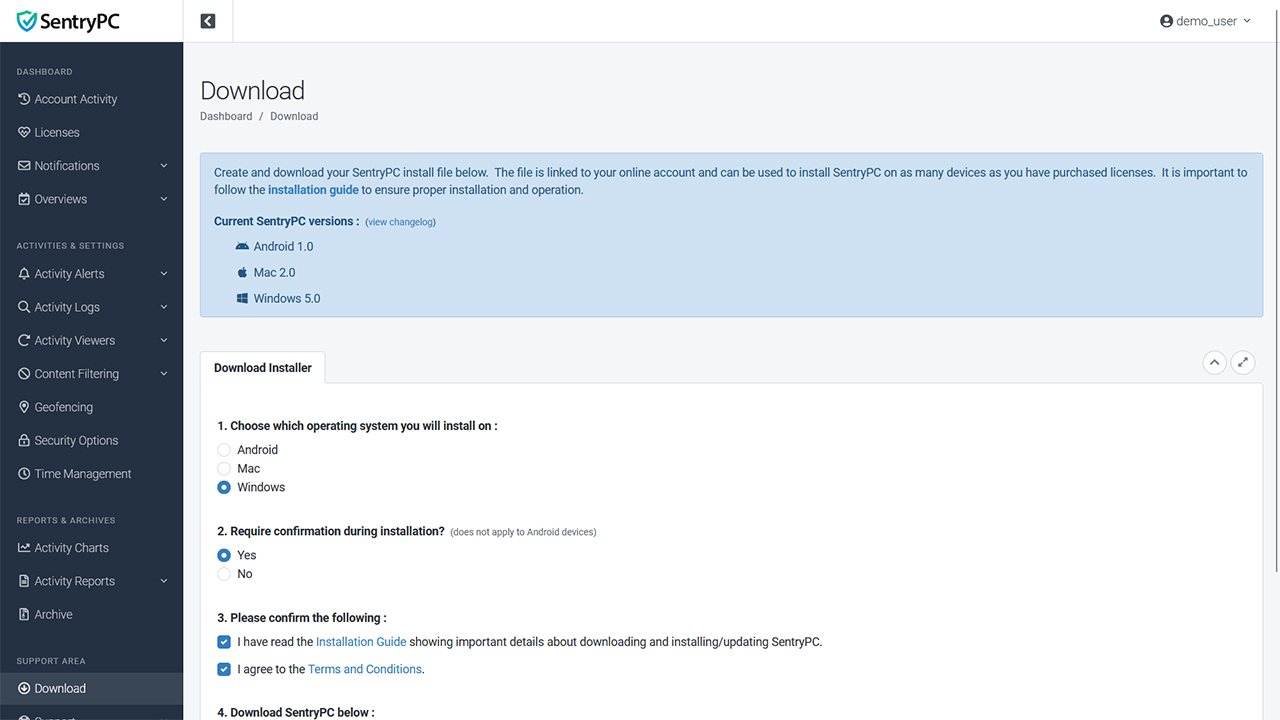
On every log page and reports page you have the ability to download the information shown. Just click on the 'download' button where you can select the date range and users you want to download. Your download will be in .csv (comma-separated values) format for easy storage and importing into your favorite database/spreadsheet software. You can also download these logs all at once using our 'create archive' function which will create the logs you choose and download in a compressed .zip file.
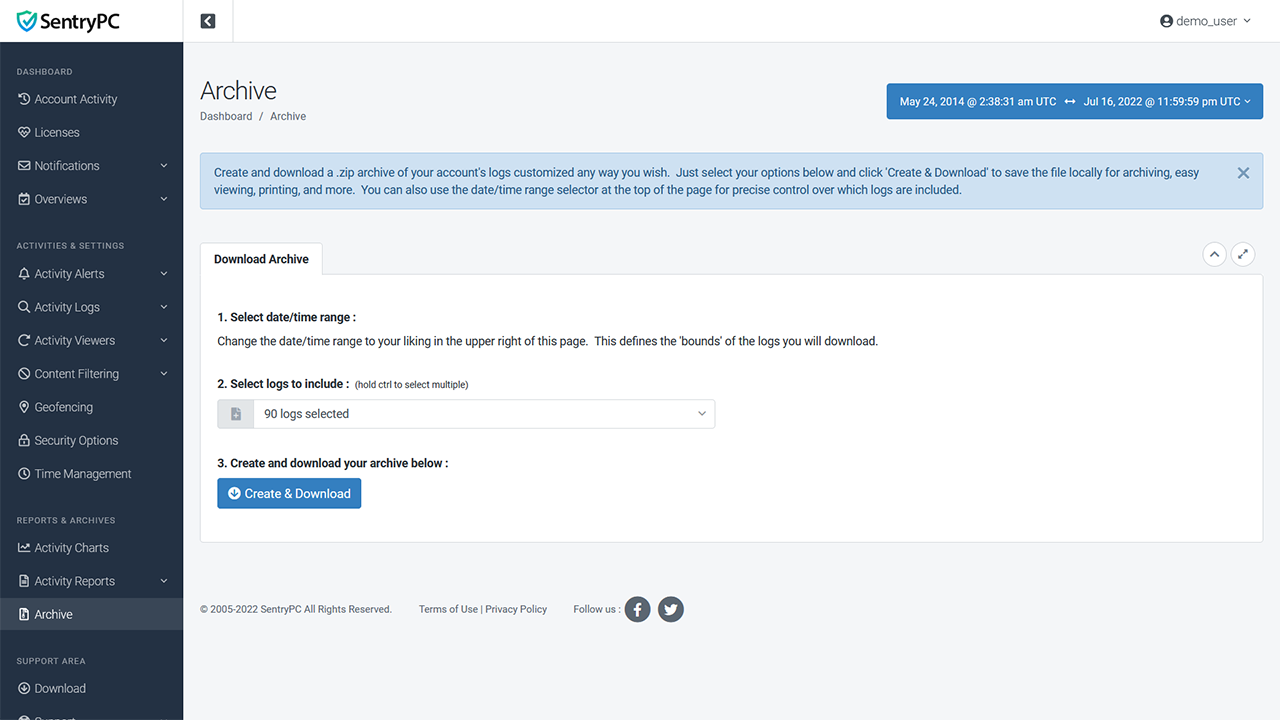
Every log, chart, report, and settings page allows you to sort columns by ascending or descending order, search all values, and select date/time ranges to 'drilldown' even further on a specific section of time you may be interested in. View results for all users of all devices, users on a specific device, or a single user on a specific device. You can easily filter results to only those you wish to see in seconds.
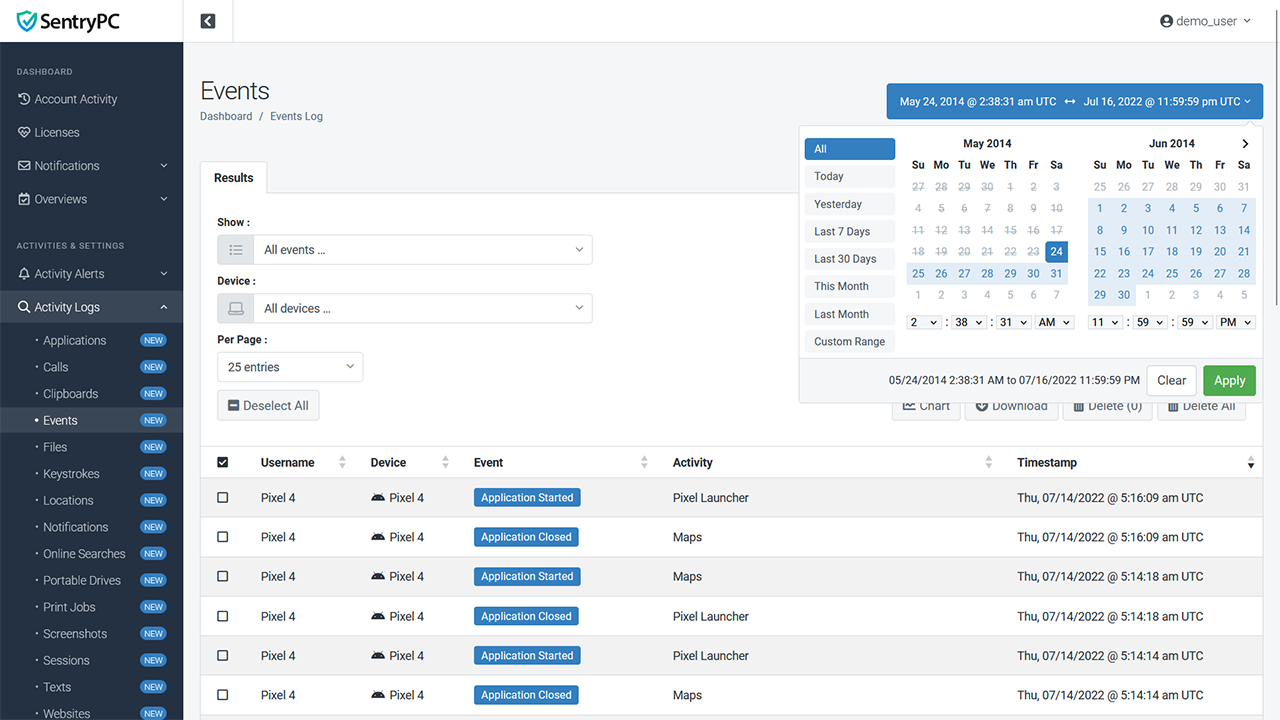
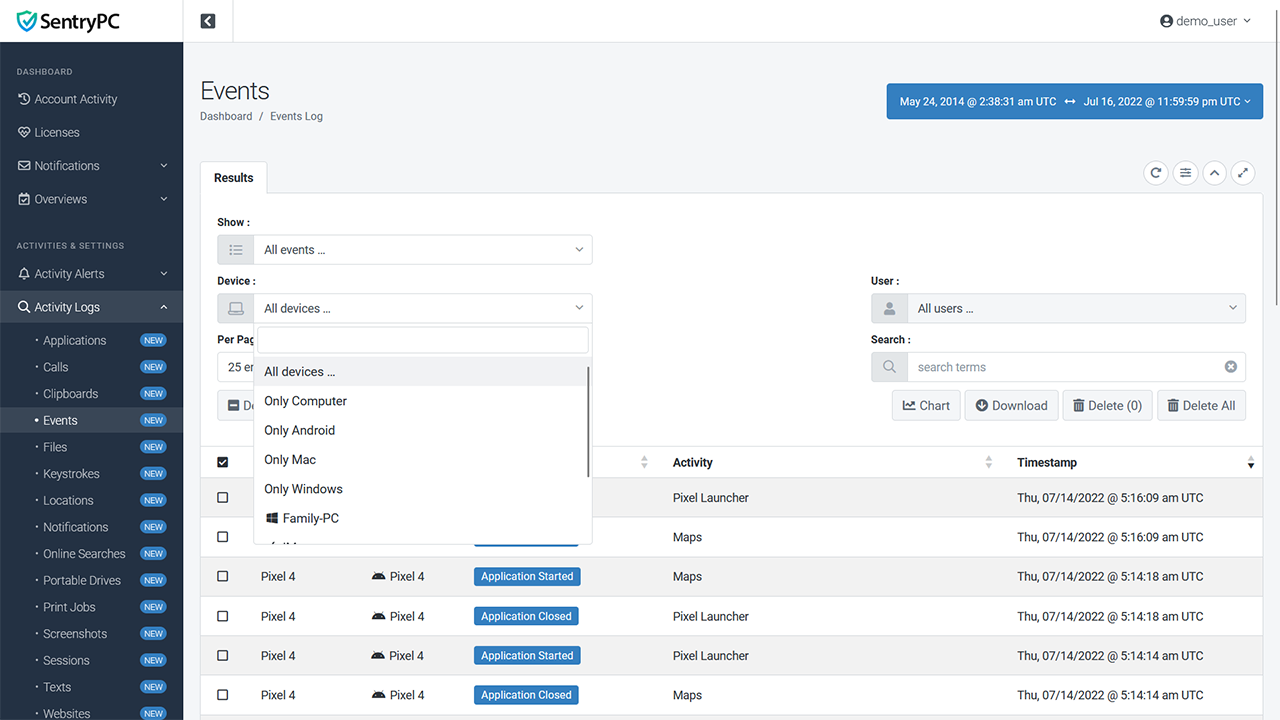
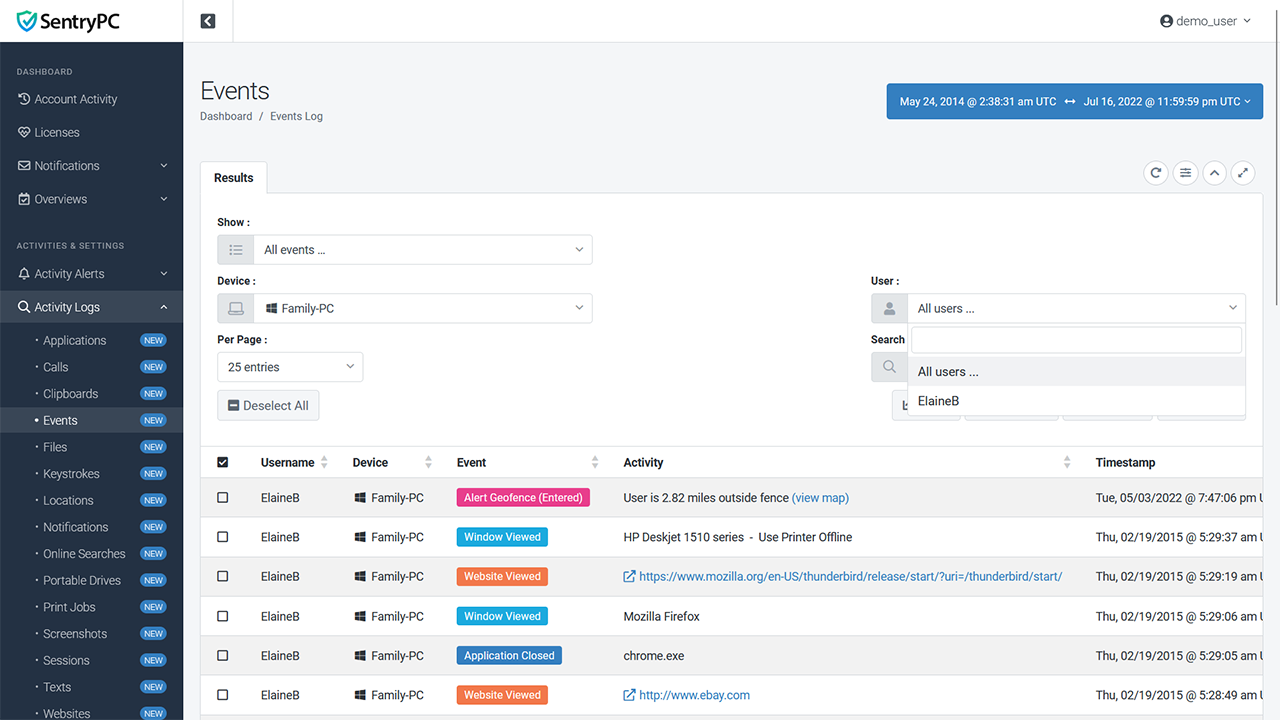
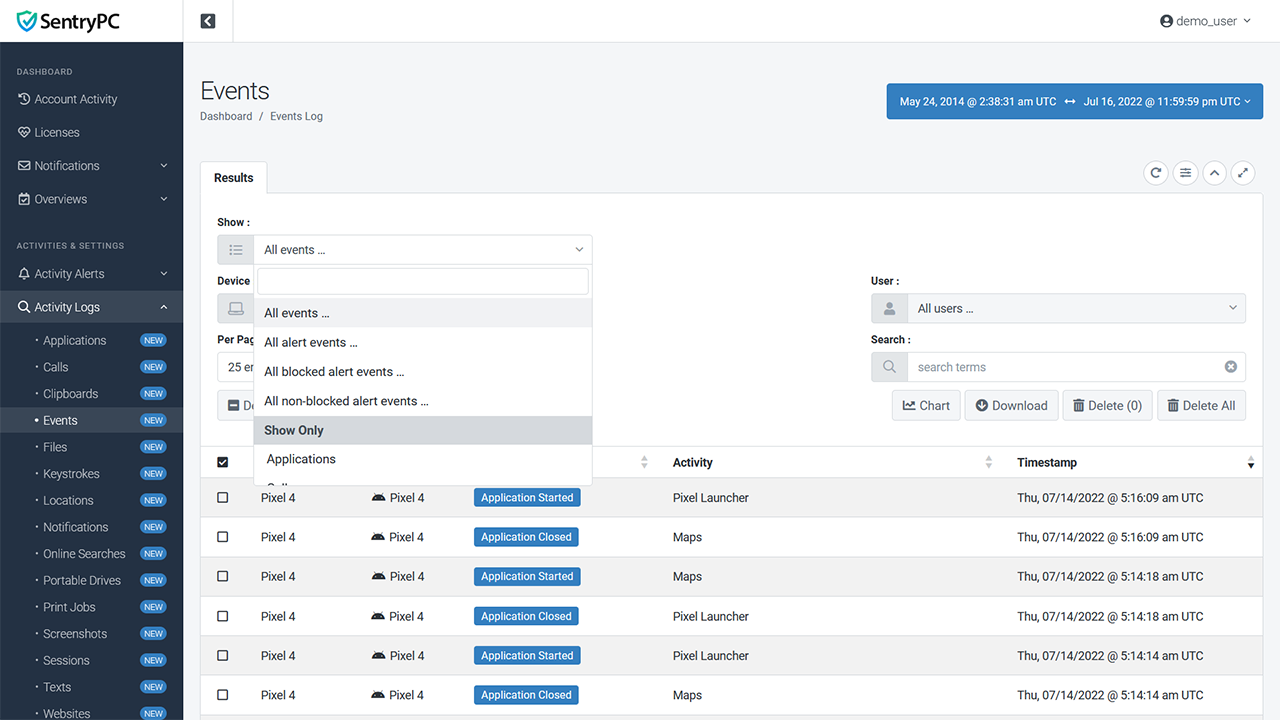
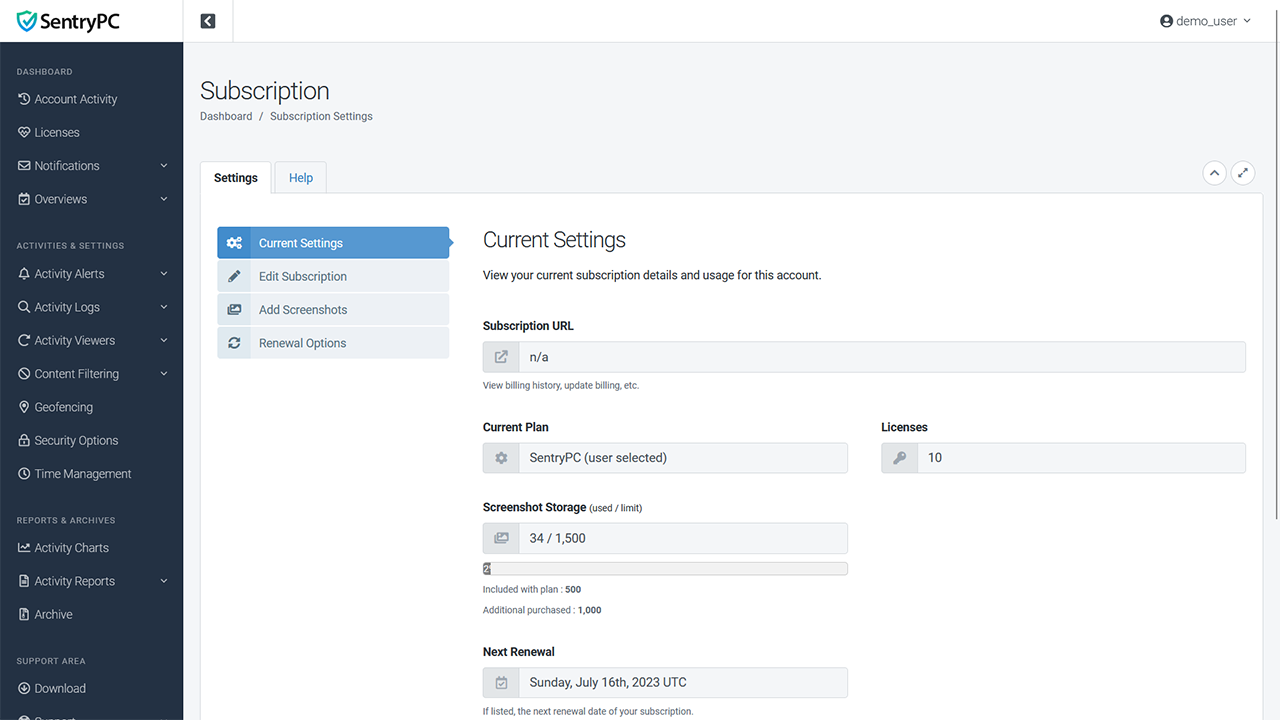
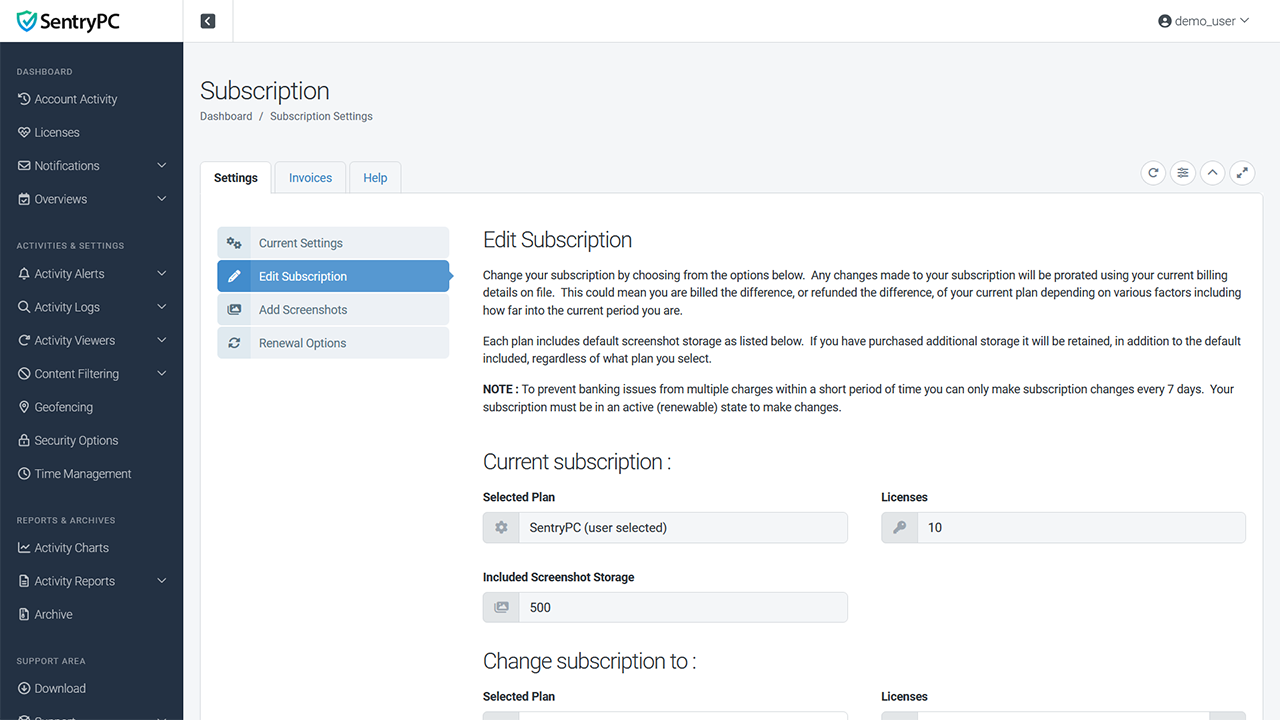
You have full control over your subscription. Edit your contact information, change your license amount or plan, turn on/off automatic renewal, and purchase additional screenshot storage all from within your account.
System Requirements
SentryPC was created with ease of use in mind. Our simple layout and interface will make using the program a snap for even novice computer users. We include full support with the purchase of the software as well as resources here on this site as well as your online account. If for any reason you are having trouble installing or using SentryPC you can always contact our staff for assistance.
- Android 7+ supported
- Chromebook and any operating systems using Chromium browser (browser activity only) supported
- Mac OS X 10.6+ and all macOS supported
- Windows 11, 10, 8, and 7 (both 32-bit and 64-bit) supported
- 1MB hard disk space
- Email address (required for online account)
- Web-browser and Internet connection (log transmission and online account access)
- SentryPC can only be installed on devices you own and have authorization to monitor and control
Purchase SentryPC today and start taking control of your device and its users. We offer affordable pricing plans for both home and business use starting at only $69.95. Your download is available immediately after purchase so you can install and start using SentryPC as soon as you like!
Exactly like your own account!
Download & Install Immediately